MFA Fatigue Attacks: How Spammers Exhaust Your Consent
Attackers send notification after notification until you approve access just to make the noise stop, bypassing your second factor entirely.
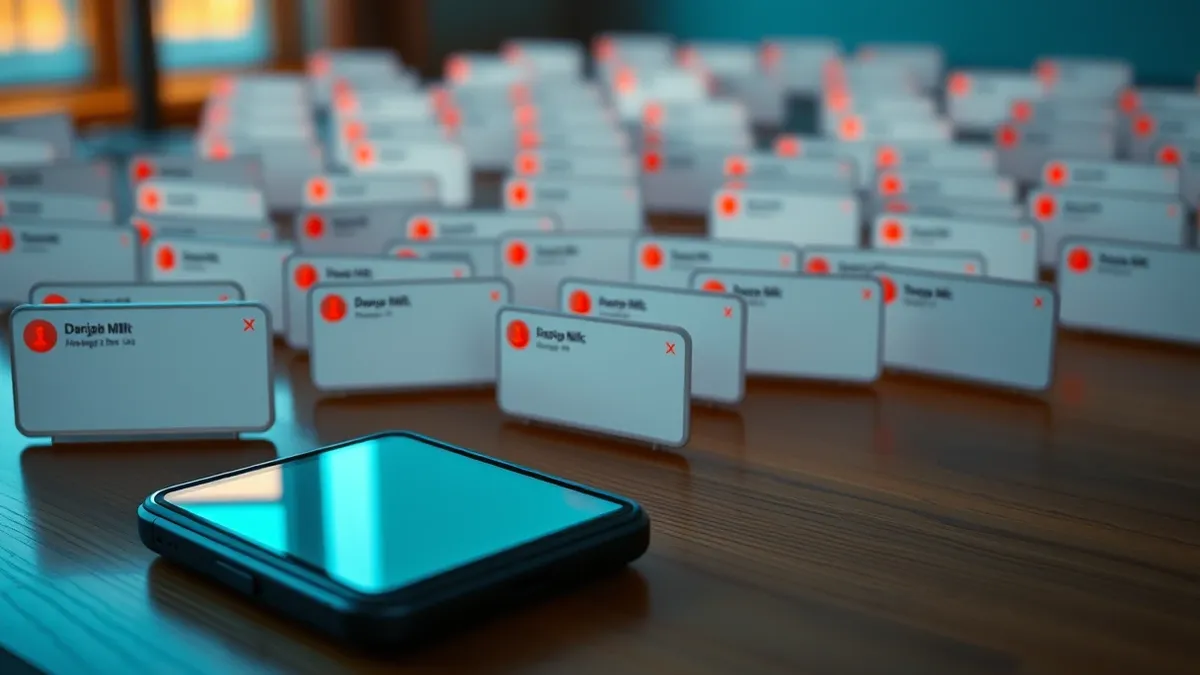
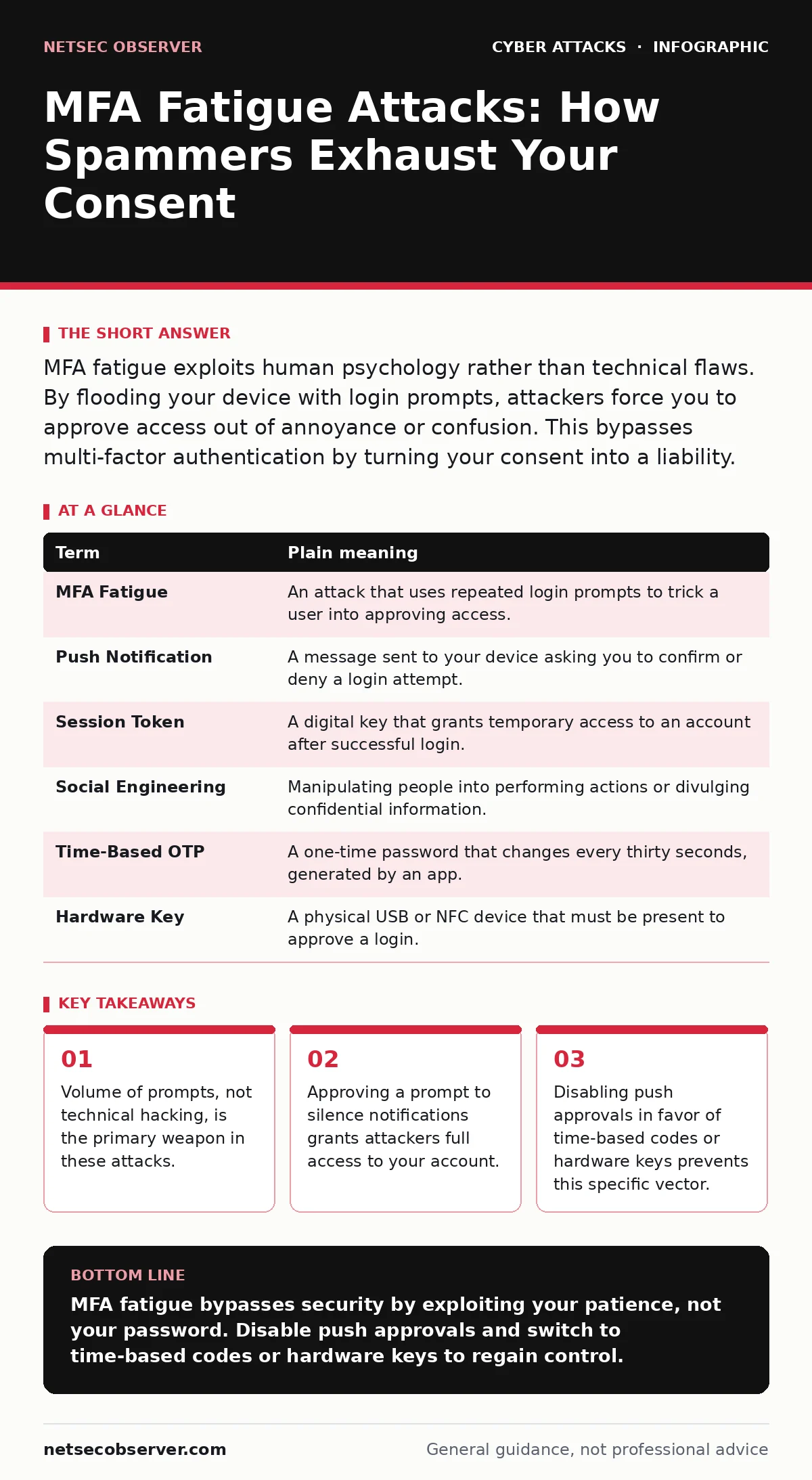
MFA fatigue exploits human psychology rather than technical flaws. By flooding your device with login prompts, attackers force you to approve access out of annoyance or confusion. This bypasses multi-factor authentication by turning your consent into a liability.
The Uninvited Doorbell
Imagine a doorbell that rings continuously. You ignore it at first, assuming it is a malfunction. Ten minutes later, it rings again. By hour two, the noise is unbearable. You open the door to tell the stranger to stop, but they simply walk in. You let them enter not because you trust them, but because you wanted the ringing to cease. This is the core mechanic of MFA fatigue.
Attackers do not break into your account through complex code. They rely on your desire for quiet. They initiate a login attempt from their own device. Your security system sends a push notification to your phone, asking if you are trying to sign in. You decline. They try again.
The Psychology of Consent
Multi-factor authentication (MFA) adds a second layer of security to your login process. It requires something you know, like a password, and something you have, like your phone. The assumption is that you will only approve a login if you initiated it. Attackers exploit the gap between this assumption and human behavior.
When faced with repeated, urgent requests, your brain seeks the path of least resistance. Declining requires a deliberate action. Approving often feels like the same effort. Under pressure, you may tap "Approve" to make the notifications stop. The attacker’s session is now valid. They have your access.
| Term | Plain meaning |
|---|---|
| MFA Fatigue | An attack that uses repeated login prompts to trick a user into approving access. |
| Push Notification | A message sent to your device asking you to confirm or deny a login attempt. |
| Session Token | A digital key that grants temporary access to an account after successful login. |
| Social Engineering | Manipulating people into performing actions or divulging confidential information. |
| Time-Based OTP | A one-time password that changes every thirty seconds, generated by an app. |
| Hardware Key | A physical USB or NFC device that must be present to approve a login. |
Why Technical Defenses Fail
Most users believe that having MFA installed means they are safe. This is a misconception. MFA is a gate, not a wall. If you hold the key, the gate can be opened by anyone you let through. The technical infrastructure works exactly as designed. The failure is in the human interaction with that infrastructure.
This differs from spear phishing, where an attacker crafts a specific message to steal credentials. Here, the attacker already has your password. They are waiting for you to hand over the second key. It also differs from callback phishing, where the attacker calls you to verify identity. In fatigue attacks, the attacker never speaks to you. They simply wait for you to act.
The Hidden Cost of Convenience
Push notifications are popular because they are easy. You do not need to type codes. You do not need to carry a separate device. However, this convenience creates a single point of failure. The prompt is binary: allow or deny. It rarely provides context. You do not know where the login attempt originated. You do not know what device is being used.
This lack of context is the attacker’s advantage. If you saw a prompt saying "Login attempt from IP address in Russia," you might hesitate. A generic "Approve login?" prompt relies on your assumption that it is legitimate. This mirrors the failure mode of vendor email compromise, where attackers impersonate trusted contacts to bypass scrutiny. In both cases, trust is exploited through familiarity and urgency.
Simple Safety Habits
You can protect yourself by changing how you interact with these prompts. The goal is to remove the emotional pressure from the decision. If you are not actively trying to log in, the correct answer is always no. Do not wait for the next ring. Do not hope it will stop.
First, disable push notifications for MFA if your provider allows it. Force the system to use time-based one-time passwords (TOTP) instead. These are codes that change every thirty seconds. You must type them in. An attacker cannot force you to type a code they do not have.
Try This Now
- Open your primary email or banking app settings and locate the multi-factor authentication section.
- Turn off push notification approvals and enable time-based codes or a hardware key if available.
- Test the new method by logging out and back in to ensure you can still access your account smoothly.
This shift adds a few seconds to your login process. It removes the ability for an attacker to flood your device. It turns the second factor from a passive check into an active verification.
Beyond the Prompt
While MFA fatigue is a growing concern, it is just one vector. Attackers also use HTML smuggling to bypass email filters and deliver malicious content directly to your browser. They use bot protection evasion techniques to automate these attacks at scale. Understanding the breadth of threats helps you appreciate why simple habits matter.
Just as you would not leave your home door unlocked, you should not leave your authentication method vulnerable to social pressure. Tailgating works because people hold doors for others. MFA fatigue works because people approve logins to stop the noise. Both exploit basic social instincts.
Key takeaways
- Volume of prompts, not technical hacking, is the primary weapon in these attacks.
- Approving a prompt to silence notifications grants attackers full access to your account.
- Disabling push approvals in favor of time-based codes or hardware keys prevents this specific vector.
MFA fatigue bypasses security by exploiting your patience, not your password. Disable push approvals and switch to time-based codes or hardware keys to regain control.
Frequently asked questions
Can an attacker steal my MFA code if I use an app?
No, time-based codes expire quickly and are generated locally on your device, making them difficult to intercept or steal remotely.
Is hardware key authentication better than app codes?
Yes, hardware keys require physical presence, eliminating the risk of remote fatigue attacks and phishing attempts entirely.
What should I do if I accidentally approve a prompt?
Immediately change your password and revoke active sessions in your account settings to cut off the attacker’s access.
Do all apps support disabling push notifications?
Not all services offer this option, but most major providers allow you to choose between push, SMS, or app-generated codes.
How this guide was produced: written by the NetSec Observer editorial team with AI assistance, checked against the public references listed below, and reviewed when the facts change. See our editorial policy or report an error.