
Windows Privilege Escalation: Risks and Protection for Small Businesses
Attackers exploit misconfigured local accounts and unpatched services to gain administrative control, turning a simple malware infection into total system compromise.
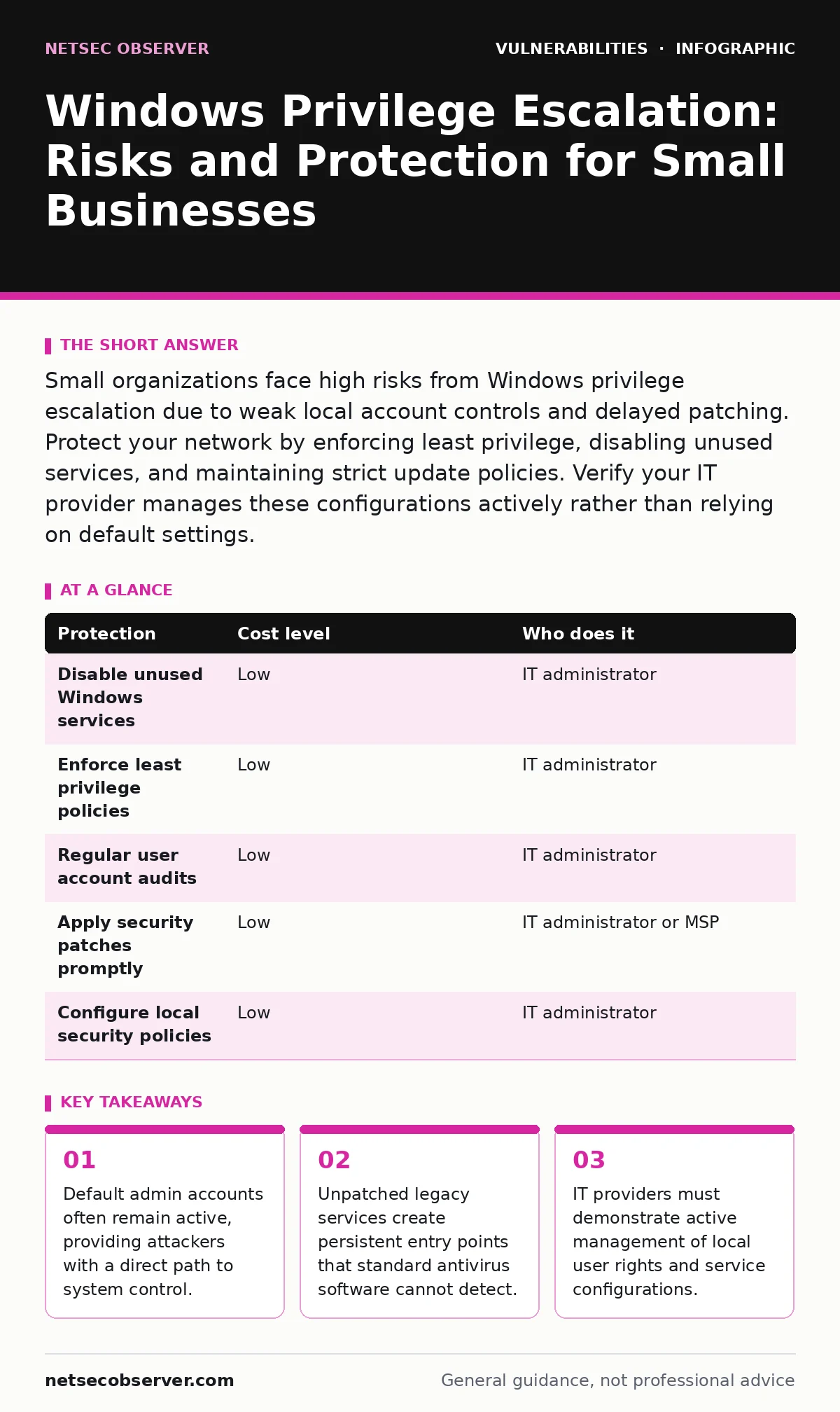
Small organizations face high risks from Windows privilege escalation due to weak local account controls and delayed patching. Protect your network by enforcing least privilege, disabling unused services, and maintaining strict update policies. Verify your IT provider manages these configurations actively rather than relying on default settings.
Why Small Organizations Face Disproportionate Risk
Small businesses operate with fewer security controls and limited staff. This creates an environment where Windows privilege escalation vulnerabilities thrive. Attackers target these environments because the path from a compromised user account to full system control is often short. Default configurations on Windows operating systems frequently leave high-privilege accounts active.
Many small organizations do not audit these settings. They assume the operating system is secure by default. This assumption is incorrect. The operating system prioritizes ease of use over security. Local administrators often have excessive rights. This allows malware to modify system files or disable security tools.
The lack of dedicated security staff means misconfigurations persist for months. An unpatched service might remain vulnerable while the IT provider focuses on immediate operational issues. Attackers scan for these known weaknesses automatically. They do not need to develop new exploits. They simply run scripts that check for common misconfigurations. If your organization uses standard Windows deployments without hardening, you present a predictable target. The cost of securing these endpoints is low, but the consequence of failure is total compromise.
The Mechanics of Local Privilege Escalation
Privilege escalation occurs when a process with low rights gains higher rights. On Windows, this often involves exploiting how the operating system handles services. A service runs with specific permissions. If a service is misconfigured, it may allow a low-privilege user to modify its executable path. The attacker replaces the legitimate service binary with their own malicious code. When the service restarts, the system executes the malicious code with elevated privileges. This technique exploits the trust the operating system places in service configurations.
Another common vector involves token manipulation. Every process runs with a security token that defines its permissions. Some vulnerabilities allow attackers to hijack or modify these tokens. This grants them the rights of the process owner. If the process runs as Administrator, the attacker gains Administrator rights. These attacks rely on flaws in how Windows manages memory or handles system calls. They are not about guessing passwords. They are about abusing the operating system’s internal logic. Understanding this mechanism helps you see why patching is not just about fixing bugs. It is about closing structural gaps in permission handling.
Low-Cost Protections That Actually Work
You can reduce your exposure without expensive security suites. The most effective controls are configuration changes. These changes cost nothing but time and attention. Enforcing the principle of least privilege is the first step. This means users only have the rights they need to do their jobs. No standard user should have local administrator rights. This prevents malware from escalating privileges easily. If a user account is compromised, the attacker remains confined to that user’s limited permissions.
Disabling unused services is another critical step. Every running service increases the attack surface. Services you do not use should be stopped and disabled. This removes potential entry points for exploitation. Regularly auditing local user accounts ensures no ghost accounts remain. Former employees or test accounts often linger with high privileges. Removing these accounts eliminates easy paths for attackers. These measures are simple but require consistent enforcement. They form the foundation of a secure Windows environment.
| Protection | Cost level | Who does it |
|---|---|---|
| Disable unused Windows services | Low | IT administrator |
| Enforce least privilege policies | Low | IT administrator |
| Regular user account audits | Low | IT administrator |
| Apply security patches promptly | Low | IT administrator or MSP |
| Configure local security policies | Low | IT administrator |
The Hidden Cost of Default Configurations
Default Windows installations are designed for compatibility, not security. This design choice creates hidden risks. Many features are enabled by default to ensure software runs smoothly. These features often require higher privileges. For example, certain legacy protocols may remain active to support older applications. These protocols are known to be insecure. Attackers exploit them to bypass modern security controls. The cost of disabling these features is minimal, but the benefit is significant. You reduce the number of potential entry points.
Another hidden cost is the accumulation of temporary files and processes. These artifacts can be used to hide malicious activity. Attackers often use legitimate system processes to mask their presence. This technique, known as living off the land, makes detection difficult. Regular system hygiene helps mitigate this risk. Cleaning up temporary files and monitoring process creation patterns can reveal suspicious activity. These practices require a shift in mindset. You must view the default state as insecure and actively harden it.
What to Ask Your IT Provider
Your IT provider plays a critical role in managing these risks. You need to verify that they actively manage Windows configurations. Do not assume that basic maintenance includes security hardening. Ask specific questions about their processes. Request details on how they handle privilege escalation risks. Look for evidence of proactive configuration management. A provider who only reacts to incidents is not sufficient. You need a partner who prevents issues before they occur.
- How do you enforce least privilege across all endpoints?
- What is your process for disabling unused Windows services?
- How frequently do you audit local user accounts for excessive rights?
- Do you apply security patches within a defined timeframe?
- How do you monitor for privilege escalation attempts?
These questions reveal the depth of their security practices. A vague answer indicates a lack of expertise. A detailed response shows a structured approach. Ensure they can explain the "why" behind their actions. This knowledge transfer helps you understand your own risk posture. It also empowers you to make informed decisions about your security strategy.
Integrating Security into Daily Operations
Security is not a one-time task. It is an ongoing process. You must integrate security checks into your daily operations. This includes regular reviews of system configurations. It also involves monitoring for unusual activity. Privilege escalation attempts often leave traces in system logs. Reviewing these logs can help you detect early signs of compromise. You do not need advanced tools to start. Built-in Windows logging capabilities provide valuable data. The key is consistency. Regular reviews ensure that misconfigurations are identified and corrected quickly.
Imagine a scenario where a new application is installed. This installation might require elevated privileges. If not managed correctly, it could introduce new vulnerabilities. Your IT provider should assess the security impact of new software. They should ensure that the application runs with the minimum necessary rights. This practice prevents the introduction of new attack vectors. It also maintains the integrity of your existing security controls. By embedding security into every change, you build a resilient environment.
The Role of Patch Management in Defense
Patch management is your first line of defense against known vulnerabilities. Attackers exploit publicly disclosed flaws. Microsoft releases patches to fix these issues. Applying these patches promptly reduces your exposure. Delaying patches leaves your systems vulnerable to automated attacks. You must have a process for testing and deploying updates. This process should balance security with operational stability. Testing ensures that patches do not break critical applications. Deployment ensures that fixes reach all endpoints.
Neglecting patch management is a common mistake. It often stems from a fear of disruption. However, the risk of a breach far outweighs the risk of a patch issue. Your IT provider should have a clear patch management policy. This policy should define timelines for testing and deployment. It should also include a rollback plan in case of issues. Consistent patching closes the door on many privilege escalation techniques. It forces attackers to find new, more complex vulnerabilities. This raises the barrier to entry and protects your organization.
Key takeaways
- Default admin accounts often remain active, providing attackers with a direct path to system control.
- Unpatched legacy services create persistent entry points that standard antivirus software cannot detect.
- IT providers must demonstrate active management of local user rights and service configurations.
Frequently asked questions
How do I know if my Windows system has been compromised by privilege escalation?
Look for new administrator accounts created without authorization. Check for unusual service installations or modifications to existing service binaries. Review system logs for failed elevation attempts.
Is disabling services safe for my business operations?
It is safe if you audit which services are required. Disable only those you confirm are unused. Consult with application vendors to ensure compatibility before disabling critical system components.
Can a managed service provider fix these issues for me?
Yes, but only if they explicitly include security hardening in their scope. Verify that they perform regular configuration audits and enforce least privilege policies, not just basic maintenance.
How often should I review local user accounts?
Review accounts quarterly or after any staff changes. Ensure former employees are removed immediately. Verify that current users have only the necessary permissions for their roles.
How this guide was produced: written by the NetSec Observer editorial team with AI assistance, checked against the public references listed below, and reviewed when the facts change. See our editorial policy or report an error.