Phishing Email Examples: How to Spot the Hidden Traps
Most successful attacks rely on psychological urgency rather than technical flaws, bypassing even the most advanced security filters through simple human error.
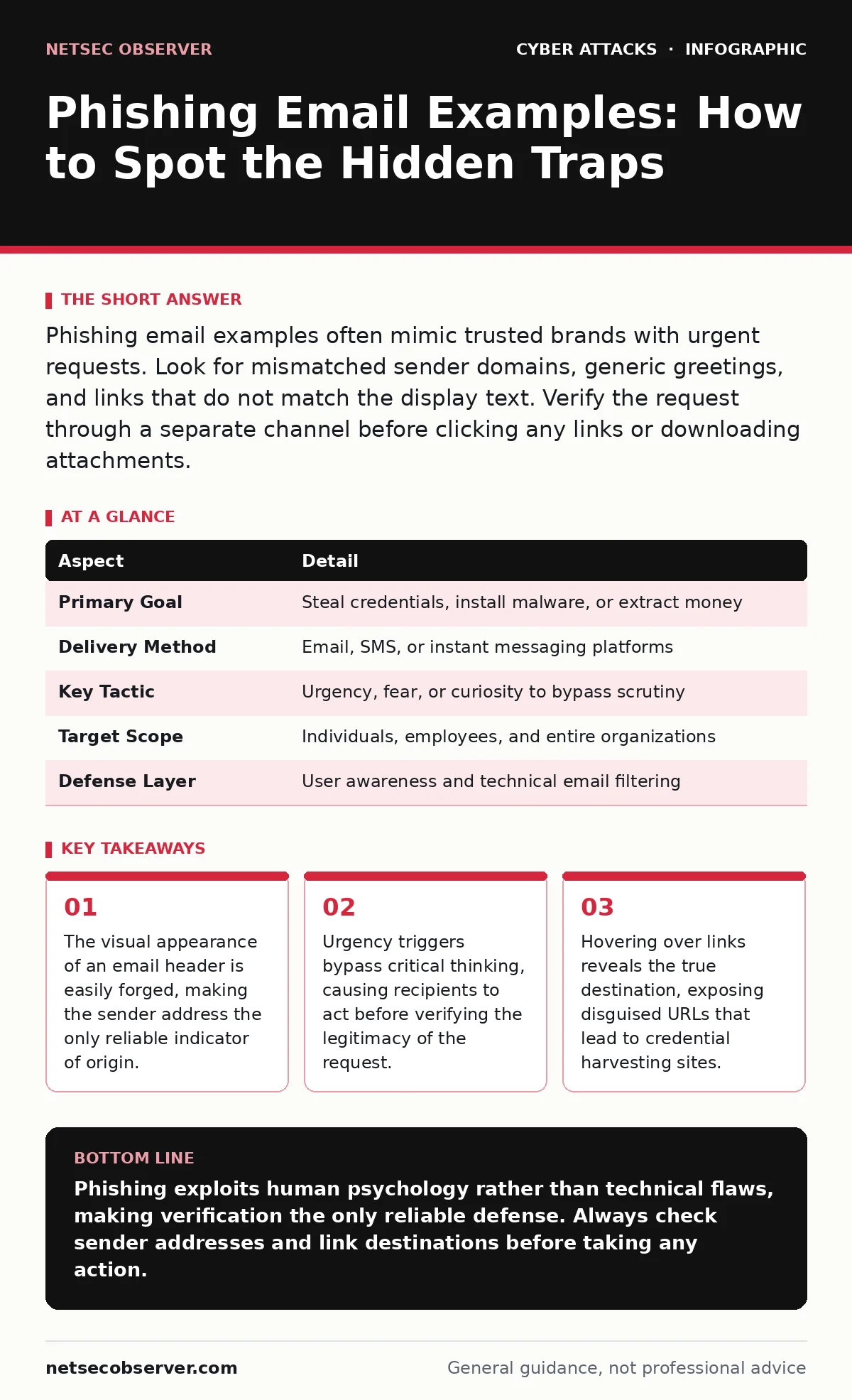
Phishing email examples often mimic trusted brands with urgent requests. Look for mismatched sender domains, generic greetings, and links that do not match the display text. Verify the request through a separate channel before clicking any links or downloading attachments.
The Mechanics of Deception
Phishing is a social engineering attack where an attacker masquerades as a trusted entity to steal sensitive data or install malware. It works by exploiting human trust and the natural tendency to comply with perceived authority or urgency. Imagine receiving a letter with the post office logo, demanding immediate payment for a package you never ordered. The letter looks official, but the return address is a P.O. box in a different country. This analogy mirrors how phishing operates in digital communication.
The attacker sends a message that appears legitimate. The goal is not to break into your system through code, but to trick you into handing over access. You become the vulnerability. The attack succeeds when you click a malicious link, open an infected attachment, or reply with personal information.
| Aspect | Detail |
|---|---|
| Primary Goal | Steal credentials, install malware, or extract money |
| Delivery Method | Email, SMS, or instant messaging platforms |
| Key Tactic | Urgency, fear, or curiosity to bypass scrutiny |
| Target Scope | Individuals, employees, and entire organizations |
| Defense Layer | User awareness and technical email filtering |
Phishing Email Examples That Work
People type "phishing email examples" to recognize patterns. Real-world scenarios help you spot the subtle differences between legitimate communication and fraud. Attackers study public templates and adapt them. They do not need to be perfect; they only need to be convincing enough for a split-second decision.
This example highlights the danger of visual mimicry. The attacker copies the design but cannot replicate the underlying infrastructure. You must look past the aesthetics. Check the domain name in the address bar. Verify the sender's email address structure. Legitimate organizations rarely ask for sensitive data via unsolicited emails.
The Hidden Cost of Trust
Most people assume that if an email looks correct, it is safe. This assumption is the primary failure point. Attackers exploit the cognitive load of busy professionals. When you are tired or rushed, your brain seeks shortcuts. Phishing provides a shortcut that feels helpful but is actually harmful.
Consider the psychological mechanism at play. Fear of missing out or fear of disciplinary action creates stress. Stress reduces the ability to analyze details. An email claiming your account will be locked in 24 hours triggers a panic response. You click the link to restore access without checking the URL. This reaction is predictable and exploitable.
The hidden cost is not just the initial breach. It is the erosion of trust in legitimate communications. After a successful attack, you may hesitate to respond to real alerts. Attackers rely on this hesitation to maintain access or to launch follow-up campaigns. You must balance caution with verification. Do not ignore suspicious messages, but do not react to them immediately.
What People Usually Get Wrong
Misconceptions about phishing lead to ineffective defenses. Many believe that technical solutions alone can stop these attacks. While filters catch obvious threats, they miss sophisticated campaigns. Another common error is assuming that only inexperienced users fall for phishing. In reality, experienced professionals are often targeted because they have higher privileges and more valuable data.
You might also believe that if you do not click the link, you are safe. This is not entirely true. Some emails contain tracking pixels that confirm your identity is active. This information makes you a higher-value target for future attacks. Opening the email itself can signal to the attacker that your inbox is monitored and responsive.
Another error is relying solely on the "Reply" function. If an email claims to be from IT support, replying to it confirms your email address is valid. The attacker can then use your address in more targeted campaigns. Always initiate contact through a known, trusted channel if you are unsure.
Technical Indicators to Check
You can identify phishing by examining specific technical details. These checks take seconds but provide significant protection. Start with the sender's email address. Hover over the sender name to reveal the actual address. Look for slight misspellings or extra characters. A domain like "paypa1.com" instead of "paypal.com" is a clear red flag.
Next, inspect the links. Do not click them. Hover your mouse over the text or link to see the destination URL. The displayed text may say "Reset Password," but the link may point to a foreign domain. If the URL does not match the organization's official domain, do not proceed.
Check for generic greetings. Legitimate organizations usually address you by name. "Dear Customer" or "Dear User" suggests a mass-produced message. Look for poor grammar or spelling errors. While automated tools can clean up text, inconsistencies often remain in translated or hastily written messages.
| Indicator | What to Look For |
|---|---|
| Sender Address | Mismatched domains or free email providers |
| Link Destination | URLs that do not match the display text |
| Greeting Style | Generic terms instead of your name |
| Request Type | Unsolicited requests for sensitive data |
| Attachment Type | Unexpected files or executable formats |
Beyond Basic Phishing
Basic phishing is the entry point for more advanced attacks. Understanding these variants helps you recognize when the usual advice fails. Spear phishing targets specific individuals with personalized information. The attacker researches your role, colleagues, and recent activities. The message feels personal and relevant, making it harder to detect.
Brand impersonation relies on the reputation of a well-known company. The attacker uses the brand's logo and tone to gain trust. You may lower your guard because you recognize the brand. However, the brand did not send the message. Verify the request through official channels.
Email spoofing allows attackers to fake the sender address. Your email client displays the trusted name, but the message comes from an external source. This technique bypasses visual checks of the sender name. You must check the full email header or the actual address behind the name.
Credential stuffing uses stolen usernames and passwords from other breaches. If you reuse passwords, attackers can access your accounts without phishing you directly. This highlights the importance of unique passwords and multi-factor authentication.
Man-in-the-middle attacks intercept communication between you and a server. Phishing may lead you to a fake site that captures your data in real-time. The attacker sits between you and the legitimate service, relaying messages while stealing credentials.
Verification Protocols
When in doubt, verify. Do not trust the contact information in the suspicious email. Find the official contact details through a separate source. Use the website's official contact page or a known phone number. Call or email the organization directly to confirm the request.
Imagine you receive an invoice from a vendor. The amount seems high. Do not click the link to view the invoice. Log in to your vendor portal directly to check the balance. If the invoice is not there, it is likely fraudulent.
Establish a culture of verification. Encourage colleagues to ask questions. Report suspicious emails to your security team. Even if you are not sure, reporting helps the team analyze trends and update filters.
Building Resilience
Defense against phishing is a continuous process. Technology provides a layer of protection, but human judgment is the final barrier. Regular training helps you recognize new tactics. Simulated phishing exercises can test your awareness without real risk.
Use strong, unique passwords for every account. This limits the damage if one account is compromised. Enable multi-factor authentication wherever possible. This adds an extra step that attackers cannot easily bypass.
Stay updated on common tactics. Attackers evolve their methods. What worked last year may not work today. Keep your software and operating systems updated to protect against known vulnerabilities.
Remember that no system is perfect. You may still encounter sophisticated attacks. The goal is to reduce risk, not eliminate it. Vigilance and verification are your best tools.
Key takeaways
- The visual appearance of an email header is easily forged, making the sender address the only reliable indicator of origin.
- Urgency triggers bypass critical thinking, causing recipients to act before verifying the legitimacy of the request.
- Hovering over links reveals the true destination, exposing disguised URLs that lead to credential harvesting sites.
Phishing exploits human psychology rather than technical flaws, making verification the only reliable defense. Always check sender addresses and link destinations before taking any action.
Frequently asked questions
How do I know if an email is spoofed?
Check the sender's actual email address by hovering over the name. If the domain does not match the organization's official domain, it is likely spoofed. Also, look for inconsistencies in formatting or grammar.
Can antivirus software stop phishing emails?
Antivirus software can detect malware attached to phishing emails, but it may not prevent you from clicking malicious links or entering credentials on fake sites. Email filtering and user awareness are more effective for prevention.
What should I do if I clicked a phishing link?
Immediately change your passwords for any accounts accessed from that device. Run a malware scan. If you entered credentials, contact the service provider to secure your account and monitor for unauthorized activity.
Is it safe to download attachments from unknown senders?
No. Attachments from unknown senders may contain malware. Delete the email without opening the attachment. If you expect a file, contact the sender through a different channel to verify the request.
How this guide was produced: written by the NetSec Observer editorial team with AI assistance, checked against the public references listed below, and reviewed when the facts change. See our editorial policy or report an error.