
Brand Impersonation Phishing: How to Spot Fake Logos and Links
Attackers clone trusted brand interfaces so perfectly that visual inspection fails, forcing you to verify every link by hovering and checking the domain structure.
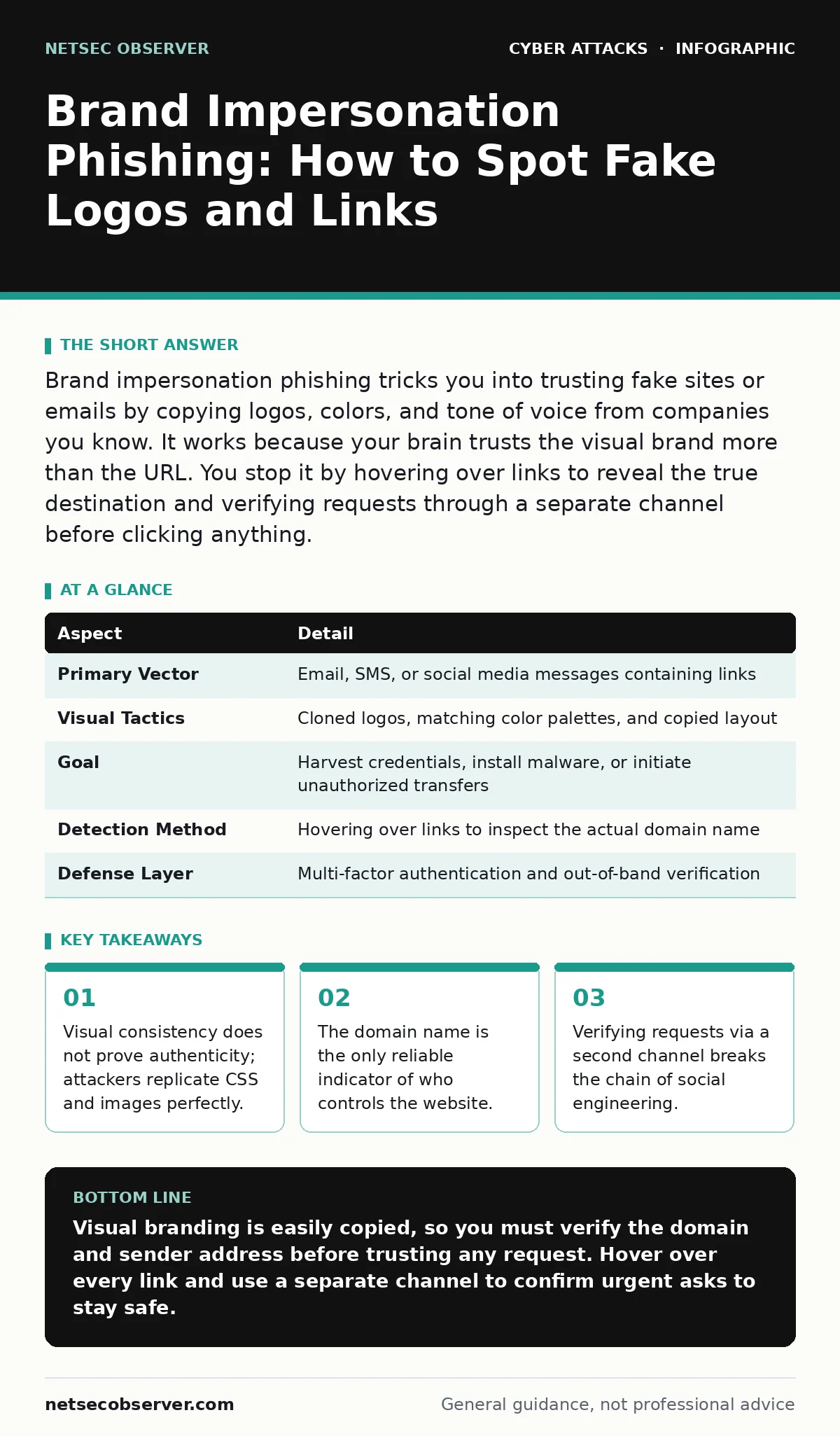
Brand impersonation phishing tricks you into trusting fake sites or emails by copying logos, colors, and tone of voice from companies you know. It works because your brain trusts the visual brand more than the URL. You stop it by hovering over links to reveal the true destination and verifying requests through a separate channel before clicking anything.
Understanding Brand Impersonation Phishing
Brand impersonation phishing relies on the psychological shortcut where you trust a familiar logo more than the technical details of a webpage. Imagine receiving an email that looks exactly like a notice from your bank. The header uses the correct font. The logo is crisp. The color scheme matches the mobile app you use daily. Your brain registers "safe" before your eyes read the text. This reaction is the vulnerability.
Attackers exploit the fact that most people do not scrutinize the Uniform Resource Locator, or URL, when the visual branding feels correct. They spend significant effort making the fake site look identical to the real one. This creates a false sense of security that bypasses your normal caution. The goal is not to hack the server directly. The goal is to make you hand over credentials willingly. This differs from generic spam because it targets specific trust relationships you already have with legitimate organizations.
| Aspect | Detail |
|---|---|
| Primary Vector | Email, SMS, or social media messages containing links |
| Visual Tactics | Cloned logos, matching color palettes, and copied layout |
| Goal | Harvest credentials, install malware, or initiate unauthorized transfers |
| Detection Method | Hovering over links to inspect the actual domain name |
| Defense Layer | Multi-factor authentication and out-of-band verification |
How the Attack Works Step by Step
The attacker begins by selecting a brand you interact with regularly. Banks, cloud providers, and shipping companies are common targets because you expect urgent messages from them. The attacker registers a domain name that looks similar to the real one. This might involve subtle spelling changes or the use of different top-level domains. They then build a webpage that mirrors the login screen of the legitimate service. They copy the HTML structure, the Cascading Style Sheets, and the images.
The result is a pixel-perfect replica. Next, they craft a message that creates urgency. They claim your account is locked or that a package is delayed. The message includes a button that says "Verify Now." When you click the button, you are taken to the fake site. You enter your username and password. The site accepts them and sends them to the attacker. It may even redirect you to the real site afterward to avoid suspicion. This seamless flow ensures you do not realize the deception until it is too late.
Who Gets Targeted and Why
Everyone is a target, but certain roles face higher risks. Finance staff are targeted because they can authorize payments. IT administrators are targeted because they have access to network resources. Students and new employees are targeted because they may not yet know the internal verification processes. The attacker does not care about your job title as much as your access level. If you have a login, you are valuable. The attack scales easily.
The same fake page can collect credentials from thousands of different organizations. This makes it a high-reward, low-effort strategy for criminals. They do not need to write new code for each victim. They just need to send the message. The widespread use of single sign-on services increases the potential damage. If you use one password for multiple services, stealing that password gives the attacker access to more than just the impersonated brand. This amplifies the impact of a single successful click.
What People Usually Get Wrong
Many users believe that a padlock icon in the browser bar means the site is safe. This is a critical misunderstanding. The padlock only indicates that the connection between your computer and the server is encrypted. It does not verify that the server is legitimate. An attacker can obtain a valid certificate for their fake domain. The connection will be secure, but you are securely sending your password to the wrong person. Another common error is trusting the display name in an email client.
Attackers can set the display name to "Support Team" while the actual email address is a random string of characters. You must expand the sender field to see the true address. Finally, many users ignore the context of the request. Legitimate brands rarely ask for passwords via email. They never ask for your password in a text message. If the request feels urgent and comes through an unsolicited channel, it is likely a trap. Relying on visual cues alone is insufficient because the visuals are designed to deceive.
How to Detect Brand Impersonation Phishing
Detection requires shifting your focus from what the page looks like to where the page lives. The first step is to hover your mouse cursor over any link without clicking it. Most browsers show the actual destination URL in a tooltip or at the bottom of the window. Compare this URL to the known address of the brand. Look for subtle differences in spelling, extra words, or different domain extensions. If the brand is amazon.com, a link to amazon-security.com is fake. Even amazon.com.secure-login.net is fake.
The second step is to check the sender's email address. Do not rely on the name displayed. Expand the header to see the full address. Legitimate companies use their own domain, not free providers like gmail.com or yahoo.com. The third step is to look for generic greetings. Personalized messages usually use your name. Generic greetings like "Dear Customer" indicate a mass-produced attack. These checks take seconds but break the attacker's reliance on your speed and trust.
What to Do About It
If you suspect you have fallen for a brand impersonation phishing attempt, act immediately. Change the password for the affected account. Use a password manager to generate a new, unique password. Do not reuse old passwords. If you use the same password on other sites, change those as well. This prevents account takeover across your digital life. Enable multi-factor authentication if it is not already active. This adds a second layer of defense that protects your account even if the password is stolen.
Report the incident to the impersonated brand. They can block the fake domain and warn other users. Report the phishing attempt to your organization's cyber incident response team if this happened on a work device. They can scan for malware and isolate the account. Finally, review your account activity for any unauthorized changes. Look for new devices, changed email addresses, or unknown transactions. Early detection limits the damage.
Strengthening Your Long-Term Defense
Technical controls provide a safety net when human error occurs. Email authentication protocols like SPF, DKIM, and DMARC help email providers verify that messages actually come from the claimed sender. These protocols reduce the success rate of email spoofing. However, they do not protect against social media messages or SMS. You must maintain skepticism across all channels. Regular training helps you recognize the patterns of these attacks. Practice identifying fake domains and suspicious requests.
This builds muscle memory for verification. Use a password manager to store credentials. This prevents you from accidentally typing your real password into a fake site, as the manager will not autofill for unknown domains. This feature acts as an automatic check. Combine these tools with a habit of verifying urgent requests through a separate channel. Call the company using a number from their official website, not the number in the suspicious message. This out-of-band verification is the most reliable method to confirm legitimacy.
Key takeaways
- Visual consistency does not prove authenticity; attackers replicate CSS and images perfectly.
- The domain name is the only reliable indicator of who controls the website.
- Verifying requests via a second channel breaks the chain of social engineering.
Visual branding is easily copied, so you must verify the domain and sender address before trusting any request. Hover over every link and use a separate channel to confirm urgent asks to stay safe.
Frequently asked questions
How do I know if a domain is a typosquatting attempt?
Compare the domain character by character with the official address. Look for swapped letters, missing hyphens, or extra words that mimic the brand name but are not part of the official URL.
Can multi-factor authentication stop brand impersonation phishing?
It limits the damage. If the attacker steals your password but lacks your second factor, they cannot log in. However, some attacks use callback phishing to bypass MFA by tricking you into approving a login request.
Why does the padlock icon not guarantee safety?
The padlock only shows that the data is encrypted in transit. It does not verify the identity of the website owner. Attackers can secure their fake sites with valid certificates.
What is the difference between brand impersonation and vendor email compromise?
Brand impersonation targets the end user to steal credentials. Vendor email compromise often targets business processes by impersonating a supplier to redirect payments or alter invoice details.
How this guide was produced: written by the NetSec Observer editorial team with AI assistance, checked against the public references listed below, and reviewed when the facts change. See our editorial policy or report an error.