Stop Spear Phishing: Technical Controls That Actually Work
Technical email filtering removes the threat before it reaches the human, making user training a secondary defense rather than the primary barrier against sophisticated attacks.
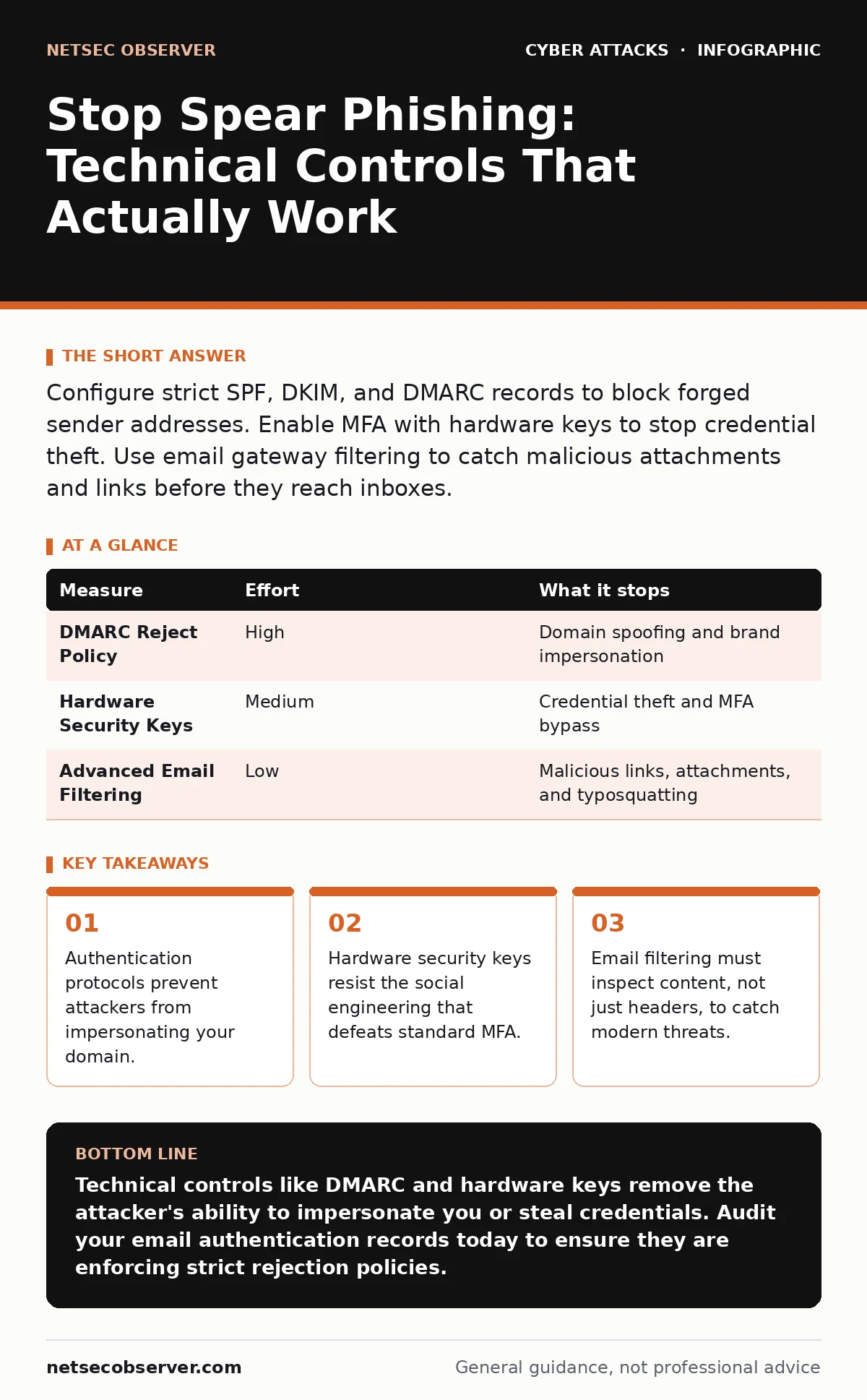
Configure strict SPF, DKIM, and DMARC records to block forged sender addresses. Enable MFA with hardware keys to stop credential theft. Use email gateway filtering to catch malicious attachments and links before they reach inboxes.
Enforce Email Authentication Protocols
The first line of defense is technical, not human. Attackers rely on spoofing the "From" address to make their messages look legitimate. You can prevent this by implementing three open standards: SPF, DKIM, and DMARC.
SPF (Sender Policy Framework) is a DNS record that lists the IP addresses authorized to send email for your domain. When a receiving server checks this list, it can reject mail from unauthorized sources.
DKIM (DomainKeys Identified Mail) adds a cryptographic signature to every outgoing email. This signature proves the message was not altered in transit and actually came from your domain.
DMARC (Domain-based Message Authentication, Reporting, and Conformance) ties SPF and DKIM together. It tells receiving servers what to do if a message fails authentication. Set your DMARC policy to "reject." This instructs receiving servers to discard any email that claims to be from you but lacks valid SPF or DKIM signatures. This stops attackers from using your domain name to trick your users.
Deploy Hardware-Based MFA
Most organizations require Multi-Factor Authentication (MFA). This adds a second step to login, such as a code from an app. This is a significant improvement over passwords alone. However, standard MFA has a weakness. Attackers can trick users into approving login requests in real-time. This is known as MFA fatigue attacks.
To prevent this, move away from SMS codes and push notifications. Use hardware security keys or FIDO2/WebAuthn standards. These devices require physical presence to approve a login. An attacker cannot trick a hardware key into signing a malicious request from a remote location. This removes the social engineering vector entirely.
Configure Strict Email Gateway Filtering
Your email provider likely offers basic spam filtering. This is not enough for spear phishing. You need an advanced email gateway that inspects the content of messages.
Look for filtering that scans attachments for malicious macros and obfuscated code. It should also rewrite URLs in emails to check them against threat intelligence databases before the user clicks. If a link leads to a phishing site, the gateway blocks it or shows a warning page.
This layer catches threats that bypass authentication. Attackers often register new domains that look similar to yours. These domains pass SPF and DKIM checks because they are technically valid. Content inspection identifies the malicious intent regardless of the sender's technical validity.
| Measure | Effort | What it stops |
|---|---|---|
| DMARC Reject Policy | High | Domain spoofing and brand impersonation |
| Hardware Security Keys | Medium | Credential theft and MFA bypass |
| Advanced Email Filtering | Low | Malicious links, attachments, and typosquatting |
Implement Context-Aware Access Policies
Even with strong authentication, a stolen credential can cause damage. You must limit what a compromised account can do. Use Conditional Access policies. These rules check the context of a login attempt before granting access.
If a user logs in from a new country or an unusual device, the system can require step-up authentication or block the access entirely. This assumes that not all logins are equal. A login from a known office IP is low risk. A login from a foreign country at 3 AM is high risk.
This approach reduces the impact of credential stuffing. Attackers often buy lists of valid username and password pairs. If your system detects a login from an anomalous location, it stops the attack before the attacker can access sensitive data.
Monitor for Subdomain Takeovers
Attackers do not always need to hack your main domain. They can exploit forgotten subdomains. If you decommission a service but leave the DNS record pointing to a defunct cloud provider, an attacker might register that cloud service. They can then host a phishing page on your own subdomain.
Regularly audit your DNS records. Remove records for services you no longer use. This prevents attackers from using your brand identity to host phishing pages that appear completely legitimate to email filters and users alike. This is a common vector for vendor email compromise scenarios where the attacker appears to be a trusted partner.
See also: Phishing Email Examples: How to Spot the Hidden Traps · Vendor Email Compromise: Response and Recovery Steps
Isolate High-Value Accounts
Not all users need the same level of access. Identify accounts with high privileges or access to sensitive data. Apply stricter controls to these accounts.
Disable auto-forwarding rules for these accounts. Attackers often create rules to forward emails to an external address. This allows them to exfiltrate data without logging into the mailbox directly. Monitor for rule changes in real-time. Alert immediately if a high-value account creates a new forwarding rule.
This isolation limits the blast radius. If an attacker compromises a low-privilege account, they cannot easily escalate to sensitive systems. This aligns with the principle of least privilege, ensuring users have only the access they need to do their jobs.
Disable Legacy Email Protocols
Many organizations still support older email protocols like POP3 or IMAP. These protocols often lack modern security features. They may allow plaintext passwords or weak encryption.
Disable these protocols for all users. Force the use of modern, encrypted protocols like SMTP over TLS. This removes a low-hanging fruit for attackers. It also simplifies your security posture. Fewer protocols mean fewer attack surfaces to monitor and secure.
This step is often overlooked. Users may have legacy email clients configured to use these older methods. You must communicate the change clearly and provide migration paths. The security benefit outweighs the temporary inconvenience.
Closing Checklist
Use this checklist to verify your current posture. These three actions provide the highest return on investment for preventing spear phishing.
- Set DMARC policy to "reject" for all your domains.
- Issue hardware security keys to all administrative accounts.
- Enable advanced URL and attachment scanning in your email gateway.
Key takeaways
- Authentication protocols prevent attackers from impersonating your domain.
- Hardware security keys resist the social engineering that defeats standard MFA.
- Email filtering must inspect content, not just headers, to catch modern threats.
Technical controls like DMARC and hardware keys remove the attacker's ability to impersonate you or steal credentials. Audit your email authentication records today to ensure they are enforcing strict rejection policies.
Frequently asked questions
Can AI-generated text bypass email filters?
Yes, AI can create convincing text that evades basic keyword filters. Advanced filters use behavioral analysis and reputation scoring to detect suspicious patterns regardless of the text content.
Does encryption protect against spear phishing?
Encryption protects data in transit and at rest. It does not prevent a user from clicking a phishing link or revealing credentials. It limits damage after a breach but does not stop the initial attack.
How do I stop attackers from using my logo?
You cannot legally prevent the use of your logo online. Technical controls like DMARC prevent attackers from using your email domain. Legal action is slow and often ineffective against anonymous attackers.
Is two-factor authentication enough for remote work?
Standard two-factor authentication is vulnerable to session hijacking and MFA fatigue. For remote work, combine MFA with context-aware access policies that verify location and device health.
How this guide was produced: written by the NetSec Observer editorial team with AI assistance, checked against the public references listed below, and reviewed when the facts change. See our editorial policy or report an error.