Detecting HTML Smuggling in Email Logs and Endpoint Telemetry
HTML smuggling hides payloads in browser cache files, allowing malware to execute without ever landing on the disk in a detectable format.
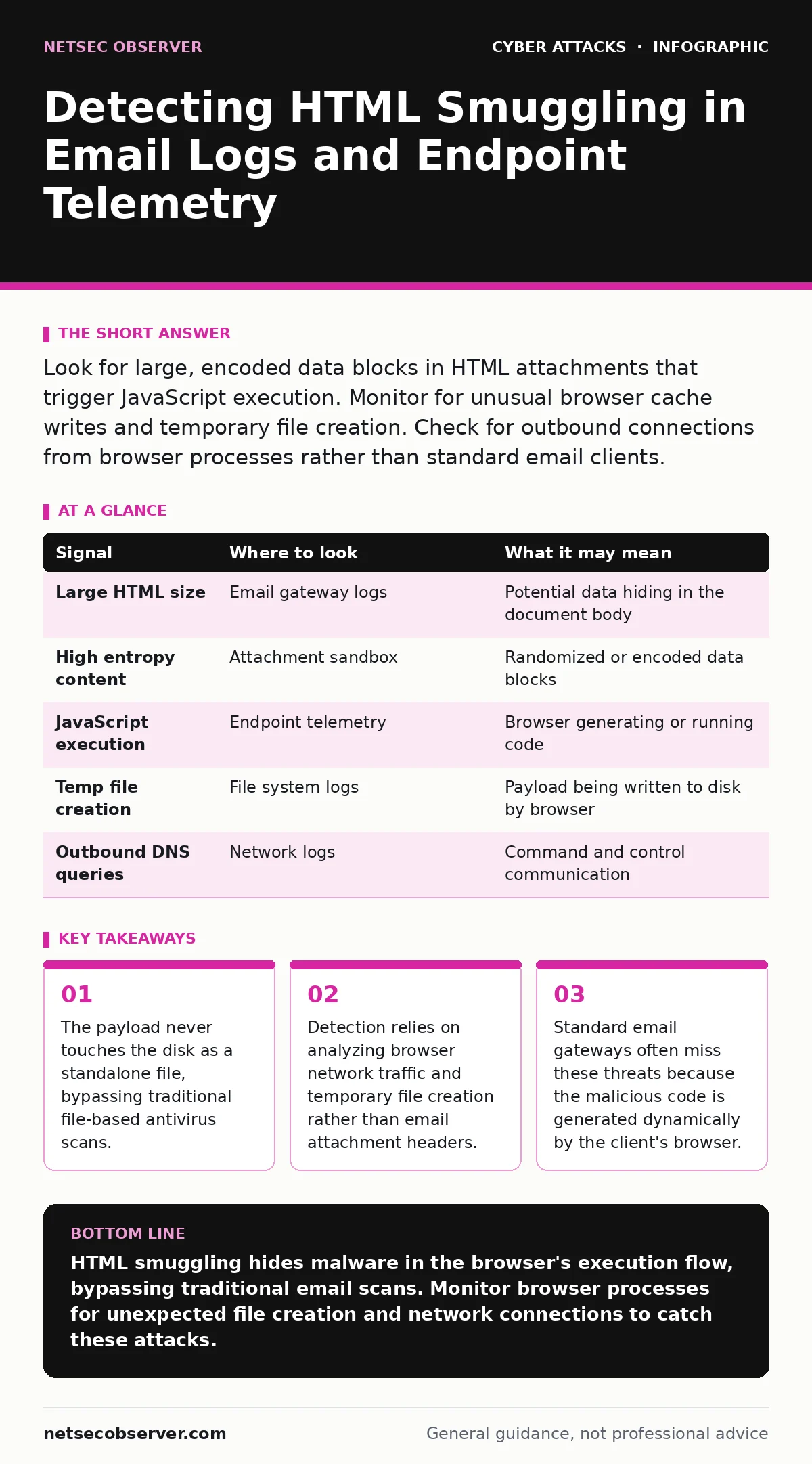
Look for large, encoded data blocks in HTML attachments that trigger JavaScript execution. Monitor for unusual browser cache writes and temporary file creation. Check for outbound connections from browser processes rather than standard email clients.
The Mechanics of Browser-Side Execution
HTML smuggling relies on the victim's browser to assemble the malicious payload. An attacker sends an HTML file that appears benign in email scanners. The file contains large blocks of encoded data, often Base64 or hex strings. When you open the file, JavaScript runs in the background.
This script decodes the hidden data and instructs the browser to save it to the system's temporary directory. The browser then executes this newly created file. Because the final malware binary never existed in the email attachment, traditional security tools that inspect attachments miss it entirely.
This technique exploits the trust users place in web browsers. Your organization likely allows browsers to run scripts freely. The smuggler uses this allowance to turn your browser into a malware builder.
Signs in Email Gateway Logs
Your email security gateway is the first line of defense, but it has blind spots here. You will not see a suspicious file extension like .exe or .scr. Instead, look for HTML files with unusually large sizes.
Check for HTML attachments that contain minimal visible content but massive amounts of hidden data. The ratio of code to displayable text is often skewed heavily toward code. Look for heavy use of <script> tags or data: URIs within the HTML structure.
These indicators suggest the file is doing more than displaying information. It is carrying a payload. If your gateway strips attachments based on size or entropy, you may catch some variants. However, many smugglers split the data to stay under thresholds.
| Signal | Where to look | What it may mean |
|---|---|---|
| Large HTML size | Email gateway logs | Potential data hiding in the document body |
| High entropy content | Attachment sandbox | Randomized or encoded data blocks |
| JavaScript execution | Endpoint telemetry | Browser generating or running code |
| Temp file creation | File system logs | Payload being written to disk by browser |
| Outbound DNS queries | Network logs | Command and control communication |
Endpoint File System Artifacts
When the browser executes the smuggled script, it writes files to the disk. These files usually land in the user's temporary folder or the browser's cache directory. You must monitor these locations for unexpected activity.
Look for executable files created by browser processes. Standard browsers like Chrome or Edge do not typically create .exe or .dll files in the temp folder during normal usage. If you see a browser process creating a binary file, that is a strong indicator of smuggling.
The file names are often random strings to avoid detection by name-based rules. The creation time will match the time the user opened the email. Correlating file creation events with email open events helps confirm the link.
Network Traffic Anomalies
The smuggled payload often needs to phone home. This communication happens from the browser process, not the email client. Your network logs will show outbound connections originating from chrome.exe, msedge.exe, or similar processes.
Look for new domains or IP addresses contacted by browser processes. These destinations are often newly registered or have no valid reputation. The traffic may use standard HTTPS, making it hard to inspect without decryption.
DNS logs are particularly useful. You may see queries for domains that were not previously known to your organization. If a browser process queries a domain that resolves to a new IP address, treat it with suspicion. This pattern differs from typical web browsing behavior where known services are accessed.
Behavior of the Browser Process
Normal browser activity involves rendering pages and fetching web resources. Smuggling changes this behavior. The browser starts performing tasks it does not usually do, such as writing executables or initiating complex network handshakes.
Monitor the command line arguments of browser processes. Some smuggling techniques launch new browser instances with specific flags. These flags might point to local files or temporary directories.
Also watch for memory injection techniques. The malware might inject code into the browser's memory space rather than writing to disk. This makes file-based detection even harder. You need behavioral analysis to spot this. The process will consume unusual amounts of CPU or memory during the assembly phase.
See also: Stop Spear Phishing: Technical Controls That Actually Work · Vendor Email Compromise: Response and Recovery Steps
Common Detection Blind Spots
Many security teams focus on the email attachment itself. This is the wrong place to look. The attachment is just a container. The real threat is the action it triggers. If you only scan the HTML file for known signatures, you will miss the dynamic execution.
Another blind spot is the temporary directory. Many organizations do not monitor the temp folder closely because it is considered low value. Attackers know this. They hide their payloads there because fewer eyes watch that space.
Finally, browser sandboxing can interfere with detection. If your browser runs in a strict sandbox, it may prevent the malware from writing to the disk. This stops the attack but also hides the evidence. You might see the email open but no subsequent file creation. This false negative can lead to a false sense of security.
Integrating Detection into Your Workflow
You need to connect data from different sources. Email logs tell you what was sent. Endpoint logs tell you what happened on the machine. Network logs tell you where the data went.
Create a correlation rule that links an HTML email open to subsequent browser activity. If a user opens an HTML attachment and the browser immediately creates a temp file, trigger an alert. This multi-stage verification reduces false positives.
Regularly update your detection signatures to include new encoding methods. Attackers change how they hide the data. They might switch from Base64 to hex or use custom obfuscation. Your detection logic must adapt to these changes.
Mitigation Beyond Detection
Detection is reactive. You also need to reduce the likelihood of success. Disable automatic execution of HTML files in your email client. Force users to save and inspect files before opening them.
Use application whitelisting to restrict which processes can create executables. If the browser is not allowed to write .exe files to the temp folder, the smuggling attempt fails. This breaks the attack chain.
Educate users on the risks of opening HTML emails. They should treat these files with the same caution as executable files. If they receive an unsolicited HTML file, they should delete it rather than open it.
Key takeaways
- The payload never touches the disk as a standalone file, bypassing traditional file-based antivirus scans.
- Detection relies on analyzing browser network traffic and temporary file creation rather than email attachment headers.
- Standard email gateways often miss these threats because the malicious code is generated dynamically by the client's browser.
HTML smuggling hides malware in the browser's execution flow, bypassing traditional email scans. Monitor browser processes for unexpected file creation and network connections to catch these attacks.
Frequently asked questions
Does antivirus software detect HTML smuggling?
Traditional antivirus often misses it because the malware binary does not exist in the email attachment. It is generated dynamically by the browser on the victim's machine.
Can email gateways stop HTML smuggling?
Gateways can block large HTML files or those with high entropy, but they cannot always detect the malicious intent of the JavaScript code contained within.
Is HTML smuggling similar to spear phishing?
Yes, it is often delivered via spear phishing emails. The difference is the technical method: smuggling uses the browser to build the malware, whereas standard phishing might just link to a malicious site.
How does this differ from callback phishing?
Callback phishing tricks users into calling a number. HTML smuggling tricks the browser into executing code. Both rely on user action, but the technical execution path is different.
How this guide was produced: written by the NetSec Observer editorial team with AI assistance, checked against the public references listed below, and reviewed when the facts change. See our editorial policy or report an error.