Public Code Repository Leaks: How to Find and Fix Accidental Exposures
Automated scanners often miss secrets hidden in build artifacts, making manual review of commit history the only reliable defense against accidental data exposure.
Accidental code leaks occur when developers commit credentials or sensitive data to public repositories. You can prevent this by using pre-commit hooks and automated scanning tools. If a leak happens, you must rotate the exposed credentials immediately, as revoking access is the only effective remediation.
What causes public code repository leaks?
Developers accidentally include sensitive information in their code commits. This happens when you copy and paste credentials into configuration files, hardcode API keys in scripts, or forget to exclude local environment files from version control. The mistake is often unintentional, driven by the need to make code work locally before pushing it to a shared repository.
Imagine you are debugging a service that fails to connect to a database. You temporarily hardcode the database password into the connection string to verify the fix. You push this change to a public repository to share your work with colleagues. Once pushed, that password is visible to anyone with internet access.
Can I remove a secret after pushing it to a public repository?
No, you cannot fully remove a secret from the public history of a repository. Most version control systems store every change ever made to the codebase. Deleting the file in your current branch only removes it from the latest version. The secret remains in the historical commits, which are often cached by search engines, archival services, and automated bots.
How do attackers find exposed secrets in public code?
Attackers use automated tools to scan public repositories for patterns that resemble credentials. These tools look for high-entropy strings, known API key formats, and configuration file structures. They do not need to understand your code; they simply search for data that matches the signature of a secret. This scanning happens continuously and at scale.
Why do automated scanners miss some leaks?
Automated scanners rely on predefined patterns and regular expressions to identify secrets. They often miss secrets that are split across multiple lines, encoded in non-standard formats, or embedded within binary assets like images or compiled libraries. They also struggle with context, failing to distinguish between a dummy key used for testing and a real production credential.
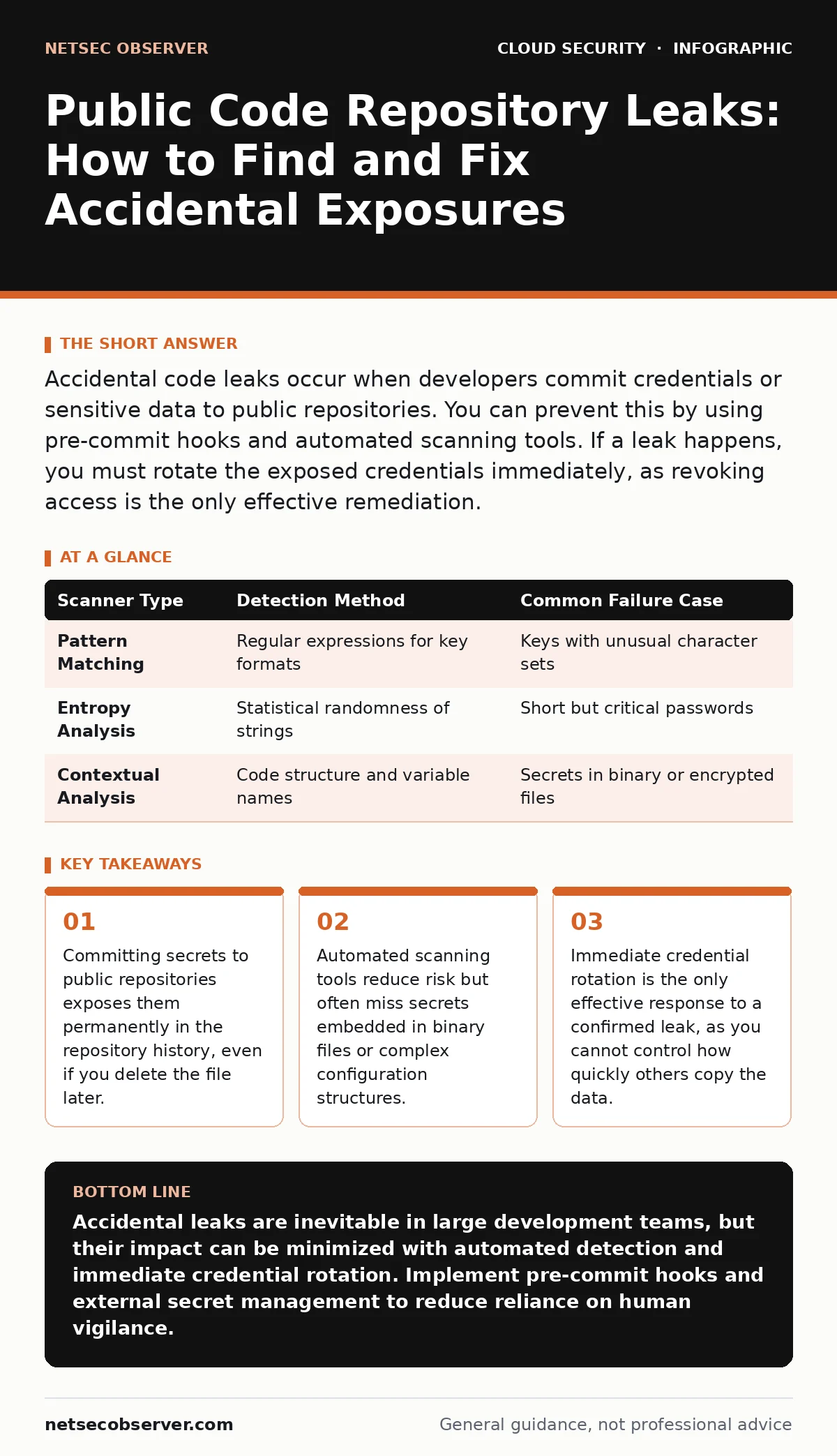
| Scanner Type | Detection Method | Common Failure Case |
|---|---|---|
| Pattern Matching | Regular expressions for key formats | Keys with unusual character sets |
| Entropy Analysis | Statistical randomness of strings | Short but critical passwords |
| Contextual Analysis | Code structure and variable names | Secrets in binary or encrypted files |
What is the immediate step after discovering a leak?
Rotate the exposed credential immediately. Changing the password or revoking the API key is the only way to invalidate the stolen data. You must assume the secret is compromised and no longer usable. Do not rely on deleting the code or contacting the repository administrator to remove it, as these actions do not stop immediate misuse.
See also: Debunking Secrets in Source Code: 6 Myths That Leave Systems Open
How do pre-commit hooks prevent leaks?
Pre-commit hooks run checks on your code before it is added to the repository history. These scripts scan for sensitive patterns and block the commit if they detect a potential secret. By catching the error locally, you prevent the secret from ever entering the shared history. This adds a layer of defense that does not rely on manual review.
Why is code review not enough to stop leaks?
Human reviewers are prone to fatigue and may overlook small configuration files or environment variables. They often focus on logic and functionality rather than security artifacts. Additionally, reviewers may assume that a variable name like "TEST_KEY" is safe, not realizing it contains a real credential. Automated tools provide a consistent check that humans cannot match.
How do build artifacts contribute to leaks?
Build processes often package environment variables and secrets into the final application image or binary. If you publish these build artifacts to a public container registry or package repository, the secrets inside them are exposed. This is a common vector for leaks because the source code may be clean, but the compiled output contains the sensitive data.
What is the long-term strategy for secret management?
Move secrets out of your codebase entirely. Use dedicated secret management systems that store credentials separately from your application code. Your application should retrieve these secrets at runtime using secure authentication methods. This ensures that secrets never exist in your version control history or build artifacts.
Refer to our guide on secrets in source code for detailed implementation strategies. You should also review cloud key management services to understand how to integrate external key management into your deployment pipeline. Proper service account security ensures that the identities used to access these secrets are least-privileged and monitored.
Key takeaways
- Committing secrets to public repositories exposes them permanently in the repository history, even if you delete the file later.
- Automated scanning tools reduce risk but often miss secrets embedded in binary files or complex configuration structures.
- Immediate credential rotation is the only effective response to a confirmed leak, as you cannot control how quickly others copy the data.
Accidental leaks are inevitable in large development teams, but their impact can be minimized with automated detection and immediate credential rotation. Implement pre-commit hooks and external secret management to reduce reliance on human vigilance.
Frequently asked questions
How do I check if my code has leaked secrets?
Use automated scanning tools to analyze your repository history and build artifacts. Search for high-entropy strings and known credential formats in your commit logs.
Is it safe to use dummy secrets in public code?
Only if they are clearly marked and cannot be used to access real systems. However, dummy secrets can still cause confusion or be mistaken for real credentials by attackers.
What should I do if I find a leak in a third-party library?
Report the vulnerability to the library maintainers through their designated security contact. Update your dependencies to a patched version as soon as one is available.
Can I encrypt my repository to prevent leaks?
Encrypting the repository does not prevent leaks if the decryption keys are also stored in the repository. Encryption only protects data at rest, not data in use or in transit within the repository interface.
How this guide was produced: written by the NetSec Observer editorial team with AI assistance, checked against the public references listed below, and reviewed when the facts change. See our editorial policy or report an error.