Infrastructure-as-Code Scanning: 10 Answers for Secure Deployment
Scanning infrastructure-as-code reveals misconfigurations that allow attackers to bypass network controls and access sensitive data before deployment.
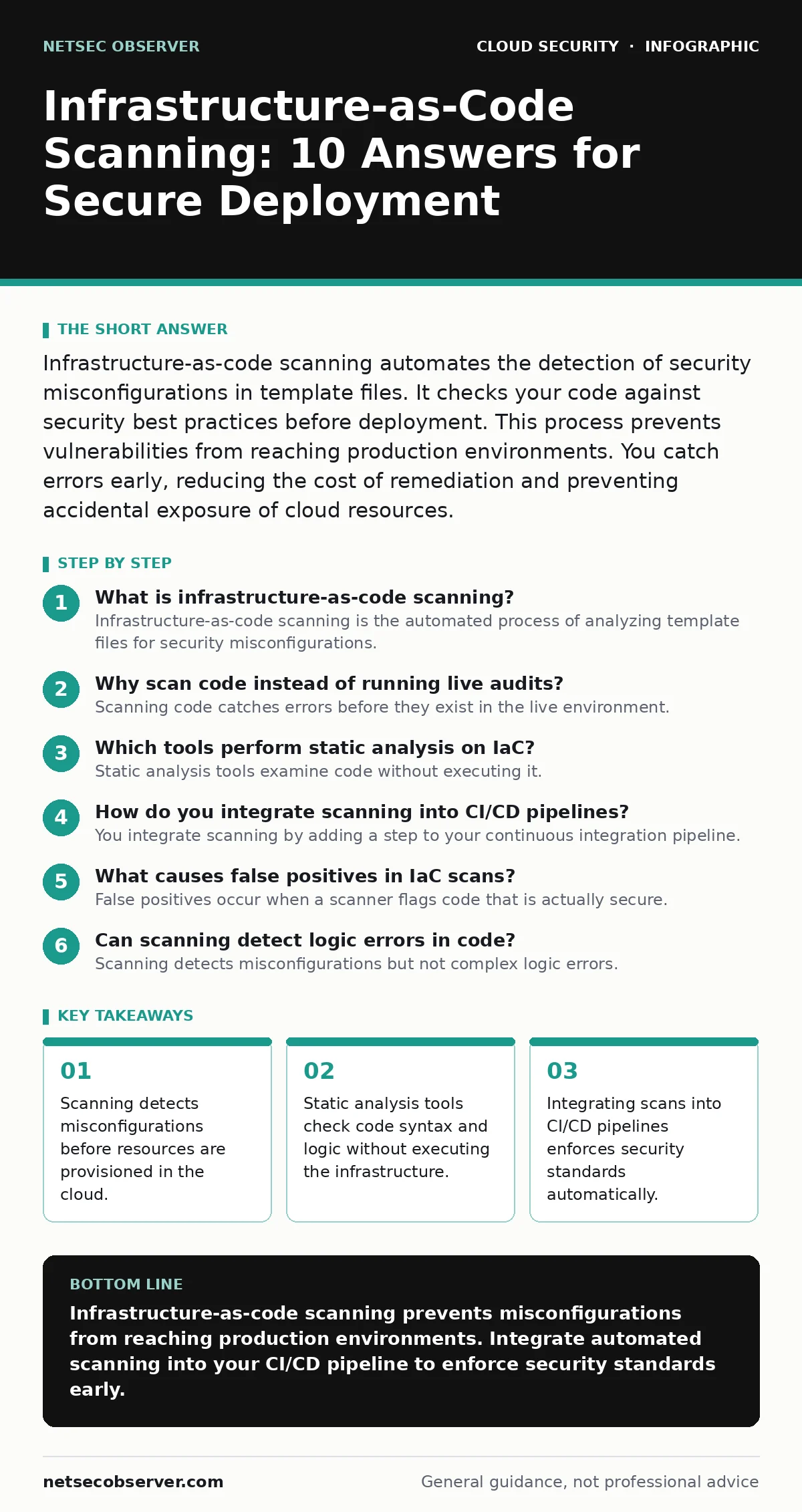
Infrastructure-as-code scanning automates the detection of security misconfigurations in template files. It checks your code against security best practices before deployment. This process prevents vulnerabilities from reaching production environments. You catch errors early, reducing the cost of remediation and preventing accidental exposure of cloud resources.
What is infrastructure-as-code scanning?
Infrastructure-as-code scanning is the automated process of analyzing template files for security misconfigurations. These files define your cloud resources, such as servers, databases, and networks. The scanner reads the code and compares it against known security rules. It identifies risks like open ports or weak encryption settings. This happens before any resource is created in the cloud.
Why scan code instead of running live audits?
Scanning code catches errors before they exist in the live environment. Live audits only see the current state of deployed resources. If a mistake is in the template, every new deployment inherits that mistake. Scanning the source code stops the error at the origin. It prevents the same vulnerability from appearing in multiple environments. This approach is faster and cheaper than fixing live systems.
Which tools perform static analysis on IaC?
Static analysis tools examine code without executing it. They parse the file structure and check for known patterns of misconfiguration. Open-source options like Checkov or tfsec are widely used. Commercial platforms offer similar capabilities with additional features. These tools support formats like Terraform, CloudFormation, and Kubernetes manifests. They provide detailed reports on specific line numbers where issues occur.
How do you integrate scanning into CI/CD pipelines?
You integrate scanning by adding a step to your continuous integration pipeline. The pipeline runs the scanner after code changes are committed. If the scanner finds critical issues, it fails the build. This prevents insecure code from being merged or deployed. Developers receive immediate feedback on their changes. This practice supports shift-left security by addressing risks early in the development lifecycle.
What causes false positives in IaC scans?
False positives occur when a scanner flags code that is actually secure. This happens when rules are too broad or do not understand context. For example, a rule might flag an open port as dangerous. However, the port might be intended for a public-facing service. You reduce false positives by tuning rules to your specific environment. Custom rules can account for legitimate architectural decisions.
See also: Cloud Ransomware: How It Works and How to Stop It · Cloud Key Management Services Explained with Real Analogies
Can scanning detect logic errors in code?
Scanning detects misconfigurations but not complex logic errors. A scanner can see if a database is public. It cannot determine if the application code allows SQL injection. Logic errors require dynamic testing or manual code review. IaC scanning focuses on the infrastructure layer, not the application layer. You need different tools to check the security of the software running on the infrastructure.
How do you handle secrets in IaC files?
Secrets like passwords or API keys should never appear in IaC files. Scanners can detect hardcoded secrets and flag them as critical errors. You must use external secret management solutions instead. These solutions store credentials securely and inject them at runtime. This prevents sensitive data from being stored in version control systems. It also reduces the risk of accidental exposure through public repositories.
What is the impact of drift detection?
Configuration drift occurs when live resources differ from the IaC templates. This happens when administrators make manual changes to running systems. Drift detection tools compare the live state with the defined code. They highlight discrepancies that may introduce security risks. Regular drift checks ensure that your actual environment matches your security policy. This helps maintain consistency and compliance across all deployments.
| Scan Type | Focus Area | Timing | Output |
|---|---|---|---|
| Static Analysis | Code structure and syntax | Pre-deployment | List of misconfigurations |
| Policy as Code | Compliance rules | Pre-deployment | Pass/Fail status |
| Drift Detection | Live vs. Code state | Post-deployment | Difference report |
| Dynamic Testing | Runtime behavior | Post-deployment | Vulnerability scan |
How do you reduce noise in scan results?
You reduce noise by prioritizing findings based on severity and context. Not all misconfigurations pose the same risk. A public storage bucket is more dangerous than a missing tag. You can suppress findings that are known risks or acceptable trade-offs. Regularly review and update your rule sets. This ensures that developers focus on fixing the most important issues first.
What is the role of policy-as-code?
Policy-as-code defines security rules in a machine-readable format. These policies are enforced automatically during the scanning process. They ensure that all deployments meet organizational standards. Policies can cover encryption, access controls, and network security. Using policy-as-code makes security requirements explicit and enforceable. It reduces reliance on manual checks and documentation.
How does IaC scanning relate to container security?
IaC scanning checks the infrastructure that hosts containers. It ensures that the underlying platforms are secure. However, it does not scan the container images themselves. You need separate tools to check for vulnerabilities in container images. Secure infrastructure prevents container escape scenarios where attackers move from a container to the host. Both layers must be secure to protect the entire system.
What are the limitations of IaC scanning?
IaC scanning cannot detect runtime vulnerabilities or application-level flaws. It only checks the configuration of infrastructure resources. It relies on the accuracy of the rules it uses. New vulnerabilities may not be covered by existing rules. You must keep your scanning tools and rules updated. Scanning is one part of a broader security strategy. It works best when combined with other security measures.
How do you ensure continuous improvement?
Continuous improvement requires regular review of scanning results and rules. You should analyze trends in findings to identify common issues. Train developers on secure coding practices for IaC. Encourage a culture where security is everyone's responsibility. Use feedback from scans to improve templates and policies. Regularly update your tooling to cover new threats and services. This keeps your security posture strong and adaptable.
Key takeaways
- Scanning detects misconfigurations before resources are provisioned in the cloud.
- Static analysis tools check code syntax and logic without executing the infrastructure.
- Integrating scans into CI/CD pipelines enforces security standards automatically.
Infrastructure-as-code scanning prevents misconfigurations from reaching production environments. Integrate automated scanning into your CI/CD pipeline to enforce security standards early.
Frequently asked questions
Can IaC scanning replace manual security reviews?
No, IaC scanning automates the detection of common misconfigurations but cannot replace human judgment for complex architectural decisions.
How often should IaC files be scanned?
IaC files should be scanned every time code changes are committed, as part of the continuous integration process.
Does IaC scanning protect against ransomware?
IaC scanning reduces the risk of misconfigurations that could facilitate cloud ransomware attacks by ensuring proper access controls.
What is the difference between IaC scanning and code scanning?
IaC scanning checks infrastructure templates for misconfigurations, while code scanning checks application code for vulnerabilities like injection flaws.
How this guide was produced: written by the NetSec Observer editorial team with AI assistance, checked against the public references listed below, and reviewed when the facts change. See our editorial policy or report an error.