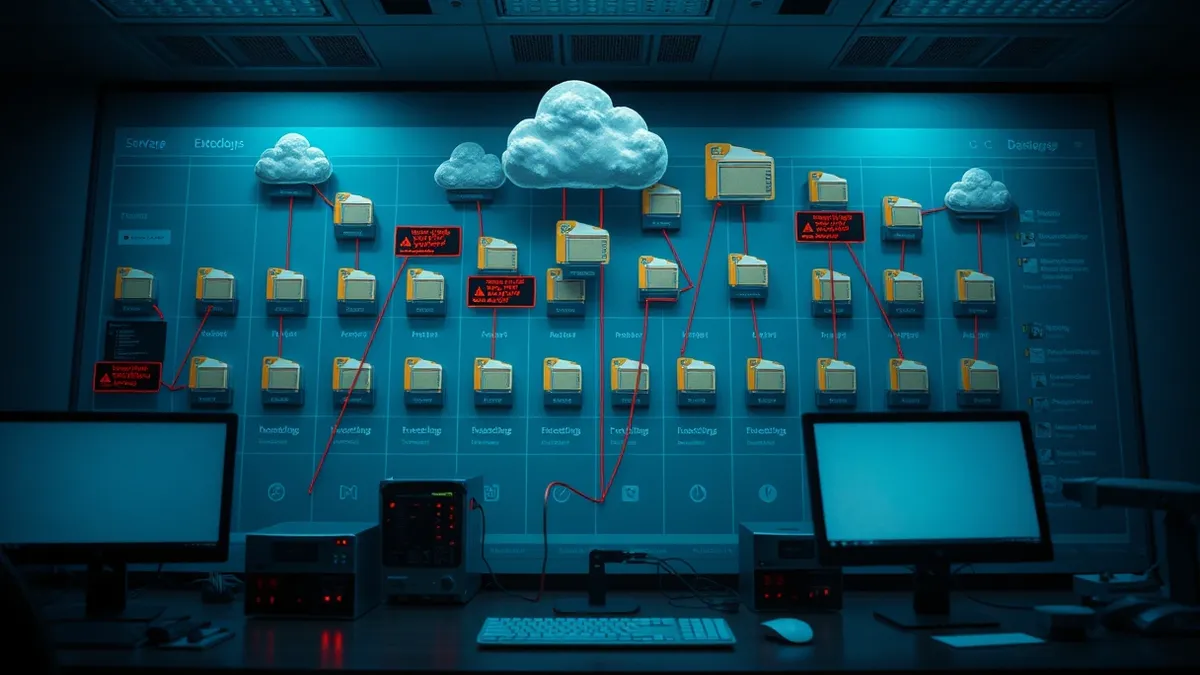
Orphaned Cloud Resources: Risks and Protection for Small Businesses
Abandoned cloud assets create invisible attack surfaces that drain budgets and expose data long after the original project ends.
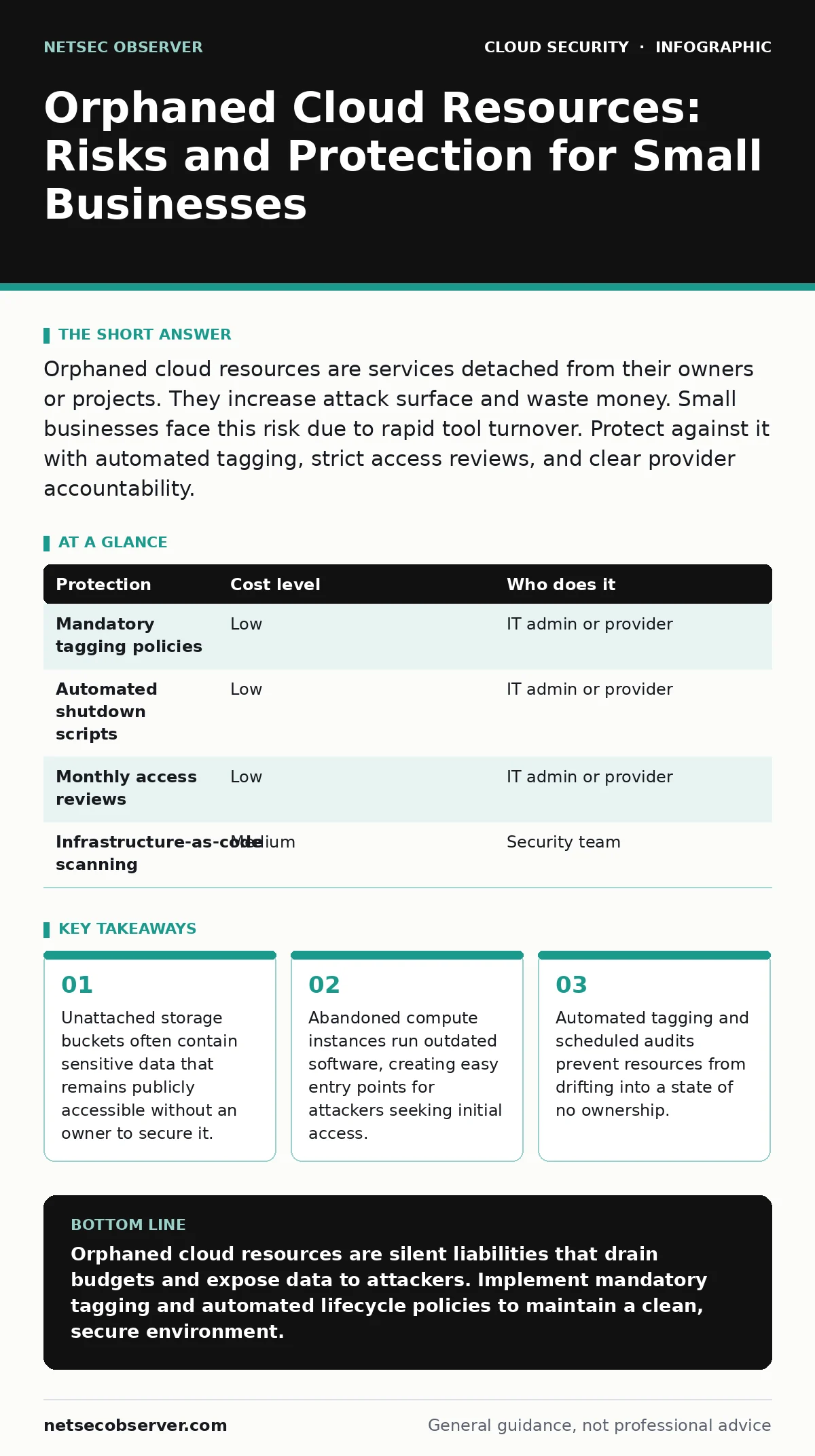
Orphaned cloud resources are services detached from their owners or projects. They increase attack surface and waste money. Small businesses face this risk due to rapid tool turnover. Protect against it with automated tagging, strict access reviews, and clear provider accountability.
What Defines an Orphaned Resource
An orphaned cloud resource is any service that lacks a clear owner or operational purpose. This happens when a project ends, an employee leaves, or a trial period expires. The cloud provider continues to host the asset. You continue to pay for it. Security teams cannot secure what they do not know exists.
These resources include storage buckets, virtual machines, and database instances. They often retain default configurations. Default configurations frequently allow public access. An orphaned resource is a silent liability. It consumes compute cycles and storage space. It also sits outside your regular security monitoring.
Why Small Organizations Face Higher Exposure
Small teams move fast. They spin up resources to test ideas or meet deadlines. They rarely document every change. When staff turnover occurs, knowledge leaves with the person. The cloud infrastructure remains. This creates a gap in accountability.
Large enterprises have dedicated cloud operations teams. They enforce tagging policies and lifecycle management. Small businesses often rely on a single IT person or an external provider. If that person does not track resource creation, orphans accumulate. The lack of process is the primary vulnerability.
The Hidden Costs of Inactive Assets
The financial cost is obvious. You pay for compute and storage you do not use. The security cost is less visible. An unpatched server is a foothold. Attackers scan for open ports and default credentials. They find these assets because they are not monitored.
Once inside, attackers move laterally. They use the orphaned resource to access other parts of your network. This is known as pivot. The orphaned asset becomes a bridge to your critical data. The breach originates from a resource you forgot you had.
Low-Cost Protections for Limited Teams
You do not need expensive tools to manage this risk. Start with tagging. Every resource must have a tag indicating the owner and the project. Set up alerts for resources without tags. This forces accountability.
Use automated lifecycle policies. Configure resources to shut down after a set period of inactivity. Delete them if they remain unused. This prevents drift. Review access logs monthly. Look for resources that have not been accessed in 90 days. Question their existence.
| Protection | Cost level | Who does it |
|---|---|---|
| Mandatory tagging policies | Low | IT admin or provider |
| Automated shutdown scripts | Low | IT admin or provider |
| Monthly access reviews | Low | IT admin or provider |
| Infrastructure-as-code scanning | Medium | Security team |
Integrating Security into the Workflow
Security must be part of the creation process. Use infrastructure-as-code scanning to check configurations before they deploy. This catches misconfigurations early. It ensures resources are created with the right security settings.
Implement single sign-on for all cloud accounts. This centralizes access control. When an employee leaves, you revoke their access immediately. This prevents former staff from accessing orphaned resources.
Review your secrets in source code regularly. Developers sometimes hardcode credentials into scripts. If the script runs on an orphaned server, those credentials are exposed. Remove hardcoded secrets. Use a dedicated secrets manager.
See also: Cloud Ransomware: How It Works and How to Stop It · Cloud Key Management Services Explained with Real Analogies
What to Ask Your IT Provider
If you outsource IT, you must verify their cloud management practices. Do not assume they track every resource. Ask specific questions about their process.
- How do you tag and categorize new cloud resources?
- What is your process for identifying and decommissioning unused assets?
- How often do you review access logs for inactive services?
- Do you use automated tools to enforce security policies?
- How do you handle resource cleanup when a project ends?
Building a Culture of Ownership
Technical controls are not enough. You need a culture of ownership. Every team member must understand that cloud resources have a lifecycle. They are not permanent.
Train staff to document their work. Require them to tag resources they create. Make it clear that leaving resources unmanaged is a security risk. Encourage regular cleanup. Make it easy to delete unused assets.
Consider service account security carefully. Service accounts often run automated tasks. If these accounts have broad permissions, they can create orphaned resources. Limit their permissions. Monitor their activity.
The Long-Term Security Benefit
Managing orphaned resources reduces your attack surface. It lowers your monthly costs. It improves your compliance posture. Auditors look for evidence of asset management. A clean environment demonstrates control.
This is not a one-time task. It is an ongoing process. Cloud environments grow and change. New resources are created daily. Old ones become obsolete. Regular review keeps your environment secure.
Start with a simple audit. Identify resources without tags. Assign owners. Delete what is not needed. Automate the process. Make it part of your standard operations. This protects your business from silent risks.
Key takeaways
- Unattached storage buckets often contain sensitive data that remains publicly accessible without an owner to secure it.
- Abandoned compute instances run outdated software, creating easy entry points for attackers seeking initial access.
- Automated tagging and scheduled audits prevent resources from drifting into a state of no ownership.
Orphaned cloud resources are silent liabilities that drain budgets and expose data to attackers. Implement mandatory tagging and automated lifecycle policies to maintain a clean, secure environment.
Frequently asked questions
How do I find orphaned resources in my cloud account?
Look for resources without owner tags, no recent access logs, or attached to terminated projects. Use the cloud provider’s search and filter tools.
Can I automate the deletion of unused resources?
Yes, you can set up lifecycle policies or scripts to terminate resources after a period of inactivity. Ensure you have backups before deleting.
Do orphaned resources affect my compliance status?
Yes, auditors expect evidence of asset management. Untracked resources can lead to compliance failures and security gaps.
How often should I review my cloud resources?
Review your resources monthly. Automate alerts for resources without tags or recent activity to catch issues early.
How this guide was produced: written by the NetSec Observer editorial team with AI assistance, checked against the public references listed below, and reviewed when the facts change. See our editorial policy or report an error.