
Service Account Security: Implement Least Privilege Step by Step
Most cloud breaches start with service accounts that hold permanent, broad permissions instead of temporary, narrow ones tied to specific tasks.
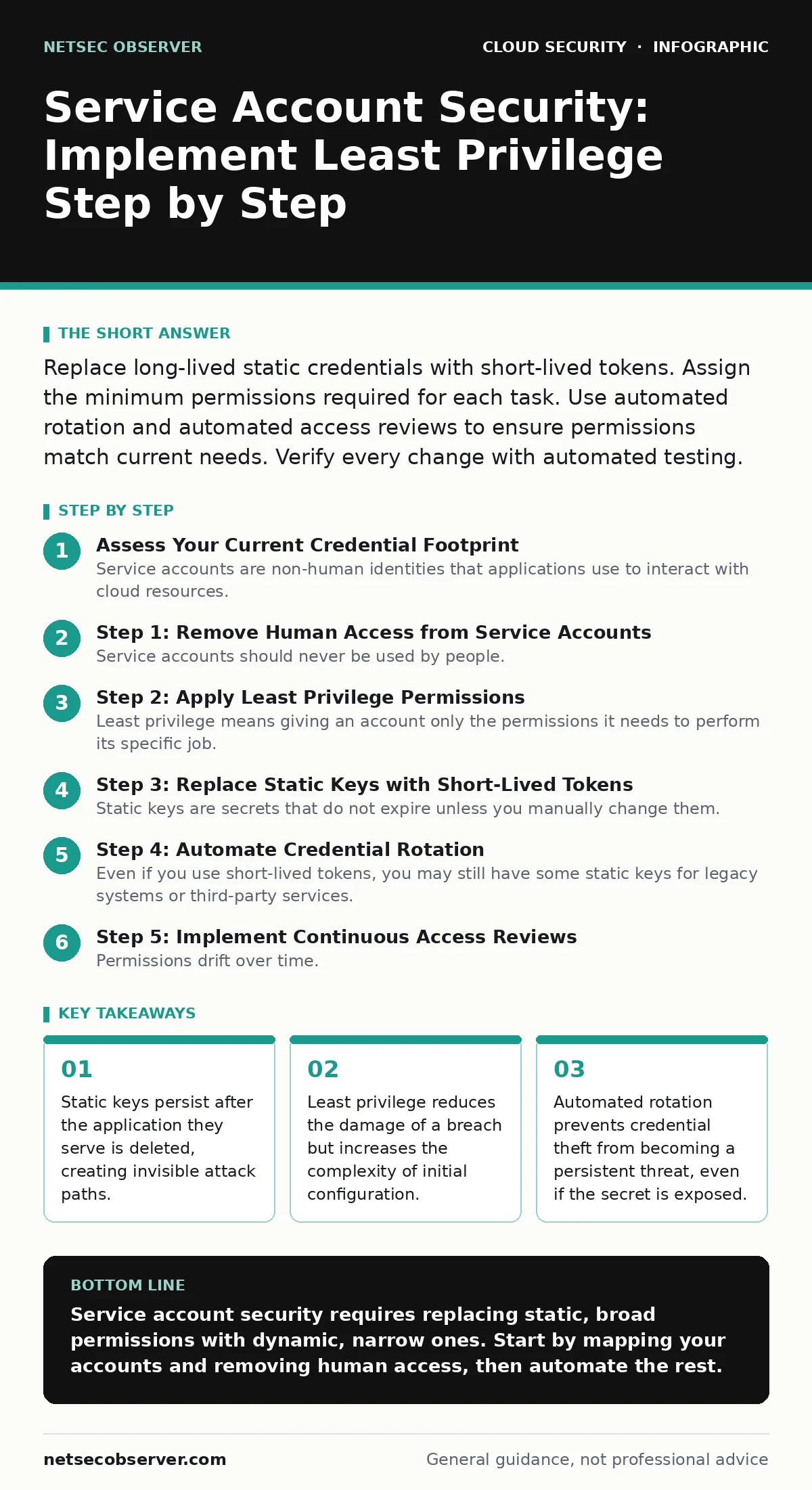
Replace long-lived static credentials with short-lived tokens. Assign the minimum permissions required for each task. Use automated rotation and automated access reviews to ensure permissions match current needs. Verify every change with automated testing.
Assess Your Current Credential Footprint
Service accounts are non-human identities that applications use to interact with cloud resources. Unlike human users, they do not log in via a browser or a mobile device. They run in the background, often with high privileges, because they need to access databases, storage, or other services automatically.
The first step is finding every service account in your environment. This includes accounts created by infrastructure-as-code tools, legacy scripts, and third-party integrations. Many organizations discover accounts that were created for a project that ended years ago. These dormant accounts are high-risk because they are rarely monitored and often retain broad permissions.
Identify where each account is used. Map the account to the specific application or workload that calls it. If an account is used by multiple applications, you must separate them. Shared credentials prevent you from knowing which application caused an error or a security event. This mapping is the foundation for all subsequent security improvements.
Step 1: Remove Human Access from Service Accounts
Service accounts should never be used by people. If a developer logs in with a service account to debug an issue, you lose the ability to track human actions separately from machine actions. This blurs the line between user error and application behavior.
Disable password-based login for all service accounts. Disable interactive console access. Force all access to go through API calls or command-line tools using specific credentials. This ensures that every action is tied to a machine identity, not a person.
How to tell it worked: Attempt to log in to the cloud console using the service account credentials. The system should reject the login. Check the audit logs to confirm that recent actions are tagged with the service account ID, not a human user ID.
Step 2: Apply Least Privilege Permissions
Least privilege means giving an account only the permissions it needs to perform its specific job. No more, no less. A common mistake is granting "Admin" or "Full Access" roles because it is faster than finding the specific permission set. This creates a massive blast radius if the account is compromised.
Review the permissions for each service account. Remove broad roles like "Owner" or "Administrator". Replace them with custom roles or predefined roles that match the exact actions the application performs. For example, if an application only reads from a storage bucket, it should not have write or delete permissions.
How to tell it worked: Run the application and verify it can perform its intended tasks. Then, try to perform an action outside its scope, such as deleting a resource it should not touch. The system should deny the request. Review the audit logs to see the denied action.
Step 3: Replace Static Keys with Short-Lived Tokens
Static keys are secrets that do not expire unless you manually change them. If a static key is leaked, it remains valid forever, or until you notice and rotate it. This gives attackers unlimited time to use the stolen credential.
Use identity providers to issue short-lived tokens. These tokens expire after a short period, such as an hour or a day. The application requests a new token automatically when the old one expires. This process is often called workload identity federation. It removes the need to store long-term secrets in configuration files or environment variables.
How to tell it worked: Check the token expiration time in the application logs. Verify that the application successfully requests new tokens before the old ones expire. Ensure that no static keys are stored in code repositories or configuration management tools. This relates directly to avoiding public code repository leaks.
Step 4: Automate Credential Rotation
Even if you use short-lived tokens, you may still have some static keys for legacy systems or third-party services. These keys must be rotated regularly. Manual rotation is prone to error and often skipped.
Set up an automated process to rotate keys. This can be a script that runs on a schedule or a cloud-native service that handles rotation. The new key must be deployed to the application before the old key is revoked. This ensures continuity of service.
How to tell it worked: Trigger a manual rotation and verify that the application continues to function without interruption. Check the audit logs to confirm that the old key was revoked and the new key was created. Ensure that no failed API calls occurred during the transition.
See also: Why is Identity Described as the New Security Perimeter · Cloud Ransomware: How It Works and How to Stop It
Step 5: Implement Continuous Access Reviews
Permissions drift over time. Applications change, and permissions that were once necessary may become excessive. Or, new permissions are added to fix a temporary issue and never removed. This is known as permission creep.
Schedule regular reviews of service account permissions. This can be a manual process for small environments or an automated workflow for larger ones. The review should question every permission. If you cannot justify why a permission is needed, remove it.
How to tell it worked: Generate a report of permissions for all service accounts. Compare it to the documented requirements. Identify any permissions that are not justified and remove them. This process complements SaaS access reviews by ensuring non-human identities are just as scrutinized as human ones.
Verify the Implementation
After completing the steps, you must verify that the security controls are working as intended. This involves both automated testing and manual inspection.
Run a penetration test or a red team exercise that targets service accounts. Attempt to use a stolen credential to access resources. If the credential is short-lived and has least privilege, the attack should fail or be limited in scope.
Check the audit logs for denied actions. A healthy system should have some denied actions, indicating that permissions are being enforced. If you see no denied actions, your permissions may be too broad.
Maintain Security Over Time
Security is not a one-time project. It is a continuous process. New applications are deployed, and old ones are retired. Service accounts must be managed throughout their lifecycle.
Automate the creation and deletion of service accounts. When an application is deleted, its service account should be deleted too. This prevents orphaned accounts from accumulating. Use infrastructure-as-code to manage permissions, ensuring that changes are tracked and reviewed.
Monitor for anomalies. If a service account suddenly accesses a new resource or makes an unusual number of API calls, investigate immediately. This may indicate a compromise or a misconfiguration.
- All service accounts are mapped to specific applications.
- Human login is disabled for all service accounts.
- Least privilege permissions are applied to all accounts.
- Static keys are replaced with short-lived tokens where possible.
- Automated rotation is in place for any remaining static keys.
- Continuous access reviews are scheduled and documented.
- Audit logs are monitored for denied actions and anomalies.
Key takeaways
- Static keys persist after the application they serve is deleted, creating invisible attack paths.
- Least privilege reduces the damage of a breach but increases the complexity of initial configuration.
- Automated rotation prevents credential theft from becoming a persistent threat, even if the secret is exposed.
Service account security requires replacing static, broad permissions with dynamic, narrow ones. Start by mapping your accounts and removing human access, then automate the rest.
Frequently asked questions
How do I handle legacy applications that cannot use short-lived tokens?
Isolate these applications in a separate network segment. Apply the strictest possible least privilege permissions. Rotate their static keys more frequently than usual, and monitor their activity closely.
What is the difference between a service account and a user account?
A user account is for humans and supports interactive login. A service account is for machines and supports API access. They should never be used interchangeably.
How often should I review service account permissions?
Review permissions at least quarterly. Review immediately after any major application change or incident. Automate the review process to ensure consistency.
Can I use the same service account for development and production?
No. Use separate accounts for different environments. This prevents a mistake in development from affecting production data. It also allows you to apply stricter controls in production.
How this guide was produced: written by the NetSec Observer editorial team with AI assistance, checked against the public references listed below, and reviewed when the facts change. See our editorial policy or report an error.