
Cloud Key Management Services Explained with Real Analogies
Your cloud provider can encrypt your data, but if they hold the keys, they can also read it without your permission.
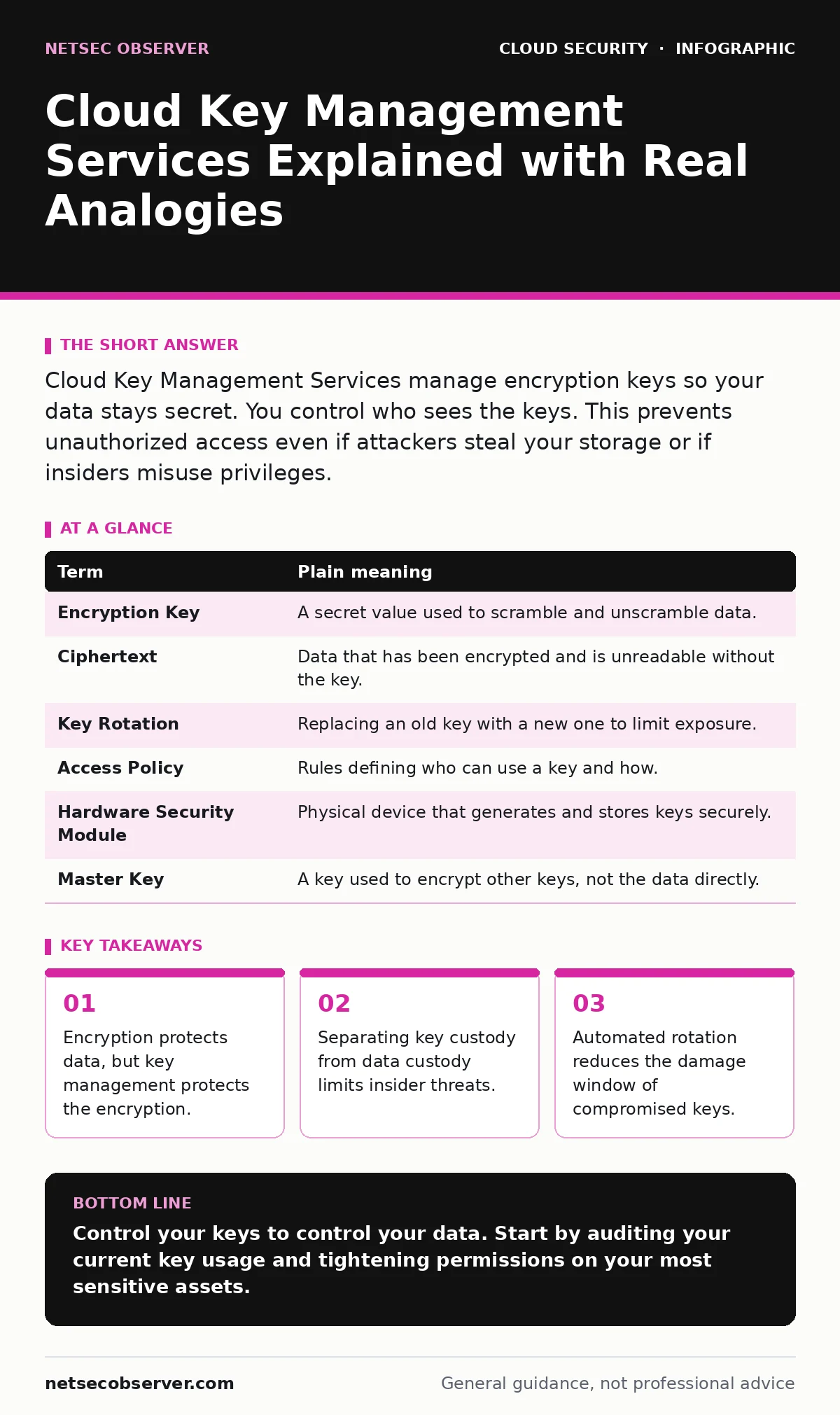
Cloud Key Management Services manage encryption keys so your data stays secret. You control who sees the keys. This prevents unauthorized access even if attackers steal your storage or if insiders misuse privileges.
The Vault and The Librarian
Imagine a library where every book is locked in a steel vault. The librarian holds the master key to every vault. The librarian can open any book, read it, and copy it. The librarian is trusted, but trust is not a technical control. If the librarian is bribed, coerced, or simply makes a mistake, every book is exposed. This is how many cloud storage services work by default. The provider encrypts your data, but they also manage the encryption keys.
Cloud Key Management Services change this dynamic. They give you a separate vault for the keys. You keep the key to the key vault. The librarian can still hand you the locked books, but she cannot open them. Only you, or people you explicitly authorize, can unlock the vault and retrieve the key to read the books. This separation is the core of modern cloud security. It turns a trust relationship into a technical constraint.
Why Key Management Matters
Encryption transforms readable data into unreadable gibberish. This process uses an algorithm and a key. The algorithm is public and standard. The key is secret. If an attacker steals your encrypted data, they have nothing without the key. However, if the same entity that stores your data also holds the keys, they have everything.
This matters because cloud providers employ thousands of people. It also matters because automated systems and scripts need access. If every system account has full access to every key, a single compromised script can unlock your entire dataset. Key management services restrict who can use a key and for what purpose. They log every use. This creates a trail that helps you detect misuse before it becomes a disaster.
Consider the difference between locking your front door and hiding the key under the mat. Encryption is the lock. Key management is deciding who gets the key and where it is hidden. Most beginners focus on the lock and ignore the key. This is a common mistake. A strong lock with a widely available key provides false security.
The Mechanics of Control
Key management services operate on the principle of least privilege. You create a key, then you define policies. These policies specify who can use the key, when they can use it, and what they can do with it. For example, you might allow a backup service to use a key only during scheduled hours. You might deny a development team from using a production key.
The service itself never sees the plaintext key. It performs cryptographic operations in secure hardware. When your application needs to encrypt data, it sends the data and the key identifier to the service. The service encrypts the data and returns the ciphertext. The application never handles the raw key. This reduces the chance of the key leaking into logs or memory.
This architecture introduces a dependency. If the key management service is unavailable, your applications cannot encrypt or decrypt data. You must design for this failure mode. Caching keys or having fallback procedures is part of a mature strategy. You trade simplicity for security and control.
Understanding the Terms
| Term | Plain meaning |
|---|---|
| Encryption Key | A secret value used to scramble and unscramble data. |
| Ciphertext | Data that has been encrypted and is unreadable without the key. |
| Key Rotation | Replacing an old key with a new one to limit exposure. |
| Access Policy | Rules defining who can use a key and how. |
| Hardware Security Module | Physical device that generates and stores keys securely. |
| Master Key | A key used to encrypt other keys, not the data directly. |
The Hidden Cost of Convenience
Using default cloud encryption is easy. You click a box, and your data is encrypted. The provider manages the keys. This is convenient, but it limits your control. You cannot audit key usage. You cannot revoke access instantly. You cannot prove to an auditor that your provider did not access your data.
Bring your own key encryption changes this. You generate the key or use a key you control. You store it in a separate service or your own hardware. This gives you custody. It also adds complexity. You must manage key rotation. You must handle key recovery. If you lose your key, your data is gone forever. The cloud provider cannot help you.
This trade-off is critical. Convenience often masks risk. When you rely on the provider for key management, you assume their internal controls are sufficient. For sensitive data, this assumption is risky. For low-risk data, it may be acceptable. You must classify your data and decide where the line is.
See also: Orphaned Cloud Resources: Risks and Protection for Small Businesses · Why is Identity Described as the New Security Perimeter
A Practical First Step
You do not need to rebuild your infrastructure to start. You can begin by auditing your current key usage. Most cloud providers offer a dashboard that shows which keys are active and who is using them. Look for keys that have broad permissions. Look for keys that have not been rotated in a long time.
Next, create a new key with strict policies. Test it with a non-critical application. Verify that the application can encrypt and decrypt data. Check the logs to ensure only the intended service accessed the key. This small test builds confidence. It also reveals gaps in your monitoring.
Finally, plan for key rotation. Set a schedule. Automate the process if possible. Manual rotation is prone to error. Automated rotation ensures that keys are fresh and that old keys are archived securely. This reduces the window of opportunity for attackers.
Integrating with Broader Security
Key management does not exist in a vacuum. It works with other controls. For example, service account security ensures that the identities using your keys are legitimate. If a service account is compromised, the attacker can use the keys. Strong identity controls prevent this.
Similarly, SaaS access reviews help you ensure that only authorized people have access to the key management console. If an insider has access, they can change policies or export keys. Regular reviews reduce this risk. You must also consider cloud ransomware. Attackers often target keys to encrypt your backups. Protecting your keys is as important as protecting your data.
Moving Forward
You now understand the basics of cloud key management services. You know the difference between provider-managed and customer-managed keys. You know the importance of least privilege and rotation. You have a plan to start small and test your changes.
The next step is to apply this knowledge to your most sensitive data. Identify your crown jewels. Protect them with the strongest controls. Then expand to other data. Security is a journey, not a destination. Each step you take reduces your risk.
Key takeaways
- Encryption protects data, but key management protects the encryption.
- Separating key custody from data custody limits insider threats.
- Automated rotation reduces the damage window of compromised keys.
Control your keys to control your data. Start by auditing your current key usage and tightening permissions on your most sensitive assets.
Frequently asked questions
Can I recover my data if I lose my encryption key?
No, if you lose the key and have no backup, the data is permanently inaccessible. The cloud provider cannot decrypt it for you.
Is it expensive to use a key management service?
Costs vary by provider and usage. Basic services are often cheap, but high-volume operations can add up. Check your provider's pricing model.
Do I need a key management service for all my data?
Not necessarily. Low-risk data can use default encryption. High-risk data requires customer-managed keys for better control and auditability.
How often should I rotate my keys?
Rotate keys regularly, such as annually or when personnel change. Automated rotation is best to ensure consistency and reduce human error.
How this guide was produced: written by the NetSec Observer editorial team with AI assistance, checked against the public references listed below, and reviewed when the facts change. See our editorial policy or report an error.