
XDR Misconceptions: Why Extended Detection and Response Fails Without Context
Extended detection and response tools amplify human judgment rather than replacing it, turning raw telemetry into actionable security insights through correlation.
Extended detection and response (XDR) is not an automated fix. It correlates data from endpoints, networks, and clouds to reduce alert fatigue. You must configure it, tune it, and act on its findings. It fails if you treat it as a set-and-forget solution or ignore the underlying security hygiene it assumes.
Misreading: XDR replaces antivirus software
Correct reading: Extended detection and response (XDR) does not replace traditional endpoint protection. It sits above it. Antivirus software uses signature matching to block known threats. XDR uses behavioral analysis to find unknown threats. You need both layers. Antivirus catches the common malware quickly.
XDR investigates the sophisticated attacks that slip past signatures. If you remove antivirus to save costs, you lose the first line of defense. XDR cannot scan every file on every drive in real-time. It relies on the endpoint agent to report events. Without a solid base layer, XDR receives too much noise. See our guide on antivirus software for baseline protection strategies.
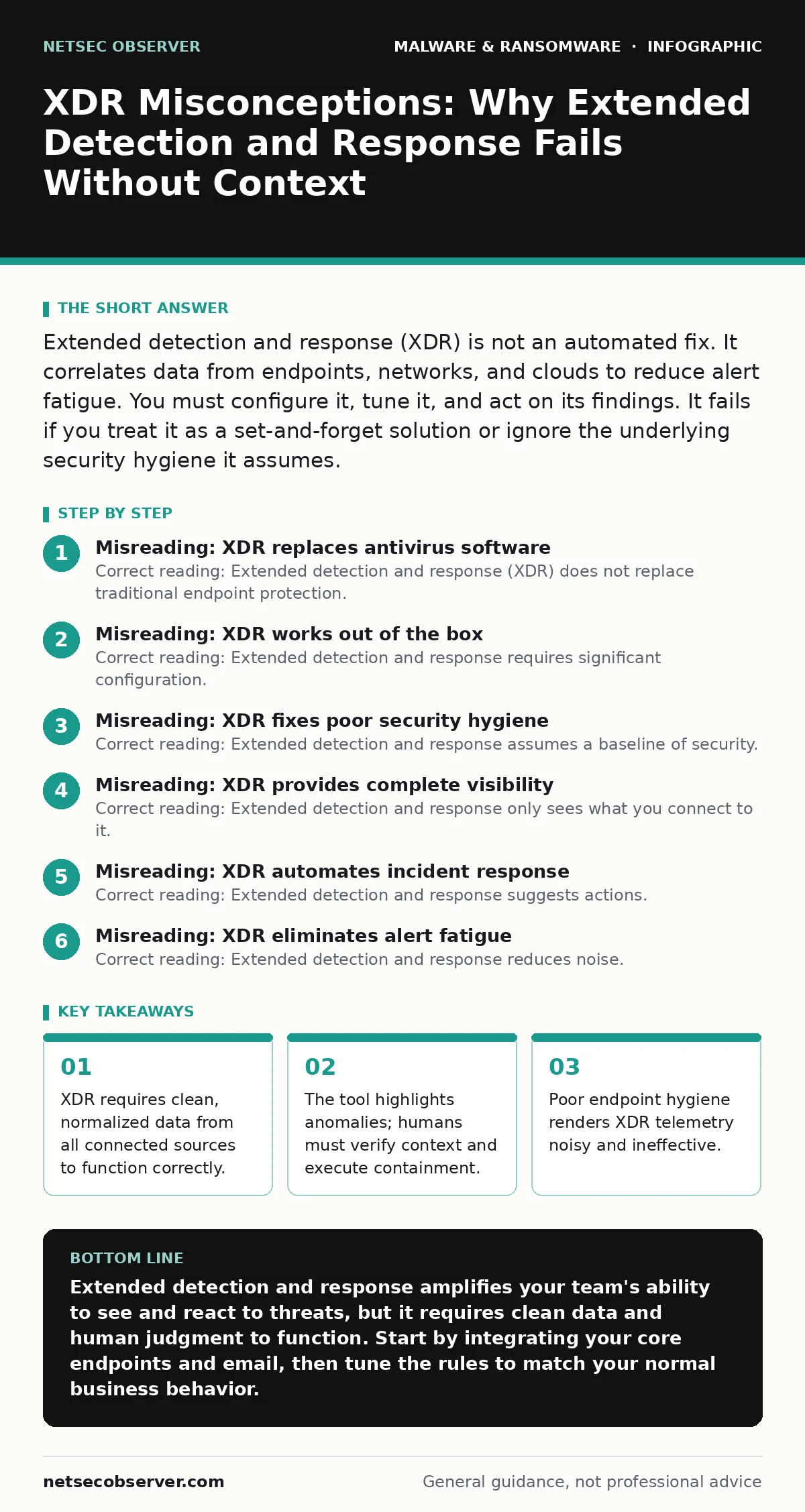
Misreading: XDR works out of the box
Correct reading: Extended detection and response requires significant configuration. It does not arrive with perfect rules. You must define what normal behavior looks like for your environment. Every organization has unique network patterns. A default setup generates false positives. These false positives cause alert fatigue.
Analysts ignore warnings when they are mostly wrong. You must tune detection rules over weeks. This involves reviewing alerts, adjusting thresholds, and whitelisting legitimate activities. The tool learns from your input. If you do not provide feedback, the system cannot improve. It remains a data pipe, not a detection engine. Proper tuning turns raw data into clear signals.
Misreading: XDR fixes poor security hygiene
Correct reading: Extended detection and response assumes a baseline of security. It cannot compensate for weak access controls. If users share passwords, XDR sees many logins from one account. It flags this as suspicious. But the root cause is identity management, not malware. If systems are unpatched, attackers exploit known vulnerabilities.
XDR detects the exploit attempt. It does not patch the hole. You must fix the vulnerability manually. XDR highlights the attack path. It does not block the entry point. Good hygiene reduces the attack surface. XDR monitors what remains. Without hygiene, you drown in alerts about preventable issues. Focus on patching and access review first.
Misreading: XDR provides complete visibility
Correct reading: Extended detection and response only sees what you connect to it. It has blind spots. If you ignore cloud storage logs, XDR misses data exfiltration there. If you exclude guest networks, it misses lateral movement from visitors. You must integrate every relevant data source. This includes endpoints, firewalls, email gateways, and identity providers.
Each source must send normalized logs. If one source fails, the correlation breaks. You lose the full picture of an attack. An attacker moves from email to endpoint to cloud. XDR must see all three steps. Missing one step breaks the chain. You cannot trust the tool if you do not trust the data feed. Ensure all critical assets are monitored.
Misreading: XDR automates incident response
Correct reading: Extended detection and response suggests actions. It does not take them automatically. You must verify before acting. Automated containment can disrupt business operations. Imagine blocking a critical server because it looks infected. The business stops. XDR provides a playbook. It tells you which endpoints to isolate.
It tells you which user accounts to disable. You execute these steps. Some platforms allow automated response for low-risk actions. But high-risk actions require human approval. You remain responsible for the decision. The tool speeds up the process. It does not remove the judgment call. You must train your team on response procedures. Speed without accuracy causes more harm.
See also: Malicious Documents: 7 Setup Mistakes That Open You to Exploits
Misreading: XDR eliminates alert fatigue
Correct reading: Extended detection and response reduces noise. It does not eliminate it. Correlation combines multiple low-level alerts into one high-level incident. This simplifies the workload. But you still receive incidents. You must triage them. Some are false positives. Some are real threats. You must distinguish between them.
The tool prioritizes based on risk. It does not decide for you. You must review the context. Did the user travel? Is it a new device? These details matter. XDR provides the timeline. You provide the interpretation. Without skilled analysts, the alerts pile up. The tool helps you focus. It does not do the focusing for you. Invest in analyst training alongside the tool.
Misreading: XDR is only for large enterprises
Correct reading: Extended detection and response scales down. Small organizations benefit from correlation too. They have fewer resources to monitor logs. XDR automates the connection between systems. It finds patterns a single person would miss. A small team can handle fewer alerts. XDR reduces the volume. It presents the important events. You do not need a large security operations center. You need a clear process. Define who reviews alerts. Define who acts on them. Keep it simple. Start with endpoints and email. Add network logs later. Grow your capability as you grow. Do not wait until you are large. Threats do not care about company size. Start small and expand.
Misreading: XDR handles all malware types
Correct reading: Extended detection and response detects behavioral anomalies. It struggles with novel fileless attacks. These attacks live in memory. They leave few traces on disk. XDR looks for unusual process creation. It looks for strange network connections. But if the behavior looks normal, XDR misses it. You need defense in depth. Use application whitelisting.
Use macro security settings to block executable code in documents. See our guide on macro security settings for specific controls. XDR is one layer. It is not the only layer. Combine it with network segmentation. Segment your network to limit movement. If XDR misses an initial breach, segmentation stops the spread. Layer your defenses. Do not rely on a single tool.
Key takeaways
- XDR requires clean, normalized data from all connected sources to function correctly.
- The tool highlights anomalies; humans must verify context and execute containment.
- Poor endpoint hygiene renders XDR telemetry noisy and ineffective.
Extended detection and response amplifies your team's ability to see and react to threats, but it requires clean data and human judgment to function. Start by integrating your core endpoints and email, then tune the rules to match your normal business behavior.
Frequently asked questions
Does XDR replace a security information and event management system?
No. XDR is a specialized subset of security information and event management. It focuses on cross-layer correlation. Security information and event management manages all logs. You may use both. XDR feeds into the broader management system.
How long does it take to deploy XDR?
Deployment takes weeks. Installation is fast. Tuning takes time. You must normalize data from different sources. You must define baseline behavior. Rushing leads to false positives. Plan for a phased rollout.
Can XDR detect ransomware before encryption?
Yes. XDR looks for preparatory behaviors. It flags data staging. It flags privilege escalation. These happen before encryption. See our guide on ransomware recovery plans for pre-incident preparation. Early detection allows containment.
Is XDR cloud-based or on-premises?
Most modern solutions are cloud-based. This allows easy scaling. It supports remote access. Some hybrid options exist. You choose based on compliance needs. Cloud reduces infrastructure maintenance.
How this guide was produced: written by the NetSec Observer editorial team with AI assistance, checked against the public references listed below, and reviewed when the facts change. See our editorial policy or report an error.