Spyware Prevention Checklist: Stop Silent Data Theft
Spyware hides in plain sight by using legitimate system tools, making standard antivirus scans insufficient for detecting advanced surveillance attacks.
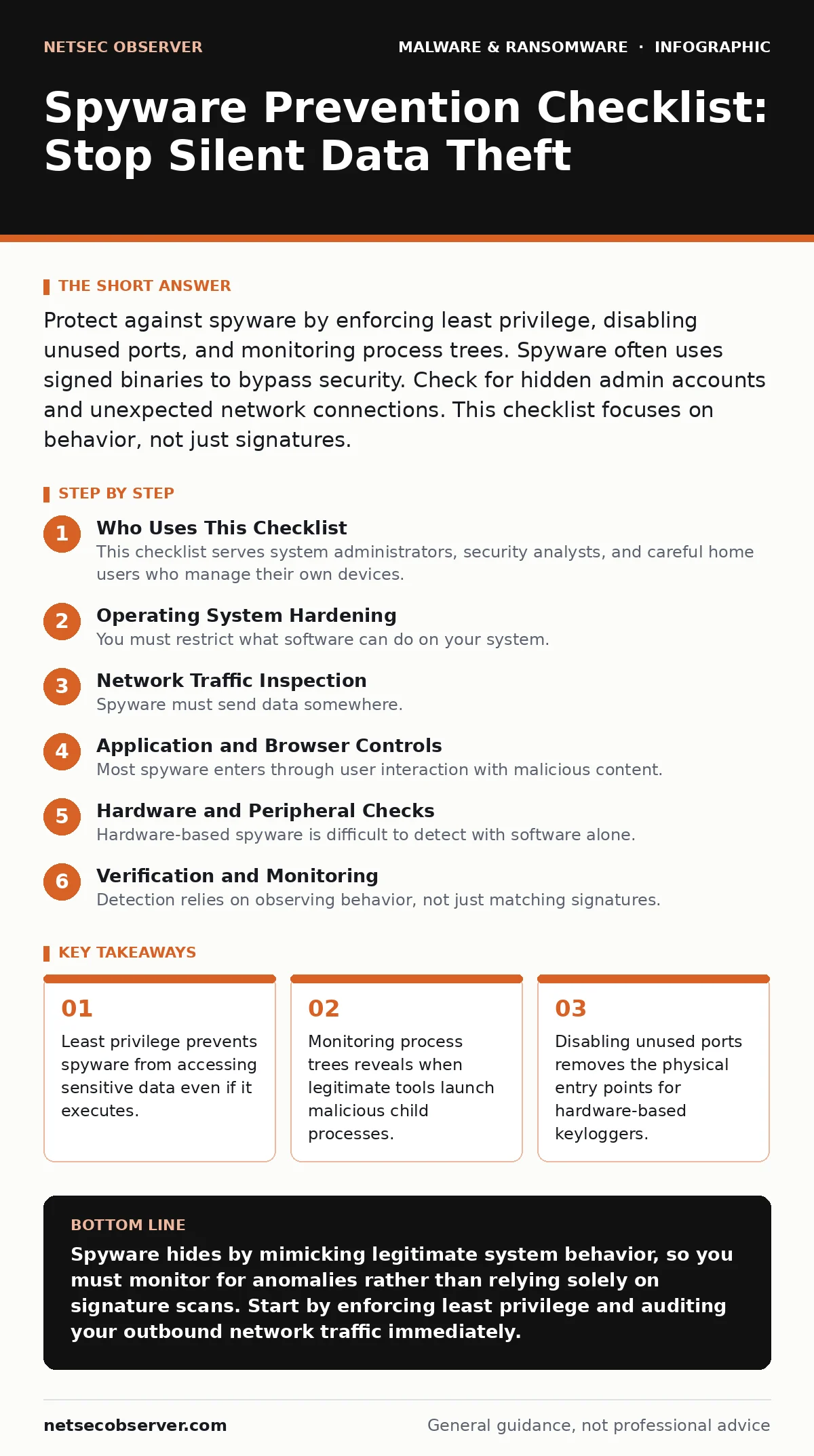
Protect against spyware by enforcing least privilege, disabling unused ports, and monitoring process trees. Spyware often uses signed binaries to bypass security. Check for hidden admin accounts and unexpected network connections. This checklist focuses on behavior, not just signatures.
Who Uses This Checklist
This checklist serves system administrators, security analysts, and careful home users who manage their own devices. You use it to verify that your environment resists silent surveillance. Spyware aims to remain invisible while exfiltrating keystrokes, screen captures, and credentials. It does not always crash your system. It often sits quietly in the background. You apply these checks monthly or after any suspicious network activity. The goal is to reduce the attack surface and increase detection speed.
Operating System Hardening
You must restrict what software can do on your system. Spyware thrives on excessive permissions.
- Enforce least privilege accounts: Users should never log in with administrator rights for daily tasks, preventing spyware from modifying system files or installing persistent drivers.
- Disable legacy protocols like SMBv1: Older network file sharing protocols often contain unpatched vulnerabilities that spyware uses to move laterally across a network without detection.
- Enable kernel mode protection: This feature prevents malicious code from hooking into the operating system core, which is a common technique for hiding rootkits and keyloggers.
- Audit scheduled tasks for anomalies: Spyware often uses legitimate scheduler services to restart itself after a reboot, ensuring persistence even if the main binary is deleted.
- Verify digital signatures of all binaries: Unsigned or self-signed executables running with high privileges are often indicators of compromised system tools or custom spyware implants.
Network Traffic Inspection
Spyware must send data somewhere. Monitoring outbound connections reveals its presence.
- Block unauthorized DNS queries: Spyware often uses DNS tunneling to exfiltrate data by encoding information in domain name requests, bypassing standard firewall rules that only check IP addresses.
- Monitor for beaconing behavior: Regular, fixed-interval connections to unknown external hosts indicate a command-and-control channel, which spyware uses to receive instructions and send stolen data.
- Disable unused network interfaces: Turning off Bluetooth, Wi-Fi, or secondary Ethernet ports when not in use reduces the attack surface for local wireless exploits and man-in-the-middle attacks.
- Inspect encrypted traffic for anomalies: While you cannot read HTTPS content, you can analyze certificate validity and connection frequency to spot connections to known malicious domains or suspicious servers.
- Review firewall logs for outbound connections: Spyware often focuses on inbound protection, leaving outbound ports open; blocking unnecessary outbound traffic stops data exfiltration even if the malware is present.
Application and Browser Controls
Most spyware enters through user interaction with malicious content. Controlling these entry points is vital.
- Disable JavaScript on untrusted sites: Scripting languages allow attackers to execute code in your browser, which can download spyware or steal session cookies without your knowledge.
- Use containerized browsers for risky activity: Isolating web sessions prevents malicious scripts from accessing your main system files, credentials, or local network resources.
- Remove unused browser extensions: Extensions often request broad permissions, including access to all websites, which spyware developers exploit to inject tracking code or capture form data.
- Enable automatic updates for all software: Delaying updates leaves known vulnerabilities open; spyware authors actively target outdated versions of common applications to gain initial access.
- Inspect downloaded files before opening: Even if a file has a familiar extension, spyware can masquerade as a document or image; scanning and verifying sources prevents execution of hidden payloads.
Hardware and Peripheral Checks
Hardware-based spyware is difficult to detect with software alone. Physical inspection is necessary.
- Check for unknown USB devices: Unauthorized USB drives or dongles may contain hardware keyloggers or network taps that intercept data before it reaches your computer’s operating system.
- Disable built-in webcams and microphones: Physical covers or BIOS-level disabling prevent spyware from capturing audio and video, which is a high-value target for corporate espionage and blackmail.
- Inspect laptop ports for tampering: Look for signs of physical alteration on USB-C or Thunderbolt ports, which could indicate the installation of hardware implants that bypass software security controls.
- Verify firmware integrity of critical components: Spyware can reside in BIOS or UEFI firmware, surviving operating system reinstalls; checking firmware hashes ensures the boot process has not been compromised.
- Remove unnecessary wireless adapters: Internal Wi-Fi or Bluetooth cards that are not used increase the risk of wireless attacks; physically removing them eliminates this attack vector entirely.
See also: XDR Misconceptions: Why Extended Detection and Response Fails Without Context · Malicious Documents: 7 Setup Mistakes That Open You to Exploits
Verification and Monitoring
Detection relies on observing behavior, not just matching signatures.
- Monitor process creation trees: Spyware often launches from legitimate processes like Windows Explorer or Chrome; analyzing parent-child relationships reveals hidden execution chains that standard antivirus might miss.
- Check for hidden administrator accounts: Attackers often create backdoor accounts with normal-sounding names; reviewing the list of local users helps identify unauthorized access points.
- Review event logs for logon failures: A spike in failed logon attempts followed by a successful login from an unusual location may indicate credential theft and subsequent spyware deployment.
- Use memory analysis tools periodically: Some spyware resides only in RAM to avoid leaving traces on the disk; specialized memory forensics can detect these fileless threats.
- Validate system file integrity: Tools that check hash values of critical system files can detect when spyware has replaced legitimate binaries with modified versions that include surveillance capabilities.
Next Steps for Deeper Defense
This checklist provides a strong baseline. For more complex environments, you need layered defenses. Consider reviewing our guide on antivirus software to understand how signature-based detection complements these behavioral checks. If you suspect a sophisticated attack, malware analysis techniques can help identify the specific capabilities of the spyware.
For enterprise environments, extended detection and response (XDR) platforms automate many of these monitoring tasks. Understanding how malvertising delivers these payloads helps you educate users on the risks of clicking ads. Finally, if an infection occurs, having a plan similar to ransomware recovery plans ensures you can restore systems quickly and securely.
Key takeaways
- Least privilege prevents spyware from accessing sensitive data even if it executes.
- Monitoring process trees reveals when legitimate tools launch malicious child processes.
- Disabling unused ports removes the physical entry points for hardware-based keyloggers.
Spyware hides by mimicking legitimate system behavior, so you must monitor for anomalies rather than relying solely on signature scans. Start by enforcing least privilege and auditing your outbound network traffic immediately.
Frequently asked questions
Can antivirus software detect all spyware?
No, antivirus software relies on known signatures and may miss new or customized spyware. Behavioral monitoring and process tree analysis are more effective for detecting unknown threats.
How do I know if my webcam is being used?
Check for active indicators on the device, review running processes for camera-related services, and monitor network traffic for unusual outbound connections that could be streaming video.
Is spyware the same as ransomware?
No, spyware steals data silently while ransomware encrypts files to demand payment. They have different goals and behaviors, though both are forms of malware.
Can spyware survive a factory reset?
Standard spyware is removed by a factory reset, but firmware-based spyware can survive. You must verify firmware integrity and check for hardware implants to ensure complete removal.
How this guide was produced: written by the NetSec Observer editorial team with AI assistance, checked against the public references listed below, and reviewed when the facts change. See our editorial policy or report an error.