
Malware Analysis FAQ: Answers to Common Questions
Static analysis reveals code structure without execution, while dynamic analysis captures runtime behavior, and both methods have distinct blind spots that require careful handling.
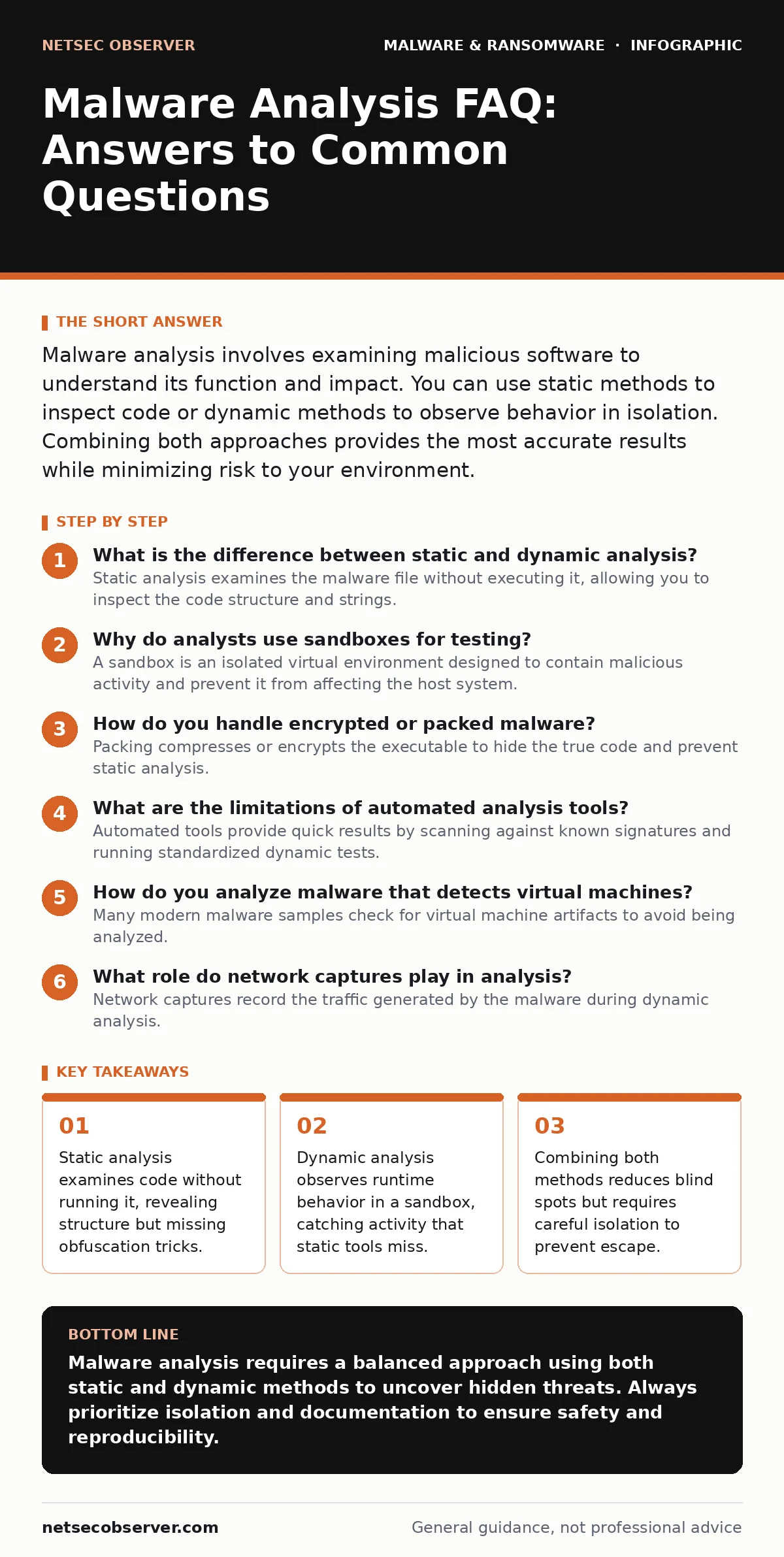
Malware analysis involves examining malicious software to understand its function and impact. You can use static methods to inspect code or dynamic methods to observe behavior in isolation. Combining both approaches provides the most accurate results while minimizing risk to your environment.
What is the difference between static and dynamic analysis?
Static analysis examines the malware file without executing it, allowing you to inspect the code structure and strings. This method is safe because the code never runs, but it often fails against heavily obfuscated or packed binaries. Dynamic analysis executes the malware in a controlled environment to observe its behavior in real time. This reveals actual actions like file creation or network connections, but it carries the risk of the malware detecting the analysis environment.
Why do analysts use sandboxes for testing?
A sandbox is an isolated virtual environment designed to contain malicious activity and prevent it from affecting the host system. You use it to run dynamic analysis safely, ensuring that any network traffic or file changes remain contained. Sandboxes often include monitoring tools that log system calls and registry modifications. However, sophisticated malware may detect sandbox indicators and alter its behavior, leading to false negatives.
How do you handle encrypted or packed malware?
Packing compresses or encrypts the executable to hide the true code and prevent static analysis. You must unpack the malware in memory before you can analyze the underlying instructions. This process often requires dynamic analysis to trigger the unpacking routine. Be aware that unpacking can execute malicious payloads, so you must perform this step in a highly isolated environment.
What are the limitations of automated analysis tools?
Automated tools provide quick results by scanning against known signatures and running standardized dynamic tests. They are efficient for high-volume screening but often miss novel or custom malware. These tools may also generate false positives if they misinterpret legitimate system behavior as malicious. You should treat automated results as a starting point rather than a final verdict.
How do you analyze malware that detects virtual machines?
Many modern malware samples check for virtual machine artifacts to avoid being analyzed. They look for specific hardware signatures, driver names, or timing anomalies associated with virtualization. You can counter this by using specialized hardware-based isolation or modifying the virtual machine to appear more like a physical system. This technique, known as anti-VM evasion, requires careful tuning to maintain analysis accuracy.
See also: How Encryption Key Management Actually Works · Ransomware Payment Debate: The Hidden Economics of Extortion
What role do network captures play in analysis?
Network captures record the traffic generated by the malware during dynamic analysis. You examine these captures to identify command-and-control servers, data exfiltration channels, and propagation methods. This helps you understand the malware's communication protocol and infrastructure. However, you must ensure the capture environment allows network access without exposing your actual network to the threat.
How do you analyze malware that targets specific operating systems?
Malware often contains platform-specific code that only runs on certain operating systems. You must use an analysis environment that matches the target OS, such as Windows, Linux, or macOS. For instance, Linux malware may exploit specific kernel vulnerabilities or use shell scripts for persistence. Using the wrong OS will result in the malware failing to execute, providing no useful data.
When should you use memory forensics?
Memory forensics examines the contents of RAM to find malware that resides only in memory. Some malware, known as fileless malware, never writes itself to disk, making traditional file analysis ineffective. You capture memory dumps during dynamic analysis to inspect running processes and injected code. This method reveals hidden activities that file-based tools cannot detect.
| Analysis Method | Primary Benefit | Main Limitation | Risk Level |
|---|---|---|---|
| Static Analysis | Safe; reveals code structure | Fails against obfuscation | Low |
| Dynamic Analysis | Shows actual behavior | May trigger detection | Medium |
| Memory Forensics | Catches fileless threats | Requires specialized tools | High |
How do you document your findings effectively?
Clear documentation ensures that your analysis can be reproduced and shared with other teams. You should record every step, including the tools used, the environment configuration, and the observed behaviors. Include screenshots of key events and logs of network traffic. This documentation supports incident response and helps in developing detection rules for future threats.
What are the common mistakes beginners make?
Beginners often rush into dynamic analysis without performing static checks first. This can lead to missing critical indicators of compromise that are visible in the code. Another common error is failing to isolate the analysis environment properly. This allows the malware to escape and infect the host system. Always follow a structured approach and verify your isolation before proceeding.
How does this relate to real-time protection?
Real-time protection relies on signatures and behavioral heuristics to block malware before it executes. Analysis helps create these signatures and improve heuristic models. By understanding how malware behaves, you can develop better detection rules for security products. However, real-time protection is not foolproof and may miss zero-day threats until they are analyzed and added to the database.
Key takeaways
- Static analysis examines code without running it, revealing structure but missing obfuscation tricks.
- Dynamic analysis observes runtime behavior in a sandbox, catching activity that static tools miss.
- Combining both methods reduces blind spots but requires careful isolation to prevent escape.
Malware analysis requires a balanced approach using both static and dynamic methods to uncover hidden threats. Always prioritize isolation and documentation to ensure safety and reproducibility.
Frequently asked questions
Can I analyze malware on my personal computer?
No, you should never analyze malware on a personal or production computer. Use a dedicated, isolated virtual machine or sandbox to prevent infection and data loss.
What is the first step in malware analysis?
Start with static analysis to examine the file properties, strings, and code structure. This provides initial indicators of compromise without executing the malware.
How do I know if a file is malicious?
Check the file hash against threat intelligence databases and look for suspicious behaviors during dynamic analysis. No single method is definitive, so combine multiple indicators.
Is dynamic analysis always necessary?
Not always, but it is crucial for understanding runtime behavior. Static analysis may miss packed or encrypted code, so dynamic analysis helps reveal the true function of the malware.
How this guide was produced: written by the NetSec Observer editorial team with AI assistance, checked against the public references listed below, and reviewed when the facts change. See our editorial policy or report an error.