
Honeytokens Explained: Silent Traps for Data Breaches
Honeytokens are invisible data traps that alert you the moment an attacker accesses sensitive information, turning passive storage into active detection.
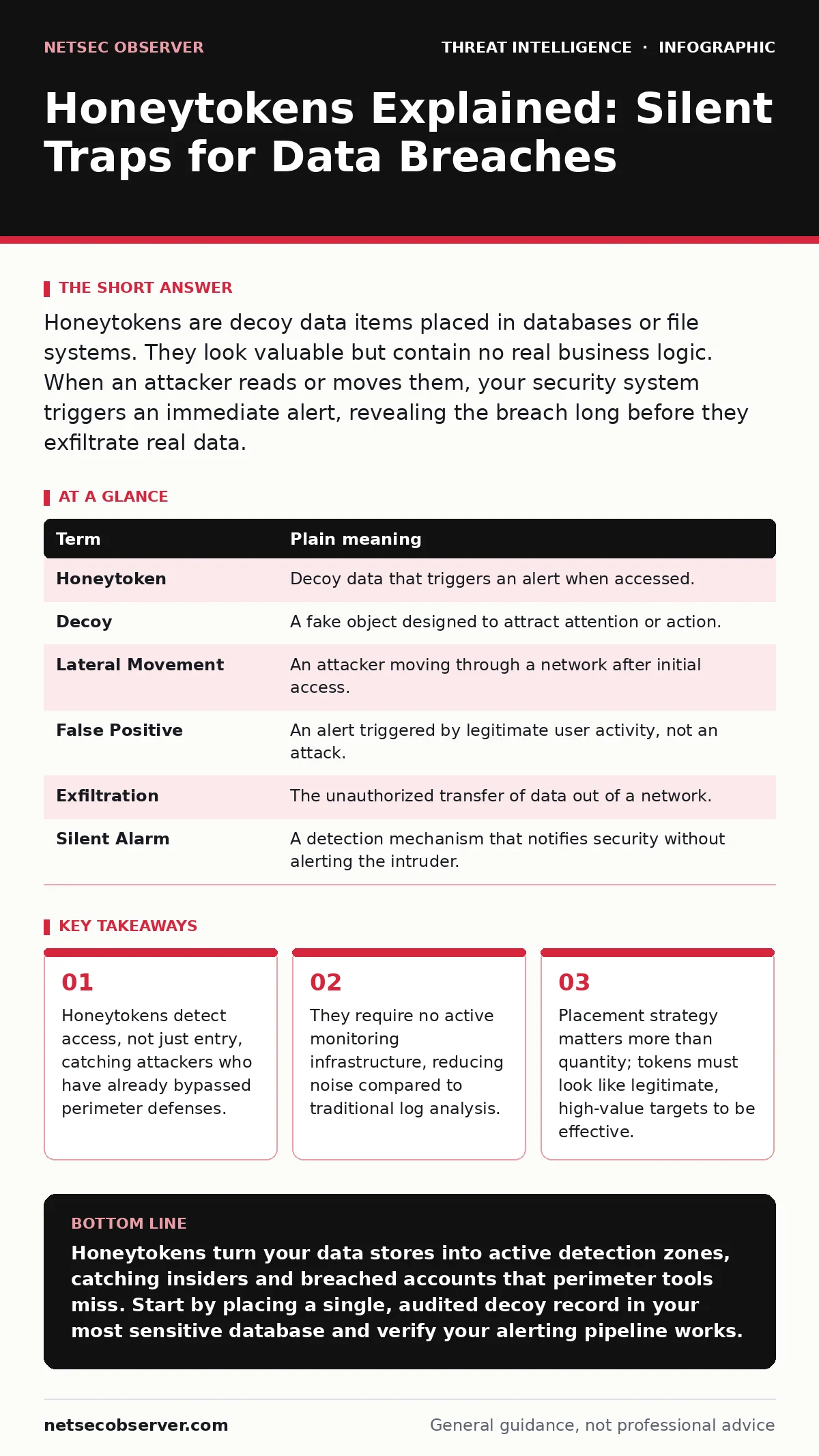
Honeytokens are decoy data items placed in databases or file systems. They look valuable but contain no real business logic. When an attacker reads or moves them, your security system triggers an immediate alert, revealing the breach long before they exfiltrate real data.
The Hidden Tripwire Analogy
Imagine you manage a high-end jewelry store. You install cameras and guards at the door, but you know thieves can pick locks or tailgate employees. Instead of relying solely on the front door, you place a single, exquisite diamond necklace on a display shelf that looks identical to the real inventory. This necklace is connected to a silent alarm. If anyone touches it, the alarm sounds. You do not care if they walk in; you care if they touch the trap. In cybersecurity, this trap is a honeytoken. It is a piece of data designed to look valuable but serves only to trigger an alert when accessed.
Why Traditional Detection Fails
Most security tools focus on the perimeter. They watch for failed logins, strange IP addresses, or known malicious signatures. This approach assumes that if you stop the entry, you stop the crime. However, once an attacker is inside your network, they often move laterally without triggering these external alarms. They may use stolen credentials that look legitimate to your system. Standard security telemetry often misses this silent movement because the traffic looks normal. Honeytokens address this blind spot by placing sensors inside the data stores themselves. They detect the act of theft, not just the attempt to break in.
Key Terms Defined
| Term | Plain meaning |
|---|---|
| Honeytoken | Decoy data that triggers an alert when accessed. |
| Decoy | A fake object designed to attract attention or action. |
| Lateral Movement | An attacker moving through a network after initial access. |
| False Positive | An alert triggered by legitimate user activity, not an attack. |
| Exfiltration | The unauthorized transfer of data out of a network. |
| Silent Alarm | A detection mechanism that notifies security without alerting the intruder. |
How Honeytokens Work in Practice
You place these tokens in locations where an attacker would likely look. If you have a database with customer records, you might add a row that looks like a valid user but contains a unique identifier linked to your alerting system. If a query returns this row, your system knows someone is reading the database in a way they should not. The token itself contains no real data. It might be a fake credit card number or a dummy API key. The value lies in the reaction, not the content. This is different from a honeypot, which is a fake server or service. A honeytoken is just data, making it much harder for an attacker to distinguish from the real thing.
The Hidden Cost of Noise
A common mistake is thinking more tokens mean better security. If you scatter hundreds of tokens randomly, legitimate applications may accidentally read them. This creates noise. Your security team will ignore alerts that happen too often, a phenomenon known as alert fatigue. The goal is precision. You want a signal that stands out. This requires understanding how your applications interact with your data. You must know which queries are normal and which are suspicious. Without this baseline, you cannot distinguish between a developer running a test and an attacker dumping the database.
See also: Indicators of Attack: Definition, Detection, and Practical Usage · Detect Spear Phishing: Log Signals and Hidden Attack Vectors
Integrating with Your Workflow
Honeytokens do not work in isolation. When a token is triggered, you need a response. This is where incident response runbooks become critical. Your team needs a pre-defined plan for what to do when a token fires. Do you isolate the server? Do you reset credentials? Do you investigate the user account that made the query? The alert is only useful if it leads to action. You can correlate the token trigger with other data sources. For example, you might check user and entity behavior analytics to see if the user account acting normally suddenly started querying sensitive tables. This context helps confirm the breach.
A First Practical Step
You do not need complex tools to start. You can implement a basic honeytoken in a SQL database today. Create a single row in a sensitive table with a unique, recognizable value. For example, add a user record with an email address like [email protected]. Configure your database audit logs to alert you if this specific email is ever selected or updated. Monitor the logs. If you see this email in a query result, investigate immediately. This simple step gives you visibility into data access that was previously blind. It costs nothing but provides immediate detection capability.
Beyond the Basics
As you gain confidence, you can expand this concept. You can place honeytokens in file shares, code repositories, and configuration files. Each location requires a different type of token. A file share might use a fake document, while a code repo might use a dummy API key. The principle remains the same: place a trap where the value is, and watch who touches it. This approach complements other detection methods. It does not replace network enumeration or open-source intelligence (OSINT), but it adds a layer of internal visibility that those external tools cannot provide.
Key takeaways
- Honeytokens detect access, not just entry, catching attackers who have already bypassed perimeter defenses.
- They require no active monitoring infrastructure, reducing noise compared to traditional log analysis.
- Placement strategy matters more than quantity; tokens must look like legitimate, high-value targets to be effective.
Honeytokens turn your data stores into active detection zones, catching insiders and breached accounts that perimeter tools miss. Start by placing a single, audited decoy record in your most sensitive database and verify your alerting pipeline works.
Frequently asked questions
Do honeytokens slow down my database performance?
Properly implemented honeytokens have negligible impact on performance because they are just data rows or files, not active processes.
Can attackers detect and remove honeytokens?
Sophisticated attackers may scan for anomalies, but if the token looks like legitimate data, they are unlikely to distinguish it from real records.
Are honeytokens legal to use?
Yes, honeytokens are generally legal as they do not actively trick users into harmful actions, but you should consult your legal team regarding local laws.
How do I avoid false positives with honeytokens?
Map all legitimate application queries and exclude those patterns from your alerting rules to ensure only unauthorized access triggers notifications.
How this guide was produced: written by the NetSec Observer editorial team with AI assistance, checked against the public references listed below, and reviewed when the facts change. See our editorial policy or report an error.