
WordPress Page Builder Breach: Response and Recovery Steps
Page builder plugins often execute code on the server side, turning a visual editing tool into a direct path for full system compromise.
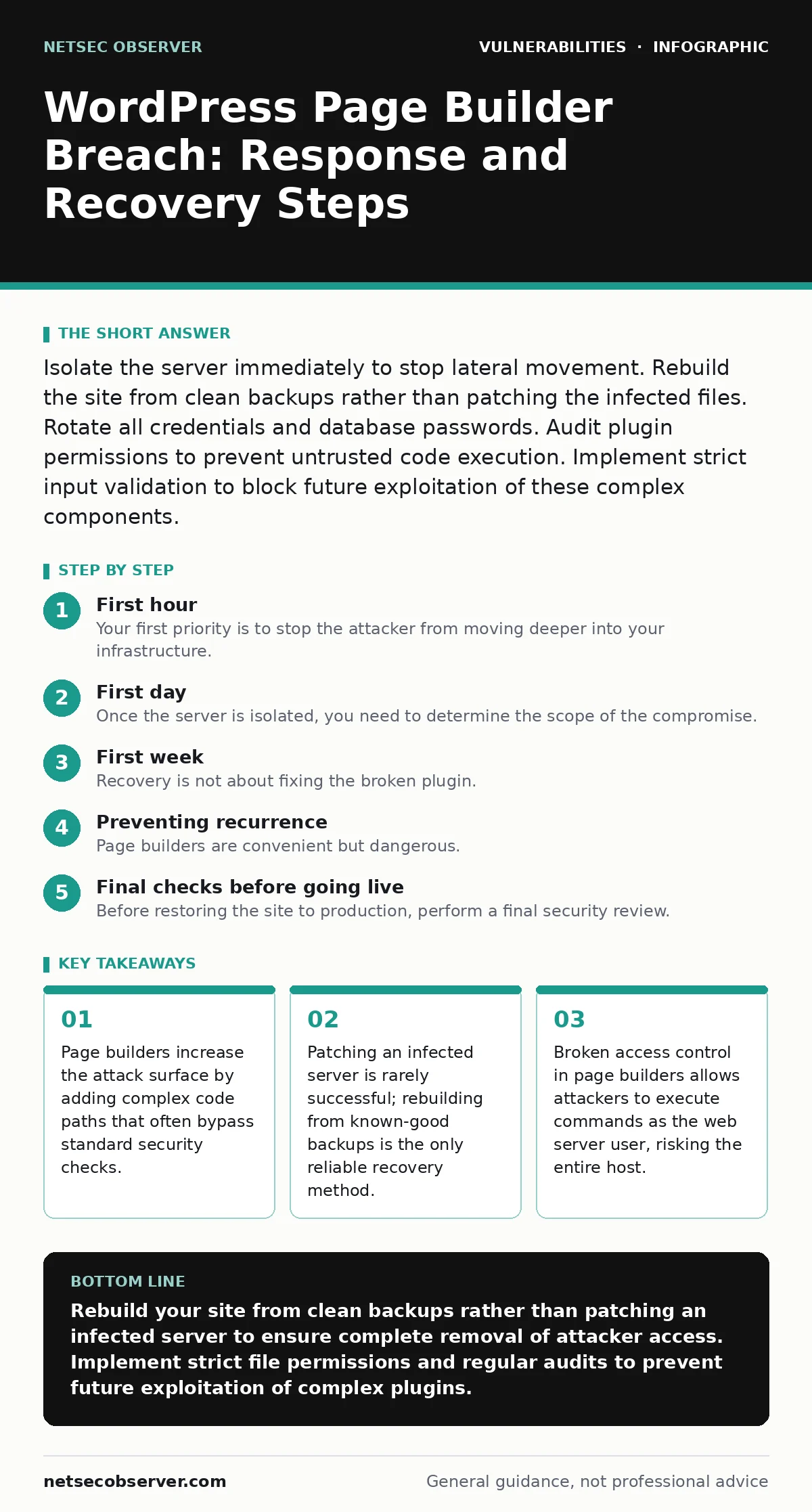
Isolate the server immediately to stop lateral movement. Rebuild the site from clean backups rather than patching the infected files. Rotate all credentials and database passwords. Audit plugin permissions to prevent untrusted code execution. Implement strict input validation to block future exploitation of these complex components.
First hour
Immediate containment actions
Your first priority is to stop the attacker from moving deeper into your infrastructure. Page builder vulnerabilities often lead to remote code execution, which means the attacker can run commands on your server. You must assume the attacker has already accessed your file system and database.
- Isolate the web server from the network. Disconnect it from the internet or place it behind a strict firewall that blocks all outbound traffic. This prevents data exfiltration and stops the attacker from downloading additional tools.
- Preserve logs. Copy access logs, error logs, and system logs to a secure, offline location. These files show the exact time of the breach and the methods used.
- Identify the compromised account. Check who logged in recently. Look for new administrative users created in the last 24 hours.
- Disable the page builder plugin. Deactivate the plugin through the database if the admin interface is inaccessible. This stops the specific code path being exploited.
- Rotate credentials. Change passwords for the WordPress admin, the database user, and the server SSH keys. Use unique, complex passwords for each.
First day
Assessment and initial cleanup
Once the server is isolated, you need to determine the scope of the compromise. Page builders are large pieces of software with many dependencies. An attacker might have used a dependency update vulnerability to inject code into a library the builder uses. You must check for backdoors in unexpected places.
- Check for new files in the
wp-contentdirectory. Look for PHP files created in the last few days. Page builders often store assets here, making it easy for attackers to hide malicious scripts among legitimate images or stylesheets. - Review the database for anomalies. Look for new users with administrator roles. Check the options table for modified paths or injected code in the
siteurlorhomefields. - Scan for web shells. These are PHP files that allow remote command execution. They often have names similar to legitimate files but contain
eval()orbase64_decode()functions. - Verify the integrity of core files. Compare your WordPress core files against a fresh download from the official source. Any mismatch indicates tampering.
Imagine you find a suspicious PHP file in the uploads folder. It looks like a random string of characters. This is likely a command injection payload disguised as a legitimate asset. Do not open it in a browser. Move it to your isolated forensic copy for analysis.
First week
Recovery and hardening
Recovery is not about fixing the broken plugin. It is about restoring trust in your environment. The most secure approach is to rebuild the site from scratch using clean backups. Patching an infected server leaves residual risk because you cannot be certain you found every backdoor.
- Restore from backups. Use a backup from before the breach. Verify that the backup is clean by scanning it on an isolated machine. Do not restore directly to the production server.
- Update all components. Install the latest versions of WordPress, the theme, and all plugins. Ensure the page builder is updated to a version that addresses known vulnerabilities.
- Harden the server configuration. Disable PHP functions that are not needed, such as
execorsystem. This limits the damage if another command injection attempt succeeds. - Implement strict file permissions. Ensure that the web server user can only write to specific directories like
wp-content/uploads. The rest of the site should be read-only for the web server.
Who to tell
Transparency is required for legal and operational reasons. You must notify specific groups based on the data exposed.
- Notify your hosting provider. They may have detected unusual activity and can provide additional logs.
- Inform your customers if personal data was exposed. Follow legal requirements for data breach notification.
- Report to relevant authorities. If the breach involves regulated data, you must report it to the appropriate government agency.
Check the CISA Known Exploited Vulnerabilities catalog to see if your specific page builder version is listed. This helps you understand if the vulnerability is widely known and actively targeted.
Preventing recurrence
Reducing the attack surface
Page builders are convenient but dangerous. They allow users to create complex layouts without coding, but this flexibility often leads to broken access control. Attackers exploit these gaps to execute code as the server user. You must limit what the page builder can do.
- Disable the page builder for non-administrators. Only trusted developers should have access to the builder interface. Regular users should use the standard block editor.
- Use a web application firewall. This filters malicious requests before they reach your server. It can block common attack patterns like SQL injection attempts targeting the plugin’s database queries.
- Monitor for unusual activity. Set up alerts for new admin users, changes to core files, or outbound connections from the web server.
- Regularly audit plugins. Remove any plugin that is not actively maintained. Outdated plugins are the most common entry point for attackers.
Understanding the hidden costs
The cost of a page builder breach extends beyond immediate recovery. You lose trust with your users. The time spent rebuilding the site is time not spent on development. The complexity of page builders makes security audits difficult. You often cannot see the code running on your site without deep technical knowledge.
Consider the trade-off between convenience and security. Page builders allow rapid site creation, but they add significant complexity to your security posture. A simpler site with fewer plugins is easier to secure. Evaluate whether the visual editing features are worth the increased risk.
Suppose you rely on a page builder for client work. You must ensure that the builder does not have access to sensitive server functions. Restrict its permissions to the minimum required for layout editing. This reduces the impact of a potential breach.
See also: Cybersecurity Incident Response Team: How It Works and Why It Matters · Dark Web Monitoring Mistakes That Waste Your Budget
Final checks before going live
Before restoring the site to production, perform a final security review. This step ensures that the new environment is secure and that no remnants of the attack remain.
- Test all forms and login pages. Ensure that input validation is working correctly. Attackers often exploit SQL injection vulnerabilities in contact forms or login pages.
- Verify that SSL certificates are valid. Ensure that all traffic is encrypted. This prevents attackers from intercepting sensitive data.
- Check for mixed content. Ensure that all resources are loaded over HTTPS. Mixed content warnings can indicate that some files were not restored correctly.
- Perform a vulnerability scan. Use a security scanner to check for known vulnerabilities in the restored site. This helps identify any issues that were missed during the manual audit.
Remember that security is an ongoing process. Regular updates and monitoring are necessary to maintain a secure environment. Do not assume that rebuilding the site solves all problems. You must continue to monitor for new threats and vulnerabilities.
Key takeaways
- Page builders increase the attack surface by adding complex code paths that often bypass standard security checks.
- Patching an infected server is rarely successful; rebuilding from known-good backups is the only reliable recovery method.
- Broken access control in page builders allows attackers to execute commands as the web server user, risking the entire host.
Rebuild your site from clean backups rather than patching an infected server to ensure complete removal of attacker access. Implement strict file permissions and regular audits to prevent future exploitation of complex plugins.
Frequently asked questions
Can I just update the page builder plugin to fix the breach?
No, updating the plugin does not remove backdoors or stolen data. The attacker likely accessed your server directly. You must rebuild the site from a clean backup to ensure security.
How do I know if my page builder is vulnerable?
Check the plugin’s changelog and security advisories. Look for mentions of security fixes. Compare your version against the latest release. If the plugin is outdated, it is likely vulnerable.
Should I disable the page builder entirely?
Consider disabling it for non-admin users. The standard block editor is simpler and has a smaller attack surface. Use the page builder only for complex layouts that require specific features.
What is the most common way page builders are exploited?
Attackers often exploit broken access control or remote code execution vulnerabilities. They use these flaws to upload malicious files or execute commands on the server, gaining full control.
How this guide was produced: written by the NetSec Observer editorial team with AI assistance, checked against the public references listed below, and reviewed when the facts change. See our editorial policy or report an error.