
Denial-of-Wallet Attacks: How to Stop Cloud Billing Exploits
Attackers do not steal your data in denial-of-wallet attacks; they exhaust your budget by forcing your infrastructure to perform expensive operations.
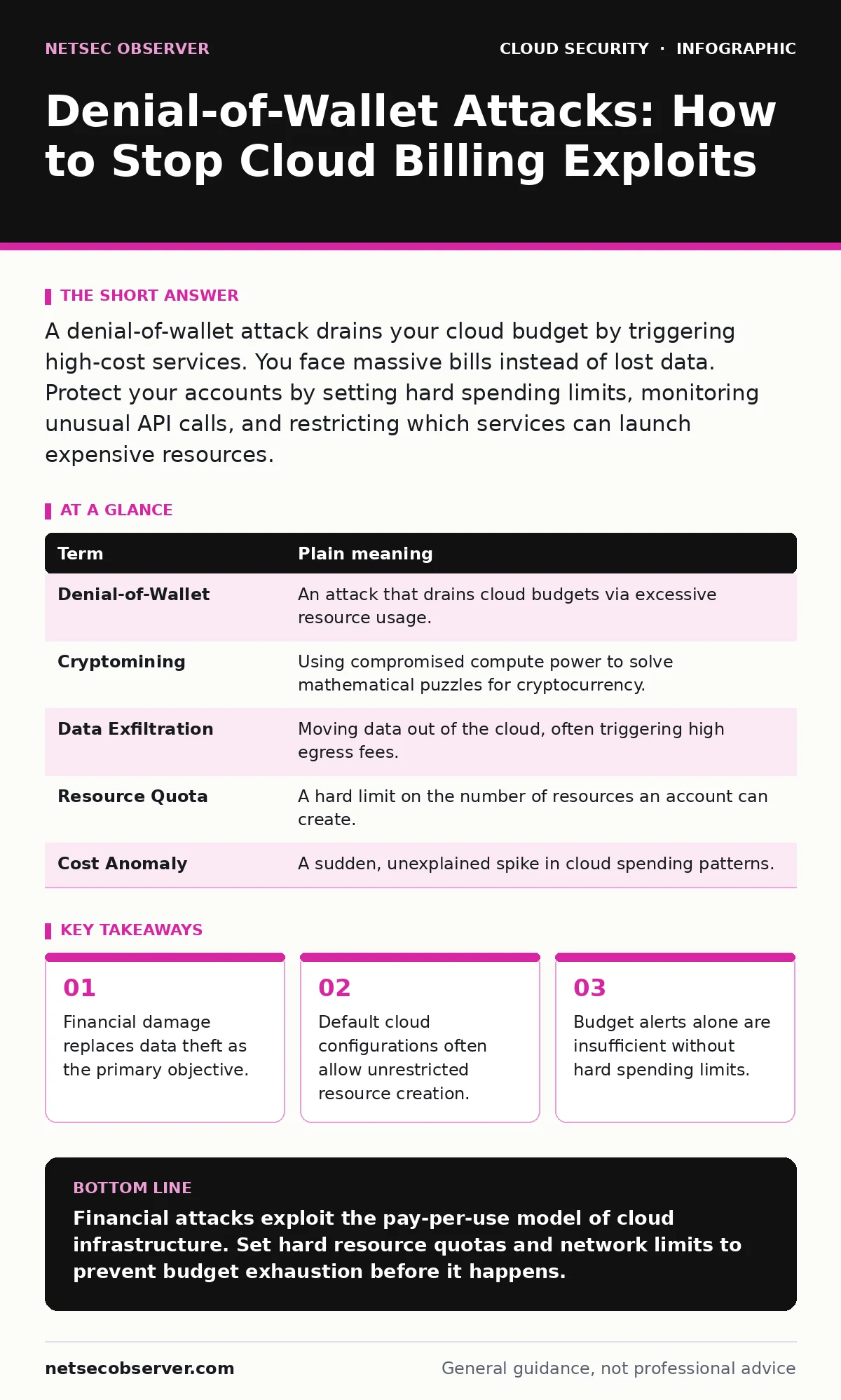
A denial-of-wallet attack drains your cloud budget by triggering high-cost services. You face massive bills instead of lost data. Protect your accounts by setting hard spending limits, monitoring unusual API calls, and restricting which services can launch expensive resources.
The Pay-Per-Use Trap
Imagine you run a laundromat where customers pay for every minute the machines run. A thief does not steal clothes from the dryers. Instead, they start every machine in the building and leave them running for days. You do not lose inventory, but you pay for electricity and water until your bank account empties.
Cloud computing works on this exact model. You pay for compute, storage, and network traffic as you consume them. An attacker who gains access to your account does not need to exfiltrate sensitive files. They simply need to trigger expensive operations.
Defining the Attack Vector
A denial-of-wallet attack is a specific type of financial abuse. The attacker exploits the pay-per-use nature of cloud infrastructure. They launch high-cost resources or generate massive amounts of outbound traffic.
The goal is not to disrupt service availability in the traditional sense. The goal is to incur debt. Once the bill exceeds your willingness to pay, you shut down the account. The attacker succeeds by forcing you to pay or forcing you to lose access to your own infrastructure.
Why Defaults Enable This
Most cloud platforms ship with permissive default settings. These defaults assume you want to build and test freely. They rarely restrict how many high-performance servers you can launch. They also rarely limit the amount of data you can transfer out of the cloud.
This frictionless environment is dangerous for security. If an attacker compromises a single credential, they have the keys to the kingdom. They can spin up hundreds of virtual machines in seconds. Each machine might cost a fraction of a cent per hour, but thousands of them create an immediate, massive bill.
See how service account security failures often provide the initial foothold for these financial exploits.
| Term | Plain meaning |
|---|---|
| Denial-of-Wallet | An attack that drains cloud budgets via excessive resource usage. |
| Cryptomining | Using compromised compute power to solve mathematical puzzles for cryptocurrency. |
| Data Exfiltration | Moving data out of the cloud, often triggering high egress fees. |
| Resource Quota | A hard limit on the number of resources an account can create. |
| Cost Anomaly | A sudden, unexplained spike in cloud spending patterns. |
The Hidden Cost of Traffic
Compute costs are obvious, but network egress fees are often overlooked. Cloud providers charge for data leaving their network. Attackers know this. They can use your infrastructure to host large files or act as a relay for other malicious traffic.
Imagine the laundromat again, but this time the thief drains the water tanks and dumps it on the street. You pay for the water, and you also pay for the cleanup. In the cloud, every gigabyte sent out costs money. An attacker can generate terabytes of traffic in hours.
This is why cloud key management services must be tightly controlled. If an attacker can encrypt your data and hold it hostage, they can also force you to pay for the storage and processing of that encrypted data.
Limits Are Not Alerts
Many users rely on budget alerts to stop these attacks. An alert sends you an email when spending reaches a certain threshold. This is a notification, not a control. The attack continues while you read the email. By the time you react, the damage is done.
You need hard limits, not just warnings. Cloud providers allow you to set resource quotas. These quotas prevent the creation of new resources once a limit is reached. They act as a circuit breaker for your budget.
Review your SaaS access reviews regularly to ensure no unnecessary permissions exist. Excessive permissions make it easier for an attacker to bypass your intended limits.
See also: Why is Identity Described as the New Security Perimeter · Cloud Ransomware: How It Works and How to Stop It
Simple Safety Habits
You can protect yourself with three straightforward steps. These steps do not require advanced coding skills. They rely on configuration and monitoring.
- Set hard resource quotas. Limit the number of high-performance instances your account can create. This prevents an attacker from launching thousands of servers at once.
- Implement strict network egress rules. Block outbound traffic to unknown destinations. This stops attackers from using your bandwidth for data theft or relay services.
- Enable multi-factor authentication everywhere. This adds a layer of difficulty for attackers trying to access your account. Even if they have your password, they cannot log in without the second factor.
The Human Element
These attacks often start with a simple mistake. An employee might share credentials or click a phishing link. Once inside, the attacker looks for financial leverage. They do not care about your intellectual property. They care about your wallet.
Imagine you leave your wallet on a park bench. A thief does not need to crack a safe. They just pick it up. In the cloud, shared credentials are that wallet.
Ensure single sign-on is enforced across your organization. This centralizes access control and makes it easier to revoke access when an employee leaves or a device is lost.
Key takeaways
- Financial damage replaces data theft as the primary objective.
- Default cloud configurations often allow unrestricted resource creation.
- Budget alerts alone are insufficient without hard spending limits.
Financial attacks exploit the pay-per-use model of cloud infrastructure. Set hard resource quotas and network limits to prevent budget exhaustion before it happens.
Frequently asked questions
Can I recover money lost to a denial-of-wallet attack?
Most cloud providers do not refund bills incurred from compromised accounts. Prevention is the only reliable safeguard against financial loss.
How do I know if I am under attack?
Look for sudden spikes in resource creation or network traffic. Configure automated alerts for unusual API calls or cost anomalies.
Are free tier accounts safe from these attacks?
Free tiers have strict limits, which can mitigate damage. However, attackers can still cause service disruption or abuse free resources for other malicious purposes.
Does encryption protect against denial-of-wallet attacks?
Encryption protects data confidentiality, not your budget. An attacker can still launch expensive resources even if they cannot read your stored data.
How this guide was produced: written by the NetSec Observer editorial team with AI assistance, checked against the public references listed below, and reviewed when the facts change. See our editorial policy or report an error.