
Secrets in Source Code: Risks and Protection for Small Businesses
Hardcoded credentials in public repositories remain active until you rotate them, creating a persistent backdoor that bypasses perimeter defenses.
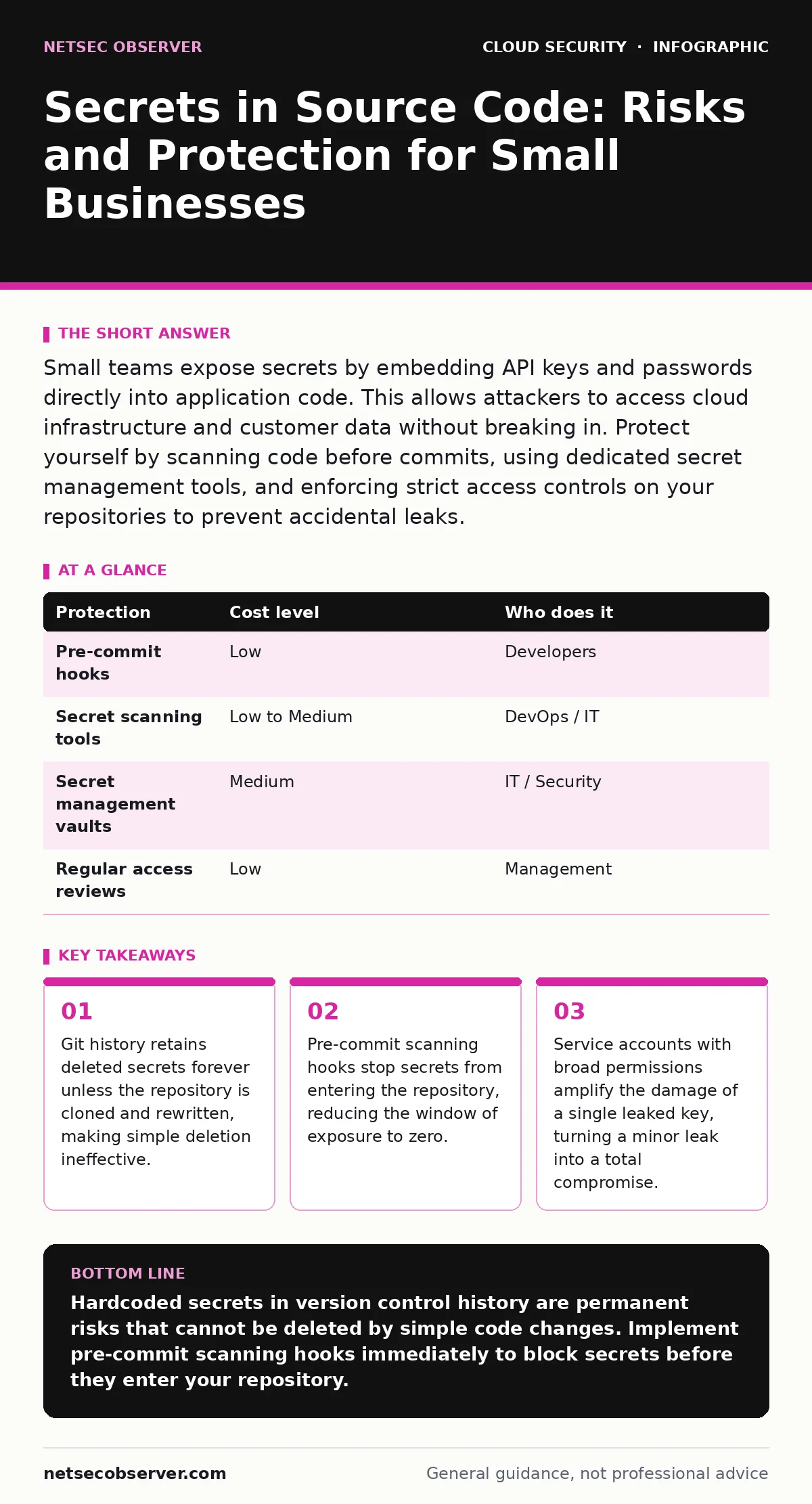
Small teams expose secrets by embedding API keys and passwords directly into application code. This allows attackers to access cloud infrastructure and customer data without breaking in. Protect yourself by scanning code before commits, using dedicated secret management tools, and enforcing strict access controls on your repositories to prevent accidental leaks.
The Hidden Debt of Hardcoded Keys
This scenario is common because it feels convenient. You embed a password or API key directly into the source code so the application can function without external configuration. This practice is called hardcoding. It works until the code leaves your local machine. Once the code is shared with other developers, stored in a version control system, or deployed to a public repository, that secret is no longer yours alone.
The risk is not just about the secret itself. It is about what that secret unlocks. A single API key often grants access to databases, email servers, or cloud infrastructure. For small organizations, this is catastrophic. You likely do not have the budget for a dedicated security operations center to monitor for breaches. You rely on the assumption that your code is safe. When that assumption fails, the attacker has already won.
Why Small Teams Are Exposed
Small organizations face unique pressures that lead to secret leakage. Speed is often prioritized over security. Developers are encouraged to ship features quickly. Adding a complex authentication layer feels like a hurdle. So, they paste a key into the code. It works. The feature launches. The key remains.
Another factor is the lack of specialized tooling. Large enterprises use automated pipelines that scan every line of code before it is merged. Small teams often rely on manual reviews. Humans are bad at spotting a sixty-character string of alphanumeric characters hidden in a function. We look for logic errors, not for strings that look like secrets.
There is also a misconception about privacy. Many developers assume that their private repositories are safe. They are not. Private repositories can be compromised through employee turnover, insider threats, or supply chain attacks. If a contractor has access to the repo, they have access to the secrets. If that contractor’s machine is infected with malware, the secrets are exfiltrated. You must treat all code as potentially public.
The Persistence of Git History
A common mistake is deleting the secret from the code and pushing the change. You think the secret is gone. It is not. Git is a distributed version control system. It keeps a complete history of every change ever made. The secret exists in every previous commit.
Anyone with access to the repository can view the history. They can see the commit where the secret was added. They can see the commit where it was removed. The secret is still there, waiting to be found. This applies even if you delete the entire file. The file content remains in the object store of the repository.
To truly remove a secret, you must rewrite the repository history. This involves cloning the repo, filtering out the secret from every commit, and force-pushing the new history. This is disruptive. It breaks other developers’ local copies. It requires coordination. Because this process is difficult, most teams never do it. They leave the secret in the history, hoping no one looks. Attackers write scripts that scan git history specifically for this reason.
Low-Cost Protections That Actually Work
You do not need expensive enterprise software to protect your secrets. You need discipline and the right hooks. The goal is to prevent the secret from entering the repository in the first place. This is easier than cleaning it up afterward.
| Protection | Cost level | Who does it |
|---|---|---|
| Pre-commit hooks | Low | Developers |
| Secret scanning tools | Low to Medium | DevOps / IT |
| Secret management vaults | Medium | IT / Security |
| Regular access reviews | Low | Management |
Pre-commit hooks are scripts that run before you push code to the remote repository. They scan your changes for patterns that look like secrets. If a pattern is found, the commit is blocked. This stops the leak at the source. It is immediate feedback. The developer learns instantly that they made a mistake.
Secret scanning tools can be integrated into your continuous integration pipeline. They scan the entire repository, including history, for known secret formats. They alert you if they find something. This catches secrets that were missed by pre-commit hooks. It also catches secrets that were already in the repo before you started using the tool.
Secret management vaults store secrets separately from the code. The application requests the secret at runtime. The secret never touches the source code. This is the most secure approach. It requires more setup, but it eliminates the risk of hardcoded secrets entirely. For small teams, cloud key management services offer a managed way to do this without maintaining your own infrastructure.
What to Ask Your IT Provider
If you outsource your IT or development, you must verify how they handle secrets. Vague promises are not enough. You need specific answers. Your provider should be able to explain their process clearly.
- Do you use pre-commit hooks to block secrets before they are pushed?
- How do you scan existing repositories for leaked secrets?
- Do you store secrets in a vault or in configuration files?
- What is your process for rotating secrets if a leak is suspected?
- How do you manage access to production environments?
If the provider cannot answer these questions, they are likely not taking secret management seriously. You are paying for their expertise. Part of that expertise is protecting your credentials. Do not accept "we are careful" as an answer. Ask for evidence. Ask for documentation.
Be wary of providers who recommend storing secrets in environment variables without encryption. Environment variables are often visible in process lists or logs. They are not a secure storage mechanism. They are a convenience. A proper solution uses encryption and access controls.
See also: Orphaned Cloud Resources: Risks and Protection for Small Businesses · Why is Identity Described as the New Security Perimeter
The Cost of a Breach
The cost of a secret leak goes beyond the immediate data loss. It includes the time spent identifying the scope of the breach. You must determine which systems were accessed. You must rotate every credential that might have been exposed. This includes database passwords, API keys, and service account tokens.
This rotation process is disruptive. It takes time. It requires coordination across teams. During this time, your services may be down. Your customers may be unable to use your product. This damages your reputation. Trust is hard to build and easy to lose.
There is also the legal and compliance cost. If you handle customer data, you may be required to report the breach. This brings legal fees and potential fines. The cost of preventing the leak is a fraction of the cost of responding to it. Investing in secret management is an investment in business continuity.
Beyond Secrets: The Bigger Picture
Secrets in source code are often part of a larger security gap. If you are managing secrets, you should also review your SaaS access reviews to ensure that users have only the permissions they need. A leaked secret is less dangerous if the account it belongs to has limited access.
You should also consider service account security. Service accounts are used by applications to access resources. They often have broad permissions. If a service account credential is leaked, the attacker has broad access. Limit the scope of service accounts. Use short-lived tokens where possible.
For further reading on managing encryption keys, you may want to look at our guide on bring your own key encryption. This approach gives you more control over your data. It ensures that even if the cloud provider is compromised, your data remains encrypted with your keys.
Building a Culture of Security
Technology alone is not enough. You need a culture that values security. Developers should feel comfortable asking questions about security. They should not feel pressured to cut corners to meet deadlines.
Encourage peer reviews. Have another developer look at the code before it is merged. They may spot a secret that the original developer missed. Make security a shared responsibility. It is not just the IT team’s job. It is everyone’s job.
Train your team on secure coding practices. Teach them how to use secret management tools. Show them the risks of hardcoding. Make it part of your onboarding process. New employees should know how to handle secrets from day one.
Security is a journey, not a destination. You will make mistakes. You will leak secrets. The goal is to minimize the impact and recover quickly. By implementing the protections described here, you reduce your risk significantly. You protect your business, your customers, and your reputation.
Key takeaways
- Git history retains deleted secrets forever unless the repository is cloned and rewritten, making simple deletion ineffective.
- Pre-commit scanning hooks stop secrets from entering the repository, reducing the window of exposure to zero.
- Service accounts with broad permissions amplify the damage of a single leaked key, turning a minor leak into a total compromise.
Hardcoded secrets in version control history are permanent risks that cannot be deleted by simple code changes. Implement pre-commit scanning hooks immediately to block secrets before they enter your repository.
Frequently asked questions
Can I just delete the file containing the secret?
No, version control systems like Git keep a history of all changes. The secret remains in previous commits and can be recovered by anyone with access to the repository history.
Are environment variables secure for storing secrets?
Environment variables are not secure for long-term storage. They can be exposed in logs, process lists, or memory dumps. Use a dedicated secret management vault for secure storage.
How often should I rotate my API keys?
Rotate API keys regularly, such as every ninety days, or immediately if you suspect a compromise. Regular rotation limits the damage if a key is leaked without your knowledge.
What is a pre-commit hook?
A pre-commit hook is a script that runs automatically before you push code to a remote repository. It can scan your changes for secrets and block the commit if it finds any.
How this guide was produced: written by the NetSec Observer editorial team with AI assistance, checked against the public references listed below, and reviewed when the facts change. See our editorial policy or report an error.