
How to Implement Security Metrics: A Step-by-Step Guide
Most security metrics fail because they measure effort rather than risk, creating data that looks active but hides the actual exposure of your systems.
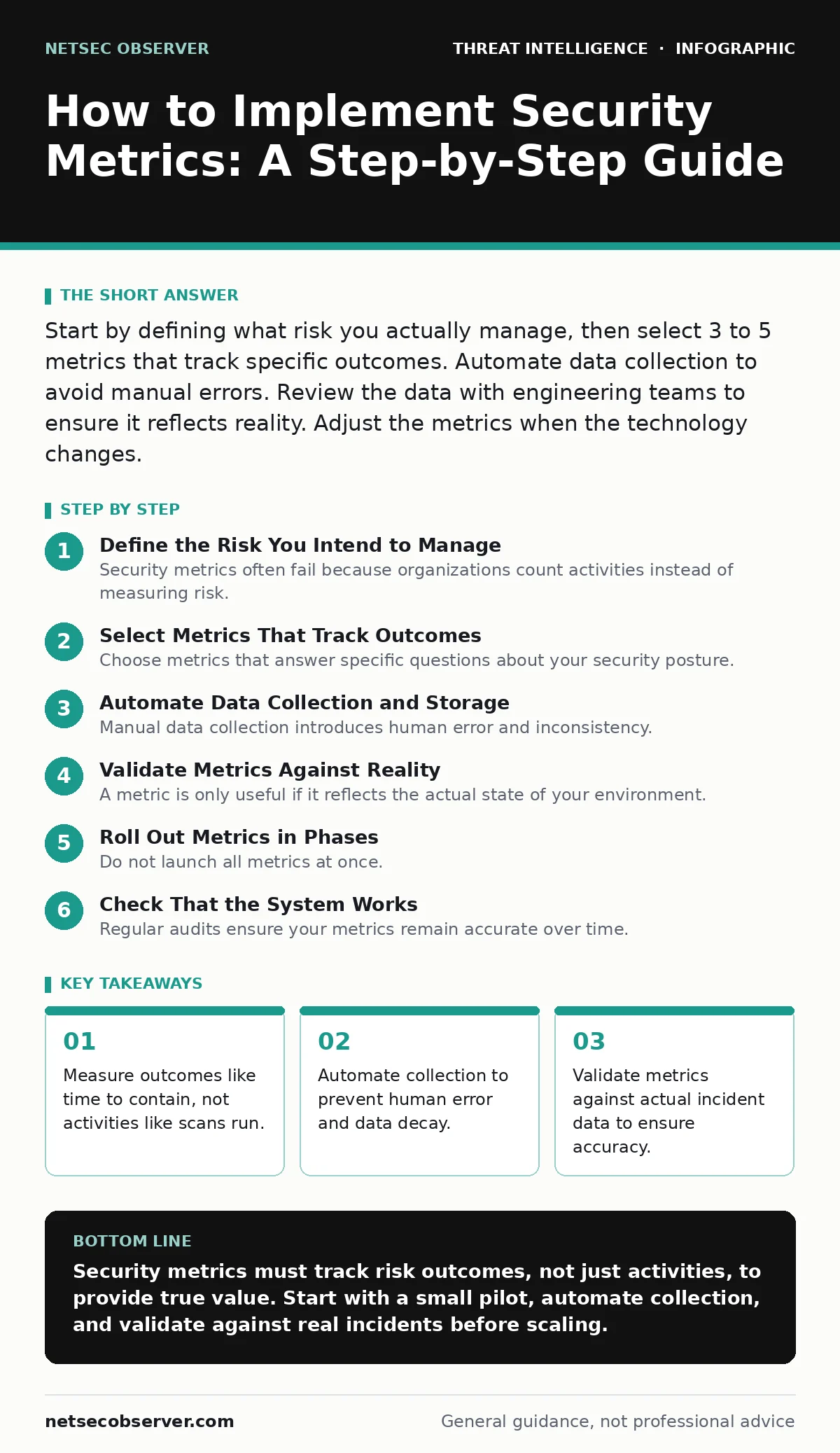
Start by defining what risk you actually manage, then select 3 to 5 metrics that track specific outcomes. Automate data collection to avoid manual errors. Review the data with engineering teams to ensure it reflects reality. Adjust the metrics when the technology changes.
Define the Risk You Intend to Manage
Security metrics often fail because organizations count activities instead of measuring risk. Counting the number of patches applied tells you nothing about whether the system remains vulnerable to exploitation. You must first identify the specific risks that threaten your business operations. This requires understanding your assets and the threats that target them.
Imagine you manage a web application. The risk is not "software exists." The risk is "unauthorized access leads to data loss." Your metrics must track the probability and impact of that specific event. If you measure general server uptime, you miss the security context. Align every metric with a concrete business outcome.
This approach connects directly to how you build a threat intelligence program. You cannot measure what you do not understand. Define the threat model first. Then select metrics that prove you are reducing that specific threat. This prevents the common error of measuring vanity metrics that look good in reports but provide no security value.
Select Metrics That Track Outcomes
Choose metrics that answer specific questions about your security posture. Avoid leading indicators that only show effort. Instead, select lagging indicators that show results. A good metric is measurable, actionable, and relevant to the risk you defined earlier.
Consider these three categories for your initial selection:
- Time to detect: How long does it take to identify a compromise?
- Time to contain: How long does it take to stop the spread?
These metrics force you to look at performance rather than activity. They reveal bottlenecks in your response process. They also highlight where your tools are failing to provide visibility. Do not select more than 5 metrics initially. Too many metrics dilute focus and make analysis difficult.
Automate Data Collection and Storage
Manual data collection introduces human error and inconsistency. If a team member forgets to log an incident, the metric becomes inaccurate. You must automate the gathering of data from your security tools. This ensures the data is complete and timely.
Integrate your security information and event management system with your ticketing system. This creates a single source of truth. Ensure that timestamps are synchronized across all systems. Clock drift can distort time-based metrics significantly. Store the raw data in a secure, searchable repository.
This process relies heavily on security telemetry. You need raw data from endpoints, networks, and applications. Without high-fidelity telemetry, your metrics are guesses. Ensure your collection methods do not impact system performance. Heavy logging can slow down production servers. Balance visibility with operational stability.
Validate Metrics Against Reality
A metric is only useful if it reflects the actual state of your environment. You must validate your metrics against real-world incidents. Compare the metric data with post-incident reports.
This validation step is critical. It reveals gaps in your detection logic. It also shows where your definitions are too broad or too narrow. For example, if "time to detect" is calculated from the start of an attack, but your tools only see the end, the metric is misleading.
Use indicators of attack to verify your detection capabilities. These are behavioral signs of compromise, not just known signatures. If your metrics show low detection rates for known attack patterns, your tools need tuning. Do not trust the dashboard until you have confirmed it matches manual analysis.
Roll Out Metrics in Phases
Do not launch all metrics at once. Start with a pilot group. Choose a small team or a single application. Implement the selected metrics for this group first. This allows you to refine the definitions and automation before scaling.
Step 1: Define the Baseline
Measure the current state of the pilot group. This establishes a baseline for comparison. You cannot improve what you do not measure. Record the initial values for each metric. This data will help you set realistic targets.
Step 2: Automate and Monitor
Deploy the automated collection tools for the pilot group. Monitor the data for consistency. Check for gaps or anomalies. Ensure that the data flows correctly into your reporting dashboard. Fix any integration issues during this phase.
Step 3: Review and Adjust
Meet with the pilot team to review the metrics. Ask if the data matches their experience. Adjust the definitions if necessary. This feedback loop ensures the metrics are practical and useful. It also builds trust with the engineering teams.
Step 4: Scale to the Organization
Once the pilot is successful, expand the metrics to the rest of the organization. Use the same automation and validation processes. Train other teams on how to interpret the data. Ensure everyone understands the purpose of each metric.
See also: Attack Surface Management: 6 Common Misreadings and Correct Views · OSINT tools for investigators map digital footprints
Check That the System Works
Regular audits ensure your metrics remain accurate over time. Technology changes, and so do threats. A metric that was valid last year may be irrelevant today. Schedule quarterly reviews of your metric definitions.
Check for data integrity issues. Look for missing logs or disconnected systems. Ensure that your automation scripts are still running. Broken scripts are a common source of silent failures. If the data stops flowing, the metric becomes useless.
Compare your metrics against industry standards. This provides context for your performance. However, do not chase benchmarks blindly. Your environment is unique. Use benchmarks as a reference, not a target. Focus on continuous improvement within your own context.
Maintain and Evolve the Metrics
Security metrics require ongoing upkeep. As you add new technologies, you must update your metrics. Cloud adoption, for example, changes how you measure access control. Containerization changes how you measure isolation.
Review your metrics against new open-source intelligence (OSINT) findings. If new attack techniques emerge, your existing metrics may not capture them. Add new metrics to track these emerging threats. Remove metrics that no longer provide value.
Engage with engineering teams regularly. They understand the technical changes happening in your environment. Their input ensures your metrics stay relevant. Do not let metrics become static artifacts. They must evolve with your security posture.
Avoid Common Measurement Pitfalls
Many organizations fall into the trap of measuring what is easy, not what is important. This leads to a false sense of security. Avoid metrics that can be gamed. For example, measuring the number of security training completions does not measure security awareness.
Instead, measure the outcome of training. Track the click-through rate on simulated phishing emails. This provides a direct measure of behavioral change. It is harder to game and more relevant to risk.
Be wary of metrics that encourage bad behavior. If you measure the number of tickets closed, teams may rush to close tickets without proper resolution. This increases risk. Choose metrics that reward thoroughness and accuracy. Quality matters more than quantity in security.
Consider how port scanning and network enumeration impact your metrics. If you do not know what ports are open, you cannot measure exposure. Ensure your asset inventory is accurate. Incomplete inventory leads to incomplete metrics.
Key takeaways
- Measure outcomes like time to contain, not activities like scans run.
- Automate collection to prevent human error and data decay.
- Validate metrics against actual incident data to ensure accuracy.
Security metrics must track risk outcomes, not just activities, to provide true value. Start with a small pilot, automate collection, and validate against real incidents before scaling.
Frequently asked questions
How many security metrics should I track initially?
Start with 3 to 5 metrics. This keeps the focus sharp and allows for thorough validation. Adding more later is easier than fixing broken ones now.
What is the difference between leading and lagging indicators?
Leading indicators predict future risk, like patch compliance. Lagging indicators measure past events, like time to contain. Use both for a balanced view.
How do I handle missing data in my metrics?
Investigate the root cause immediately. Missing data usually indicates a broken integration or logging gap. Do not estimate; fix the source.
Can I use industry benchmarks for my metrics?
Use them for context only. Your environment is unique. Benchmarks do not account for your specific risk tolerance or architecture.
How this guide was produced: written by the NetSec Observer editorial team with AI assistance, checked against the public references listed below, and reviewed when the facts change. See our editorial policy or report an error.