
Vulnerability Exception Handling: Rules for Safe Risk Acceptance
Treating exceptions as permanent fixes creates hidden debt. Proper exception handling requires strict time limits, active monitoring, and compensating controls to keep risk within bounds.
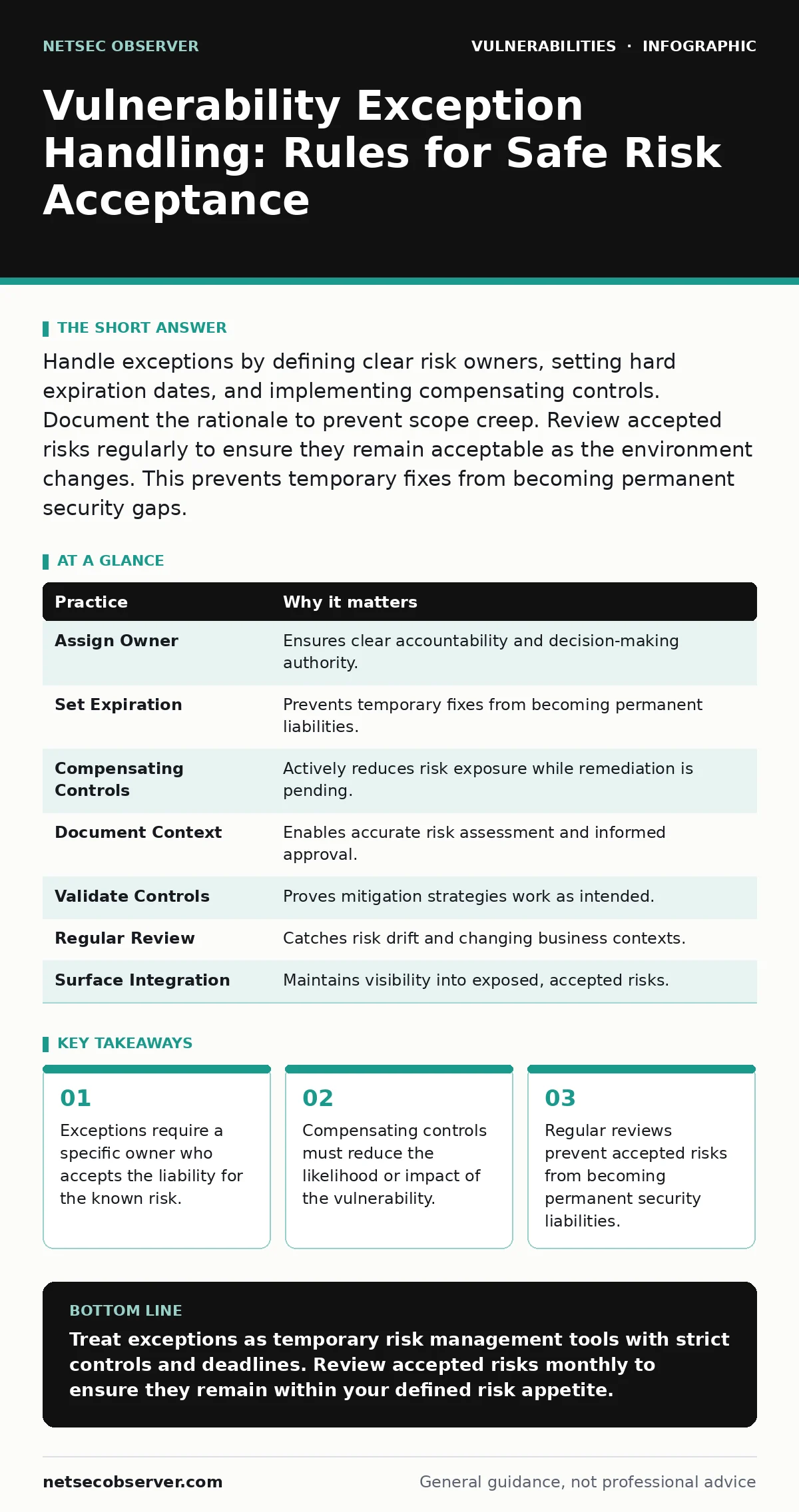
Handle exceptions by defining clear risk owners, setting hard expiration dates, and implementing compensating controls. Document the rationale to prevent scope creep. Review accepted risks regularly to ensure they remain acceptable as the environment changes. This prevents temporary fixes from becoming permanent security gaps.
Why Exceptions Become Permanent Liabilities
Vulnerability exception handling often fails because teams treat approved exceptions as permanent solutions. You grant an exception to bypass a security control for a specific reason. That reason usually expires. The control remains disabled. The vulnerability stays open. This drift turns a temporary workaround into a permanent gap. You must treat exceptions as active risk management tools, not administrative checkboxes.
1. Assign a Single Business Owner
Every exception needs one person with the authority to accept the risk. You cannot assign risk to a committee. Committees diffuse responsibility. When an incident occurs, no one takes ownership. The business owner understands the operational impact of the vulnerability. They weigh the cost of remediation against the potential damage.
- Reasoning: Accountability prevents risk from floating in a vacuum. A named individual feels the pressure to resolve the issue or maintain the controls.
- Practical Tip: Require a digital signature from a manager above the technical team lead. This ensures the decision carries business weight.
2. Define Hard Expiration Dates
Exceptions must have an end date. You set a deadline for remediation or a re-evaluation. If the vulnerability remains after that date, the exception lapses. You must remediate the issue or restart the approval process. This prevents exceptions from living forever in your system.
- Reasoning: Time limits force action. Without a deadline, remediation slips down the priority list indefinitely. The risk acceptance becomes stale.
- Practical Tip: Set the expiration date to match your next planned maintenance window or release cycle. This aligns security with development rhythms.
3. Implement Compensating Controls
You cannot leave a vulnerability exposed without mitigation. Compensating controls reduce the likelihood or impact of exploitation. These controls act as a temporary shield. They might include network segmentation, strict input validation, or enhanced monitoring. The goal is to lower the risk to an acceptable level.
- Reasoning: Raw vulnerability exposure is rarely acceptable. Compensating controls demonstrate due care. They show you are managing the risk actively.
- Practical Tip: Place the vulnerable asset behind a web application firewall that blocks known attack patterns. Monitor logs for bypass attempts.
4. Document the Specific Risk Context
Generic descriptions fail audits and reviews. You must describe exactly what is at risk. Name the affected component, the potential impact, and the threat vector. Vague language like "high risk" provides no value. Specific details allow reviewers to make informed decisions.
- Reasoning: Context enables accurate risk assessment. A SQL injection vulnerability in a public-facing login page differs from one in an internal admin tool. The risk profile changes completely.
- Practical Tip: Reference the specific data types exposed. Mention if the vulnerability affects personally identifiable information or critical business logic. See our guide on SQL injection for context on data exposure risks.
See also: Attack Surface Management: 6 Common Misreadings and Correct Views
5. Require Technical Validation of Controls
Security teams must verify that compensating controls work. You do not assume the firewall rule is correct. You test it. Validation proves the control reduces risk. Without testing, the exception is based on hope rather than evidence. This step closes the loop between policy and reality.
- Reasoning: Misconfigured controls provide a false sense of security. Validation ensures the mitigation strategy actually functions as intended. It catches implementation errors early.
- Practical Tip: Perform a targeted scan or manual test against the compensating control. Confirm it blocks the specific exploit path identified in the vulnerability.
6. Schedule Regular Re-evaluation
Risk changes over time. New threats emerge. Business priorities shift. You must review accepted exceptions periodically. This review checks if the risk remains acceptable. It also checks if the original justification still holds. Stale exceptions indicate poor governance.
- Reasoning: Static risk assessments become inaccurate. Regular reviews ensure your risk posture matches current realities. They catch drift before it causes harm.
- Practical Tip: Automate reminders for exception reviews. Tie the review date to the expiration date set in step two.
7. Integrate with Attack Surface Management
Exceptions often create blind spots in your external attack surface. Attackers scan for known vulnerabilities. If you have accepted a risk, you must know it is exposed. Attack surface management tools help you track where your exceptions live. This visibility prevents surprises.
- Reasoning: You cannot manage what you cannot see. Integrating exceptions with surface mapping ensures you account for all exposed risks. It highlights gaps in your monitoring.
- Practical Tip: Tag accepted exceptions in your asset inventory. Cross-reference this list with external attack surface scanning results to ensure coverage.
| Practice | Why it matters |
|---|---|
| Assign Owner | Ensures clear accountability and decision-making authority. |
| Set Expiration | Prevents temporary fixes from becoming permanent liabilities. |
| Compensating Controls | Actively reduces risk exposure while remediation is pending. |
| Document Context | Enables accurate risk assessment and informed approval. |
| Validate Controls | Proves mitigation strategies work as intended. |
| Regular Review | Catches risk drift and changing business contexts. |
| Surface Integration | Maintains visibility into exposed, accepted risks. |
Handling Complex Legacy Systems
Legacy systems often resist remediation. They run on obsolete software. Patching breaks functionality. You might be tempted to accept exceptions indefinitely. This is dangerous. You must isolate these systems. Treat them as high-risk zones. Limit access strictly. Monitor traffic closely.
- Reasoning: Legacy systems often contain critical business logic. Disabling them is not an option. Isolation reduces the attack path.
- Practical Tip: Place legacy systems in a segregated network segment. Allow only specific, necessary traffic flows. Monitor all inbound and outbound connections for anomalies.
The Cost of Poor Exception Handling
Poor exception handling creates hidden technical debt. You accumulate unpatched vulnerabilities. They linger in your environment. Attackers find them. You face breaches. The cost of remediation later far exceeds the cost of proper handling now. You also face regulatory penalties. Auditors flag unresolved exceptions. This damages trust and compliance standing.
- Reasoning: Security is a continuous process. Cutting corners creates future liabilities. Proper handling maintains a defensible posture.
- Practical Tip: Track the cost of exceptions. Include potential incident costs in the risk calculation. This helps justify remediation budgets.
Final Checks Before Approval
Before you approve an exception, run a final check. Verify the owner is current. Confirm the expiration date is reasonable. Ensure compensating controls are tested. Check that the risk context is clear. This final gate prevents sloppy approvals. It ensures quality in your risk management process.
- Reasoning: A final review catches errors before they go live. It ensures consistency across your organization. It maintains high standards for risk acceptance.
- Practical Tip: Create a checklist for exception approvals. Require sign-offs from security, operations, and business leads. This multi-party review reduces bias.
Key takeaways
- Exceptions require a specific owner who accepts the liability for the known risk.
- Compensating controls must reduce the likelihood or impact of the vulnerability.
- Regular reviews prevent accepted risks from becoming permanent security liabilities.
Treat exceptions as temporary risk management tools with strict controls and deadlines. Review accepted risks monthly to ensure they remain within your defined risk appetite.
Frequently asked questions
How long should an exception remain active?
Exceptions should have a hard expiration date, typically aligned with your maintenance or release cycles. If remediation takes longer, you must re-evaluate and renew the exception with updated controls.
Who approves vulnerability exceptions?
A business owner with authority to accept the risk must approve the exception. Security teams should validate the technical controls. This dual approval ensures both business and technical perspectives are considered.
What if a compensating control fails?
If a compensating control fails, the exception is no longer valid. You must immediately remediate the vulnerability or implement a new, working control. The risk exposure has increased beyond acceptable levels.
Do exceptions apply to third-party vendors?
Yes, exceptions can apply to third-party components. However, you must ensure your contract with the vendor includes security obligations. You remain responsible for the risk in your environment.
How this guide was produced: written by the NetSec Observer editorial team with AI assistance, checked against the public references listed below, and reviewed when the facts change. See our editorial policy or report an error.