
Personally Identifiable Information: Small Business Protection Strategies
Small businesses often ignore how metadata in routine emails transforms harmless notes into high-value targets for identity theft campaigns.
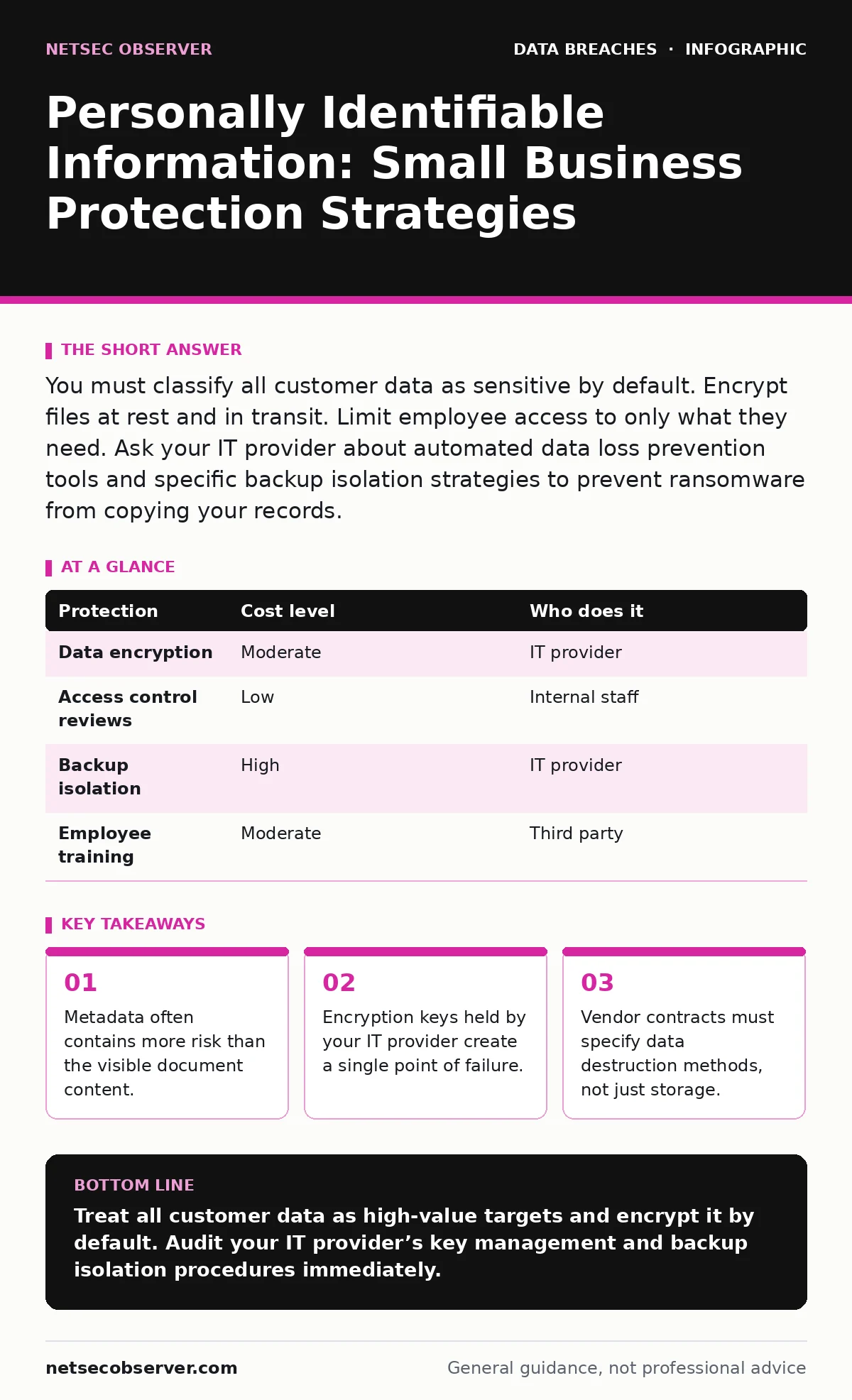
You must classify all customer data as sensitive by default. Encrypt files at rest and in transit. Limit employee access to only what they need. Ask your IT provider about automated data loss prevention tools and specific backup isolation strategies to prevent ransomware from copying your records.
The Hidden Value of Small Business Data
Small businesses believe they are too small for major theft. This belief is incorrect. Attackers automate their searches. They scan for any system holding personally identifiable information. This data includes names, addresses, social security numbers, and financial details. It also includes metadata. Metadata describes the file itself. It shows who created it, when, and what software built it.
A ten-person company often has fewer security controls than a large corporation. Large firms use network segmentation. They isolate sensitive systems from general office traffic. Small firms usually share one flat network. If one device gets infected, the malware moves freely. It scans every connected drive. It finds the shared folder with the client list. It exfiltrates the data before anyone notices.
The value of this data is not always monetary. Criminals sell it to other criminals. They use it to build trust. A phishing email that knows your project code looks legitimate. It bypasses basic spam filters. It tricks employees into clicking malicious links. You become the entry point for a larger attack. Your reputation suffers. Your clients lose trust in your ability to protect their information.
Why Classification Matters at Small Scale
You cannot protect what you do not identify. Many small teams store everything in the same place. Invoices sit next to employee health records. Customer names mix with internal memos. This lack of separation creates risk. You must classify data by sensitivity.
Start by identifying what constitutes personally identifiable information in your context. Is a customer’s email address sensitive? Is their home address? Is their phone number? The answer depends on your industry. A law firm handles more sensitive data than a local bakery. The bakery might only need names and emails for delivery. The law firm holds financial records and legal secrets.
Create a simple classification scheme. Use three levels. Public data can be shared anywhere. Internal data stays within the company. Confidential data requires encryption and strict access controls. Apply these labels to your files. Use folder structures that enforce these rules. Do not rely on employee memory. They will forget. Systems must enforce the policy.
This step reduces the attack surface. If you encrypt only confidential files, you save processing power. You reduce the chance of human error. If an employee accidentally sends a public file, no harm occurs. If they send a confidential file, the encryption protects it. The recipient cannot read it without the key.
Practical Handling of Sensitive Records
Handling data correctly requires changing daily habits. Employees often save files to their desktop. Desktops are easy targets. They are often unencrypted. They sync to personal cloud accounts. You must enforce a central storage location. Use a secure server or a managed cloud service.
Implement least privilege access. This principle means users get only the permissions they need. The marketing team does not need access to payroll files. The accountant does not need access to source code. Review access lists quarterly. Remove employees who leave. Change permissions for those who change roles.
Encrypt data at rest and in transit. Encryption at rest protects files on your server. If the server is stolen, the data remains unreadable. Encryption in transit protects data moving across the network. It prevents interception. Use standard protocols. Avoid custom solutions. They often have hidden flaws.
Be aware of accidental data disclosure. This happens when employees share too much on social media. They post photos of whiteboards. They share screenshots of internal dashboards. Train staff to recognize these risks. Create a clear policy. Define what can be shared publicly. Enforce it consistently.
What to Ask Your IT Provider
Your IT provider is your first line of defense. They manage your infrastructure. They must understand your data risks. Do not assume they do. Ask specific questions. Get written answers. Include these requirements in your contract.
| Protection | Cost level | Who does it |
|---|---|---|
| Data encryption | Moderate | IT provider |
| Access control reviews | Low | Internal staff |
| Backup isolation | High | IT provider |
| Employee training | Moderate | Third party |
Ask about their backup strategy. Backups must be isolated. If ransomware hits your main server, it should not reach the backups. Ask if they use immutable backups. These cannot be changed or deleted for a set period. This stops attackers from destroying your recovery options.
Ask about their incident response plan. What happens if they detect a breach? Who contacts you? How fast? You need a timeline. Delays worsen the impact. Ask if they provide forensic support. Do they help you understand how the breach happened? This knowledge prevents future attacks.
Ask about their own security. Do they use multi-factor authentication? Do they encrypt their own systems? If they are compromised, your data is at risk. Vendor risk management is critical. You are extending your trust to them. Verify their practices. Check their references. Ensure they follow industry standards.
The Cost of Key Management
Encryption is useless without proper key management. Encryption keys unlock your data. If you lose the keys, you lose the data. If attackers steal the keys, encryption fails. You must manage these keys carefully.
Do not store keys with the encrypted data. This is a common mistake. It provides false security. An attacker who steals the data also gets the keys. Store keys in a separate location. Use a hardware security module if possible. These devices are tamper-resistant. They protect keys from software attacks.
Consider who holds the keys. If your IT provider holds them, you have a dependency. If they go out of business, you may lose access. If they are hacked, your data is exposed. You should retain ownership of your keys. Use a key escrow service if needed. This ensures you can recover access even if your provider fails.
Review your encryption standards regularly. Algorithms become weaker over time. New attacks emerge. You must update your methods. Stay current with best practices. Follow public frameworks. They provide clear guidance. Do not rely on your provider to tell you when to update. Take responsibility.
See also: Exposure Management for Small Teams: What to Fix First · Data Scraping: How It Works and How to Stop It
Understanding Legal and Operational Risks
Breach notification laws vary by region. You must know which laws apply to you. Failure to notify regulators can result in fines. Failure to notify customers can result in lawsuits. You need a clear process. Define who decides to notify. Define the timeline.
Create an incident communication plan. This plan outlines what to say and when. It protects your reputation. It ensures consistent messaging. Prepare templates in advance. Customize them for different scenarios. Practice using them. Speed matters during a crisis.
Data scraping poses a unique threat. Attackers use bots to collect data from public websites. They harvest employee names and roles. They build lists for targeted attacks. You must limit public exposure. Remove unnecessary details from your website. Use privacy settings on social media. Monitor for leaked data.
Database exposure is another risk. Misconfigured servers can leave databases open to the internet. Attackers scan for these errors. They exploit them quickly. You must secure your databases. Use strong passwords. Enable firewalls. Monitor for unusual access patterns. Regular audits catch configuration errors before attackers do.
Building a Resilient Culture
Technology alone cannot stop breaches. Human error is the biggest risk. You must build a culture of security. Train employees regularly. Make security part of your values. Reward good behavior. Address mistakes constructively.
Start with simple rules. Use strong passwords. Enable multi-factor authentication. Report suspicious emails. These basics reduce risk significantly. Expand training over time. Cover phishing recognition. Cover social engineering. Cover data handling policies.
Test your defenses. Run simulated phishing campaigns. See who clicks. Provide immediate feedback. Use it as a learning opportunity. Do not punish employees. Fear leads to hiding mistakes. Transparency leads to improvement.
Review your policies annually. Technology changes. Threats evolve. Your policies must adapt. Involve all staff. Get their input. They see risks you miss. Their buy-in ensures compliance. A shared responsibility model works best. Everyone plays a part.
Key takeaways
- Metadata often contains more risk than the visible document content.
- Encryption keys held by your IT provider create a single point of failure.
- Vendor contracts must specify data destruction methods, not just storage.
Treat all customer data as high-value targets and encrypt it by default. Audit your IT provider’s key management and backup isolation procedures immediately.
Frequently asked questions
How do I know if my data is already compromised?
Monitor for unusual login attempts and unexpected data transfers. Use reputation services to check if your domains appear in known breach databases.
Is cloud storage safer than local servers?
Cloud storage offers better physical security but requires strict access controls. Local servers give you more control but demand rigorous maintenance and backup strategies.
What is the first step in data classification?
Identify all data sources. List every location where customer information is stored. Assign sensitivity levels based on potential harm if exposed.
How often should I review IT provider contracts?
Review contracts annually. Check for changes in security standards. Ensure liability clauses cover data breaches. Verify that service level agreements include security metrics.
How this guide was produced: written by the NetSec Observer editorial team with AI assistance, checked against the public references listed below, and reviewed when the facts change. See our editorial policy or report an error.