
Exposure Management for Small Teams: What to Fix First
Small teams lose ground not by missing critical flaws, but by failing to track the sheer volume of minor, exploitable surface area that accumulates over time.
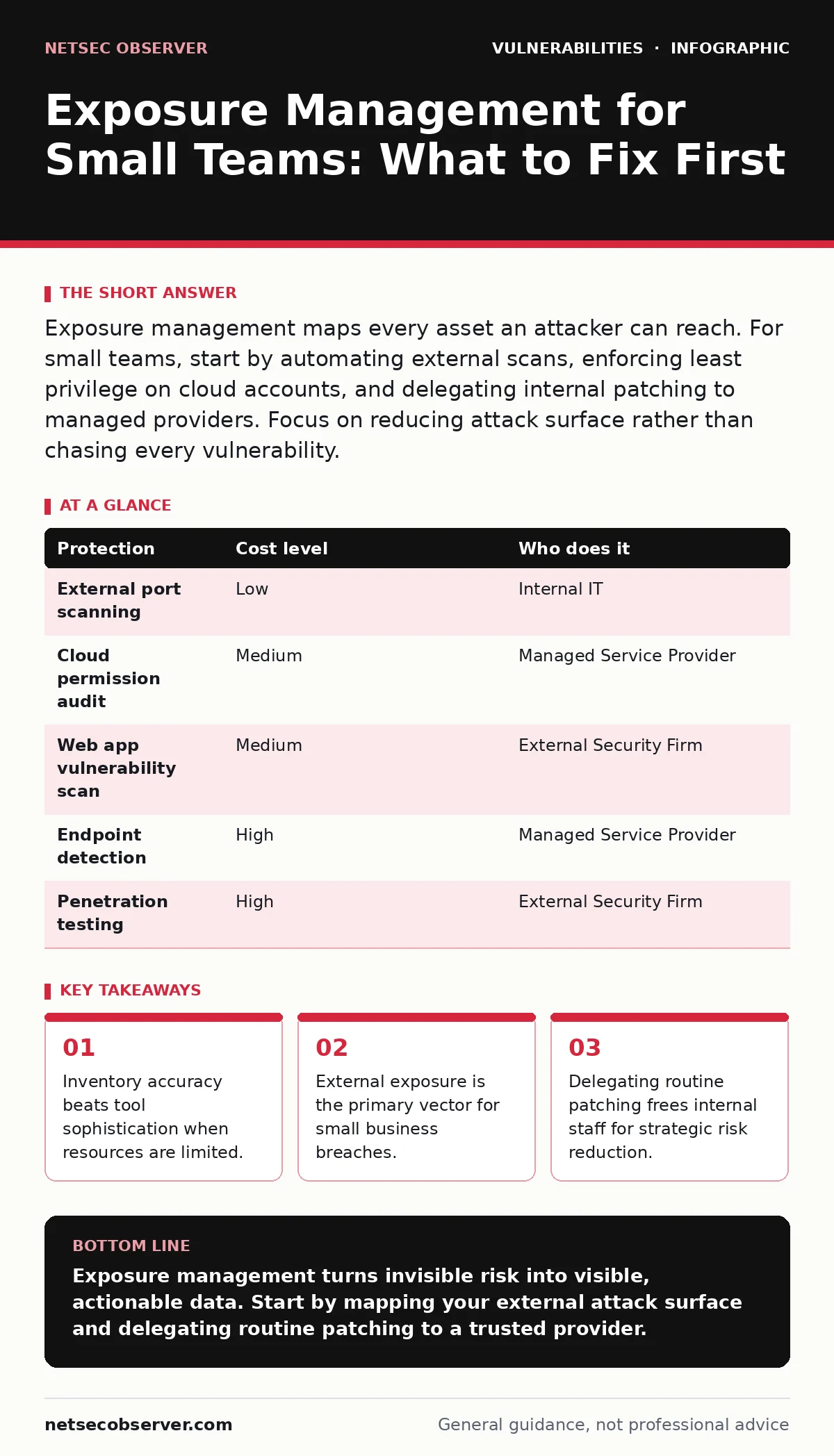
Exposure management maps every asset an attacker can reach. For small teams, start by automating external scans, enforcing least privilege on cloud accounts, and delegating internal patching to managed providers. Focus on reducing attack surface rather than chasing every vulnerability.
The Hidden Cost of Unmanaged Access
Small organizations often believe their size protects them. Attackers disagree. They scan the entire internet for open ports and misconfigured services. When they find a small business with an exposed database or an unpatched web server, they attack. The assumption that "we are too small to notice" is a dangerous myth.
Exposure management is the process of identifying, classifying, and prioritizing all assets that an attacker could target. It is not just about installing antivirus software. It is about knowing what exists on your network and who can touch it. If you do not know an asset exists, you cannot protect it.
Most small teams focus on prevention. They buy a firewall and assume they are safe. This ignores the reality of configuration drift. Settings change. Employees leave. Cloud permissions accumulate. Without continuous mapping, your defensive posture degrades silently. You are defending a map that no longer matches the territory.
Why Surface Area Matters More Than Size
The number of potential entry points often exceeds the number of employees. Every employee device, every cloud instance, and every third-party integration adds to your attack surface. This surface area grows faster than your security budget.
Consider the difference between internal and external exposure. External exposure refers to assets visible on the public internet. Internal exposure refers to resources only accessible within your private network. Attackers prefer external targets because they do not need to compromise another system first.
For a small team, external exposure is the immediate threat. A misconfigured cloud storage bucket is visible to anyone. A forgotten test server with default credentials is an open door. You must prioritize reducing what the internet can see before worrying about internal lateral movement.
Affordable Automation for Asset Discovery
You cannot manually check every server and endpoint. Manual inventory is slow and error-prone. The solution is automated asset discovery. These tools scan your network range and report back every active IP address, open port, and service.
Many open-source tools provide this capability without a license fee. You run a script that queries your cloud provider’s API or scans your IP range. The tool generates a list of active assets. You compare this list to your official inventory. Any difference is a risk.
This process reveals "shadow IT." These are devices or accounts created by employees without IT approval. They often lack security controls. Finding them is half the battle. The other half is deciding whether to secure them or shut them down.
Prioritizing Remediation by Risk
Not all vulnerabilities are equal. A flaw in a public-facing web application is more dangerous than a bug in an internal printer. You must prioritize fixes based on exposure and exploitability.
Look for common web vulnerabilities first. Issues like SQL injection allow attackers to steal database contents. Server-side request forgery (SSRF) lets attackers trick your server into accessing internal resources. These are high-value targets for attackers because they provide immediate access to data.
If you find a buffer overflow vulnerability in an internal application that no one uses, it is lower priority. The cost of fixing it may outweigh the risk. Focus your limited time on what is exposed and what is exploitable. This is the core of exposure management: fixing the right things first.
| Protection | Cost level | Who does it |
|---|---|---|
| External port scanning | Low | Internal IT |
| Cloud permission audit | Medium | Managed Service Provider |
| Web app vulnerability scan | Medium | External Security Firm |
| Endpoint detection | High | Managed Service Provider |
| Penetration testing | High | External Security Firm |
What to Delegate and When
Small teams cannot do everything. You must delegate routine tasks to free up mental bandwidth for strategic decisions. Routine tasks include patching, log monitoring, and basic asset inventory.
A Managed Service Provider (MSP) can handle these tasks. They have the tools and staff to monitor thousands of endpoints. They apply patches quickly. They alert you to anomalies. This removes the daily burden of maintenance.
However, you must keep strategic control. Do not delegate the decision of what to protect. You must define the security policy. You must decide which assets are critical. The MSP executes; you direct. If you outsource strategy, you lose visibility.
Questions for Your IT Provider
Before hiring a provider, ask specific questions. Generic answers hide gaps in their service. You need to know how they handle exposure.
- How do you discover new assets on our network?
- What is your process for validating cloud permissions?
- Do you scan for broken access control issues?
- How do you handle dependency updates for web applications?
- Can you provide a report of our external attack surface?
- What is your response time for critical command injection alerts?
- How do you prevent DLL hijacking on legacy systems?
- Do you monitor for HTTP request smuggling attempts?
These questions reveal their technical depth. If they cannot answer specifically, they may lack the expertise to manage your exposure. Do not assume that general IT support includes security exposure management.
Building a Continuous Feedback Loop
Exposure management is not a one-time project. It is a continuous cycle. Assets change. New vulnerabilities appear. Configurations drift. You must repeat the process regularly.
Set a schedule for automated scans. Weekly is ideal for external assets. Monthly is acceptable for internal assets. Compare each scan to the previous one. Look for new assets or new open ports.
Integrate these findings into your incident response plan. If a new asset appears, who investigates? If a critical vulnerability is found, who fixes it? Define these roles now. When an alert fires, you should not be guessing who is responsible.
The Reality of Small Business Security
You will not stop every attack. No organization does. The goal is to reduce the likelihood of a successful breach. By managing your exposure, you make yourself a harder target.
Attackers look for easy wins. They scan for open doors. If you close those doors, they move on. This is the advantage of small businesses. You can move quickly. You can fix issues faster than large corporations.
Use your agility. Automate what you can. Delegate what you must. Keep strategic control. This approach builds a sustainable security posture. It protects your business without breaking your budget.
Key takeaways
- Inventory accuracy beats tool sophistication when resources are limited.
- External exposure is the primary vector for small business breaches.
- Delegating routine patching frees internal staff for strategic risk reduction.
Exposure management turns invisible risk into visible, actionable data. Start by mapping your external attack surface and delegating routine patching to a trusted provider.
Frequently asked questions
How often should we scan our external assets?
Weekly scans are recommended for external assets to catch new exposures quickly. Monthly is sufficient for internal assets unless you make frequent changes.
Can we do exposure management with free tools?
Yes. Open-source scanners and cloud provider APIs can identify assets and open ports. The challenge is interpreting the data and prioritizing fixes.
What is the first step in exposure management?
Create a complete inventory of all assets. You cannot protect what you do not know exists. Start with cloud accounts and public-facing servers.
Do we need a security team for exposure management?
No. Small teams can manage exposure with automation and delegation. You need one person to oversee the process and make strategic decisions.
How this guide was produced: written by the NetSec Observer editorial team with AI assistance, checked against the public references listed below, and reviewed when the facts change. See our editorial policy or report an error.