
7 SSRF Mistakes That Expose Internal Networks to Attack
Server-side request forgery often succeeds because code trusts user-supplied URLs without verifying the destination or restricting outbound network paths.
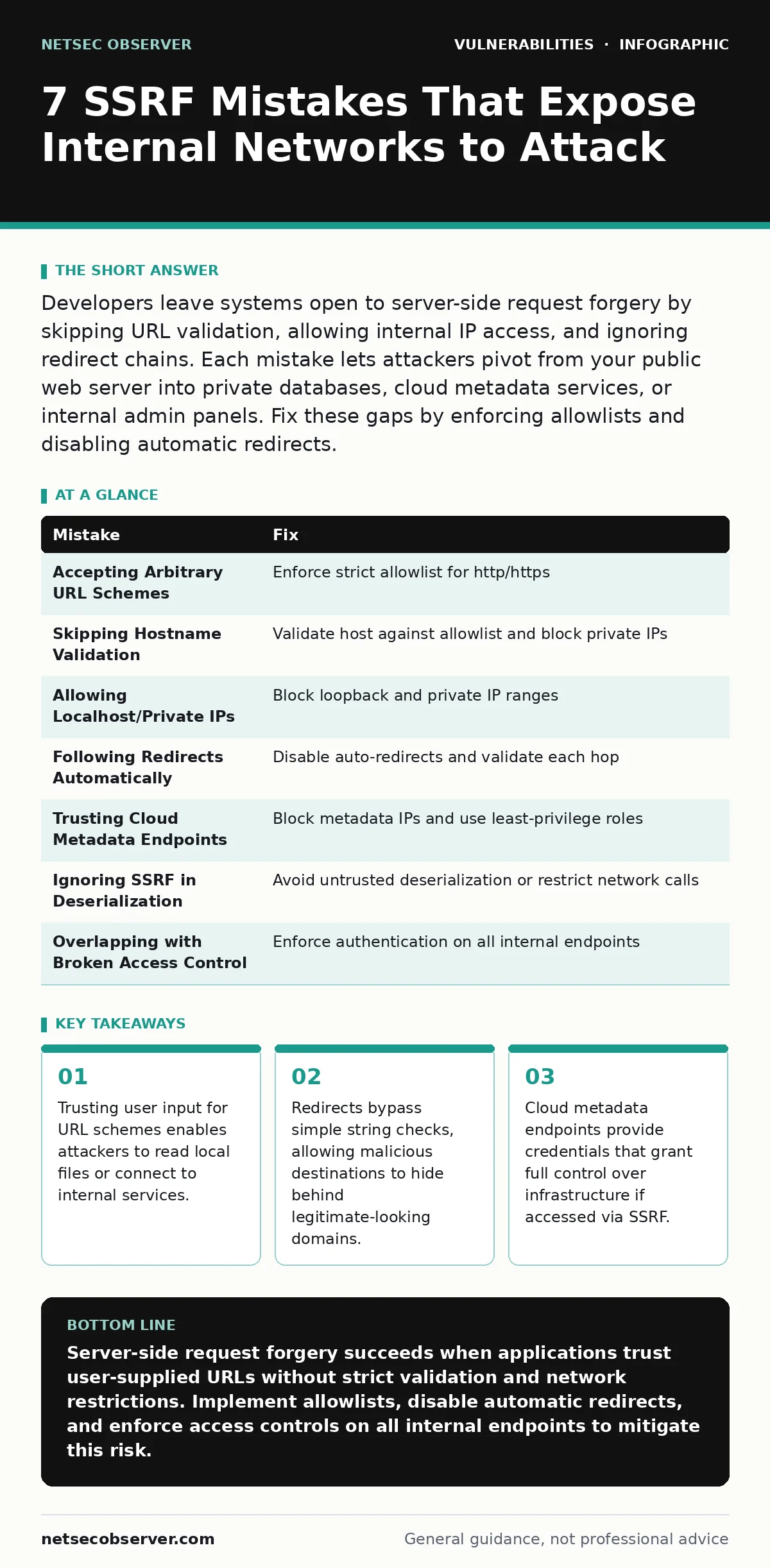
Developers leave systems open to server-side request forgery by skipping URL validation, allowing internal IP access, and ignoring redirect chains. Each mistake lets attackers pivot from your public web server into private databases, cloud metadata services, or internal admin panels. Fix these gaps by enforcing allowlists and disabling automatic redirects.
Mistake 1: Accepting Arbitrary URL Schemes
Your application accepts user input to fetch remote resources. The server then reads local files or interacts with legacy protocols it should never touch.
Why it hurts:
Allowing non-HTTP schemes expands the attack surface beyond web requests. An attacker can read configuration files, private keys, or system logs stored on the disk. This turns a simple fetch function into a local file inclusion vulnerability. The server acts as a proxy for reading sensitive data it should not expose.
The fix:
Enforce a strict allowlist of permitted schemes. Do not rely on blacklisting dangerous schemes, as new or obscure protocols may appear. Validate the scheme before any network activity begins. This ensures the application only performs standard web requests.
Mistake 2: Skipping Hostname Validation
You check the URL structure but fail to verify the actual destination host. Attackers use techniques like DNS rebinding or IP address normalization to bypass simple string checks. A request might look like it goes to a safe domain but resolves to an internal server.
Why it hurts:
Without strict hostname verification, the server connects to whatever IP address the domain resolves to at request time. This allows attackers to pivot from public internet requests to internal network services. They can reach databases, administration panels, or other microservices that are not exposed externally. The application becomes a bridge into your private network.
The fix:
Validate the hostname against a known allowlist of permitted domains. Resolve the domain to an IP address and check that IP against a blocklist of private ranges. Ensure the resolution happens at the time of the request, not during initial validation. This prevents DNS rebinding attacks from slipping through.
Mistake 3: Allowing Access to Localhost and Private IPs
Your code permits requests to 127.0.0.1, localhost, or private IP ranges like 10.x.x.x and 192.168.x.x. Attackers craft URLs pointing to these addresses to interact with services running on the same machine or local network.
Why it hurts:
Internal services often lack the security hardening of public-facing applications. They may run with elevated privileges or expose debugging interfaces. An attacker can query these services to extract data, execute commands, or disrupt operations. This mistake effectively removes the network boundary between the public internet and your internal infrastructure.
The fix:
Block all requests to localhost, loopback addresses, and private IP ranges. Use a library that performs canonicalization to detect disguised private IPs. Ensure the validation occurs after DNS resolution to catch rebinding attempts. This keeps the application isolated from internal network resources.
Mistake 4: Following Redirects Automatically
Your HTTP client automatically follows redirects when the server responds with a 3xx status code. An attacker points the initial request to a safe domain that redirects to an internal or malicious endpoint.
Why it hurts:
Automatic redirects bypass initial URL validation. The first request looks legitimate, so it passes your checks. The redirect then sends the server to a dangerous destination. This technique defeats simple allowlists and string matching. The attacker controls the final destination without ever including it in the initial user input.
The fix:
Disable automatic redirect following in your HTTP client. Manually handle redirects by validating the new location header against your allowlist before proceeding. If the redirect target fails validation, abort the request. This ensures every hop in the request chain is explicitly approved.
Mistake 5: Trusting Cloud Metadata Endpoints
Cloud providers offer metadata services at well-known internal addresses to help applications configure themselves. Attackers target these endpoints to retrieve credentials, API keys, and identity information.
Why it hurts:
Accessing metadata endpoints grants attackers the same privileges as the application running the server. They can create new instances, delete data, or access storage buckets. This leads to full account compromise. The impact extends far beyond the single vulnerable application to the entire cloud environment.
The fix:
Block requests to known metadata IP addresses and domains. Use network policies to restrict outbound traffic from application servers to metadata endpoints. Implement least-privilege IAM roles so that even if credentials are stolen, the damage is limited. This adds a layer of defense in depth.
See also: How IP Spoofing Works: Step-by-Step Mechanism and Defenses · Respond to Attacker Reconnaissance: Stop the Scan Before Breach
Mistake 6: Ignoring SSRF in Deserialization
You deserialize untrusted data that contains object references or URLs. The deserialization process triggers network requests to fetch additional data or resources specified in the payload.
Why it hurts:
Deserialization flaws often bypass standard input validation because the data structure is processed deep within the application logic. An attacker can embed SSRF payloads in serialized objects. This leads to unexpected network connections during object reconstruction. It is harder to detect because the request originates from internal code, not a direct HTTP handler.
The fix:
Avoid deserializing untrusted data entirely. If you must, use strict schema validation and ensure the deserializer does not perform network operations. Monitor outbound traffic for unexpected connections during deserialization events. This reduces the risk of hidden SSRF vectors.
Mistake 7: Overlapping with Broken Access Control
You rely on network isolation to protect sensitive resources instead of implementing proper authentication and authorization. An attacker uses SSRF to reach an endpoint that lacks access controls.
Why it hurts:
Even if the SSRF vector is limited, the target resource may be unprotected. This combines two vulnerabilities: the ability to reach the resource and the lack of permission checks. The attacker gains access to data or functionality they should not see. This mistake amplifies the impact of the SSRF vulnerability significantly.
The fix:
Implement strict access controls on all internal endpoints, even those not exposed to the internet. Require authentication for every request, regardless of the source IP. This ensures that reaching the endpoint is not enough to compromise the data. This approach aligns with best practices for broken access control.
| Mistake | Fix |
|---|---|
| Accepting Arbitrary URL Schemes | Enforce strict allowlist for http/https |
| Skipping Hostname Validation | Validate host against allowlist and block private IPs |
| Allowing Localhost/Private IPs | Block loopback and private IP ranges |
| Following Redirects Automatically | Disable auto-redirects and validate each hop |
| Trusting Cloud Metadata Endpoints | Block metadata IPs and use least-privilege roles |
| Ignoring SSRF in Deserialization | Avoid untrusted deserialization or restrict network calls |
| Overlapping with Broken Access Control | Enforce authentication on all internal endpoints |
Key takeaways
- Trusting user input for URL schemes enables attackers to read local files or connect to internal services.
- Redirects bypass simple string checks, allowing malicious destinations to hide behind legitimate-looking domains.
- Cloud metadata endpoints provide credentials that grant full control over infrastructure if accessed via SSRF.
Server-side request forgery succeeds when applications trust user-supplied URLs without strict validation and network restrictions. Implement allowlists, disable automatic redirects, and enforce access controls on all internal endpoints to mitigate this risk.
Frequently asked questions
Does HTTPS prevent server-side request forgery?
No, HTTPS encrypts the connection but does not validate the destination. An attacker can still force the server to connect to an internal or malicious endpoint over HTTPS.
How do I test for SSRF in my application?
Use automated scanners that attempt to access internal IPs and metadata endpoints. Combine this with manual testing to verify that redirects and alternative IP formats are blocked.
Can SSL injection bypass SSRF protections?
Yes, if your application does not validate the hostname after TLS handshake completion. An attacker can present a valid certificate for a different domain to bypass strict checks.
Is SSRF related to command injection?
They are distinct vulnerabilities. SSRF forces the server to make network requests, while command injection allows execution of system commands. Both can lead to remote code execution but through different mechanisms.
How this guide was produced: written by the NetSec Observer editorial team with AI assistance, checked against the public references listed below, and reviewed when the facts change. See our editorial policy or report an error.