
Respond to Attacker Reconnaissance: Stop the Scan Before Breach
Reconnaissance is often silent and leaves no obvious traces, so standard alerting fails until the attacker moves laterally or exfiltrates data.
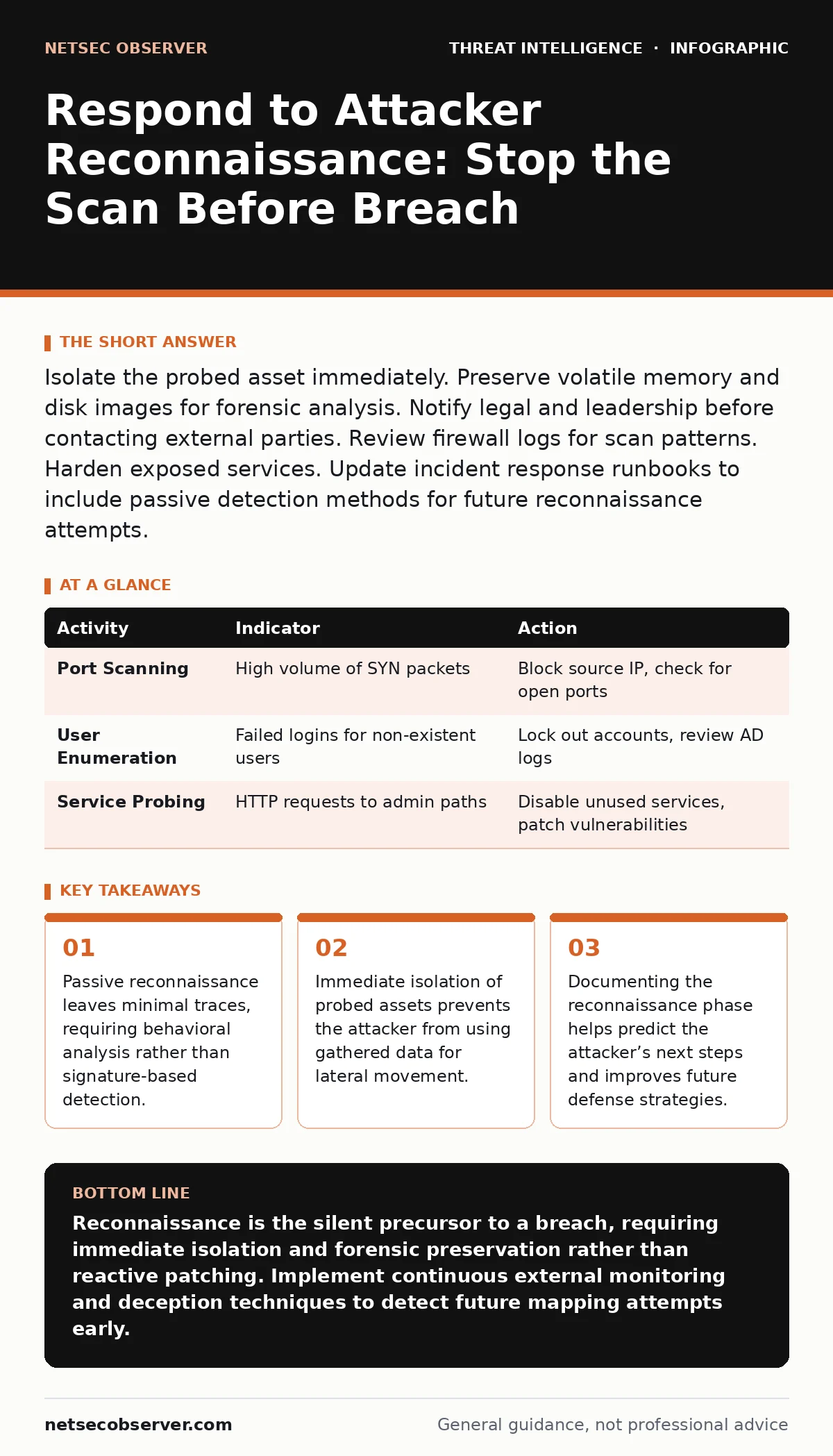
Isolate the probed asset immediately. Preserve volatile memory and disk images for forensic analysis. Notify legal and leadership before contacting external parties. Review firewall logs for scan patterns. Harden exposed services. Update incident response runbooks to include passive detection methods for future reconnaissance attempts.
First hour
Reconnaissance is the attacker’s initial mapping of your environment. They scan for open ports, enumerate users, and probe for vulnerable services. This phase is quiet. You may not see an intrusion alert. You might only see a slight increase in network noise or a failed login attempt from an unusual location.
- Identify the source IP and target assets involved in the scanning activity.
- Isolate the targeted systems from the network to prevent further probing.
- Capture memory dumps from critical servers before they are rebooted.
- Preserve firewall and proxy logs showing the scan patterns.
- Notify the incident response team and legal counsel immediately.
If you suspect open-source intelligence (OSINT) was used to gather employee names or email formats, check if any public documents were recently exposed. Attackers use this data to craft targeted phishing emails. You must assume your external-facing services are being watched.
First day
Once the immediate threat is contained, you must understand the scope. The attacker likely tried multiple techniques. They may have attempted password cracking against exposed login pages. They might have looked for misconfigured cloud storage buckets.
Review your security telemetry for anomalies. Look for slow, distributed scans that stay below your firewall’s threshold for blocking. These are designed to avoid triggering alarms. Check for beaconing activity, where compromised systems send periodic signals to the attacker’s command and control server. This indicates the reconnaissance succeeded and the attacker has established a foothold.
| Activity | Indicator | Action |
|---|---|---|
| Port Scanning | High volume of SYN packets | Block source IP, check for open ports |
| User Enumeration | Failed logins for non-existent users | Lock out accounts, review AD logs |
| Service Probing | HTTP requests to admin paths | Disable unused services, patch vulnerabilities |
You need to correlate logs from different sources. A firewall log might show a scan, while a server log shows a successful login. Together, they tell the story. Do not rely on a single log source. Attackers know where to look and may attempt log tampering to hide their tracks. Verify log integrity using checksums or centralized logging systems.
First week
Recovery is not just about restoring systems. It is about closing the gaps the attacker found. You must analyze what information the attacker gained. Did they learn your network topology? Did they identify privileged accounts? Did they find a vulnerable application?
Update your incident response runbooks to include lessons from this event. If the attacker used a specific scanning tool, add its signature to your detection rules. If they exploited a misconfiguration, fix it across the entire environment. Do not just patch the affected server.
Consider the possibility of island hopping attacks, where the attacker moves from one compromised system to another, staying within your network. This makes detection harder. You need to monitor internal traffic for unusual connections. User and entity behavior analytics can help identify accounts acting strangely, such as logging in at odd hours or accessing sensitive files they never touched before.
Containment strategies
Containment prevents the attacker from using their new knowledge. If they scanned a server and found an open database port, you must close that port. If they enumerated users, you must enforce multi-factor authentication.
Do not assume the attacker is gone. They may be waiting. They may have planted a backdoor. You must treat the environment as compromised until proven otherwise. Isolate critical assets. Restrict access to essential personnel only. Monitor all outbound traffic for data exfiltration.
Recovery steps
Restoring services requires careful planning. You must ensure the attacker’s tools and access points are removed. Rebuild systems from known-good images. Do not simply clean the infected files. Attackers often hide deep in the system.
Change all passwords. Revoke all active sessions. Rotate API keys and certificates. Update firewall rules to block the attacker’s techniques. Test your defenses by attempting to replicate the attacker’s steps. If you can scan the same ports and get the same results, you have not fixed the problem.
See also: Cybersecurity Incident Response Team: How It Works and Why It Matters · WordPress Page Builder Breach: Response and Recovery Steps
Who to tell
Communication is critical. You must inform your leadership, legal team, and potentially regulators. The timing and content of these notifications matter. Legal advice is necessary to determine if you have a reporting obligation.
Do not blame individuals. Focus on the process failure. Did the firewall allow the scan? Did the application have an unnecessary open port? Did the employee click a phishing link? Understanding the root cause helps prevent recurrence.
Preventing recurrence
Reconnaissance is continuous. Attackers will return. You must make your environment harder to map. Reduce your attack surface. Close unused ports. Disable unnecessary services. Use network segmentation to limit what an attacker can see from a single point.
Implement deception techniques. Create honeypots that mimic critical assets. If an attacker scans a honeypot, you get an alert. This gives you early warning. Monitor for changes in your public-facing DNS records. Attackers often modify DNS to redirect traffic.
Key takeaways
- Passive reconnaissance leaves minimal traces, requiring behavioral analysis rather than signature-based detection.
- Immediate isolation of probed assets prevents the attacker from using gathered data for lateral movement.
- Documenting the reconnaissance phase helps predict the attacker’s next steps and improves future defense strategies.
Reconnaissance is the silent precursor to a breach, requiring immediate isolation and forensic preservation rather than reactive patching. Implement continuous external monitoring and deception techniques to detect future mapping attempts early.
Frequently asked questions
How do I know if an attacker is just scanning or has breached my system?
Scanning generates noise but no successful logins. A breach involves successful authentication, file access, or command execution. Look for lateral movement and data exfiltration.
Should I block all external traffic after a scan?
No, this disrupts business. Block specific source IPs and ports. Use rate limiting to slow down scans. Monitor for legitimate traffic that might be blocked.
What if the scan came from a legitimate user?
Investigate the user’s activity. They may be compromised or acting maliciously. Check their device for malware. Review their access logs for unusual behavior.
How long should I keep logs after a reconnaissance event?
Keep logs for at least a year. Attackers may return months later. Long-term log retention helps correlate events and identify patterns.
How this guide was produced: written by the NetSec Observer editorial team with AI assistance, checked against the public references listed below, and reviewed when the facts change. See our editorial policy or report an error.