
Hard-Coded Credentials: 7 Mistakes That Leave Systems Open
Hard-coded credentials survive code refactoring and deployment pipelines, giving attackers persistent access that configuration changes fail to remove from the binary.
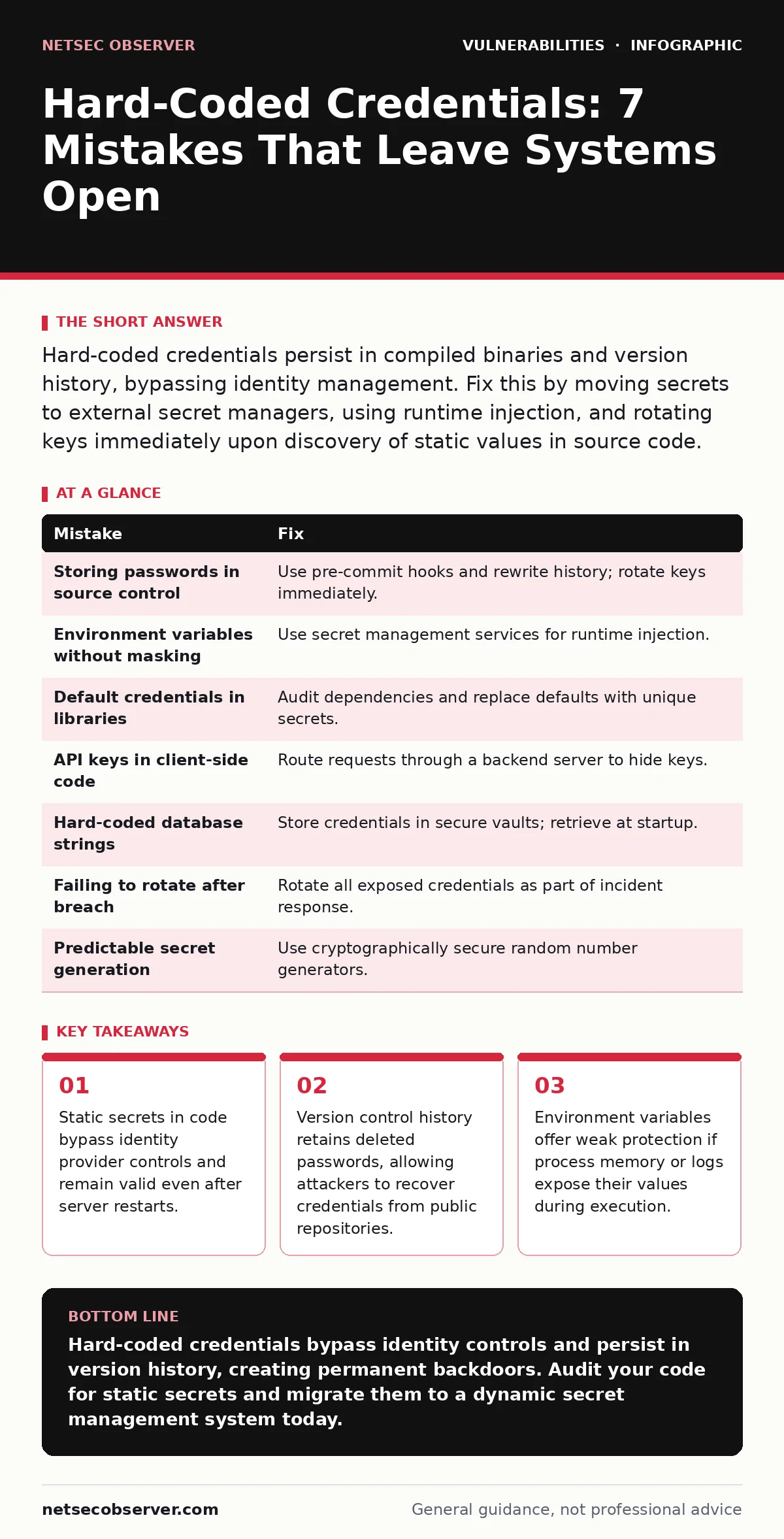
Hard-coded credentials persist in compiled binaries and version history, bypassing identity management. Fix this by moving secrets to external secret managers, using runtime injection, and rotating keys immediately upon discovery of static values in source code.
Mistake 1: Storing passwords in source control repositories
Why it hurts: Version control systems like Git preserve every change to your codebase indefinitely. When you commit a hard-coded password, it remains in the repository history even if you delete it in a later commit. Attackers can clone the repository and scan historical commits to find these values. This exposure persists regardless of current access controls. The credential becomes a permanent part of the software’s lineage, creating a long-term liability that standard access restrictions do not mitigate.
The fix: Treat version control as a public archive from day one. Use pre-commit hooks to scan for high-entropy strings that resemble keys or passwords. If you accidentally commit a secret, do not simply delete it. Rotate the credential immediately and use tools that rewrite history to scrub the secret from all past commits. Consider using separate, private repositories for sensitive configuration files that are never merged into the main codebase.
Mistake 2: Using environment variables without masking
Why it hurts: Many developers believe placing a password in an environment variable removes it from the code. This is only partially true. The secret is no longer in the source file, but it exists in the server’s memory. If an application experiences a command injection vulnerability, an attacker can execute commands that print environment variables. They can then read the password directly from the process memory. This turns a storage issue into a runtime exposure problem.
The fix: Use a secret management service that provides short-lived tokens or credentials. These services inject secrets into the application at runtime without storing them in long-lived environment variables. Ensure your application code does not log or print environment variables during debugging. Validate that no child processes inherit these sensitive variables unless absolutely necessary. This approach limits the window of exposure for any single secret.
Mistake 3: Ignoring default credentials in third-party libraries
Why it hurts: Open-source libraries often include example configurations or test files with default passwords like "admin" or "password". Developers frequently copy these libraries into their projects without removing these defaults. When the application goes live, these static credentials remain active. Attackers scan for known default credentials in popular libraries. Finding a match grants immediate access without needing to exploit complex vulnerabilities like SQL injection or server-side request forgery (SSRF).
The fix: Audit every dependency for default credentials before deployment. Replace all example values with unique, strong secrets generated at runtime. Do not assume that library maintainers have removed insecure defaults from production builds. Implement dependency updates as part of your regular development cycle to ensure you are not using outdated versions with known insecure defaults. Check the library’s documentation for recommended secure configuration patterns.
Mistake 4: Embedding API keys in client-side code
Why it hurts: Code running in a user’s browser or mobile device is fully visible to the user. Any API key, password, or secret embedded in JavaScript or mobile app binaries can be extracted by anyone with basic technical skills. Attackers do not need to hack your server to steal these keys. They simply inspect the network traffic or decompile the application. Once they have the key, they can impersonate your application and access the backend services directly. This exposes your backend to unauthorized data access.
The fix: Never trust the client. Route all sensitive API calls through a backend server that holds the secret. The backend makes the request to the third-party service on behalf of the client. This keeps the credential on the server, where it is protected by access controls. If the third-party service requires a client-side key, ensure that key has strict usage limits, such as domain restrictions or rate limiting, to minimize damage if it is stolen.
Mistake 5: Hard-coding database connection strings
Why it hurts: Connection strings often contain the username, password, and server address for your database. Hard-coding these strings makes it easy for developers to connect locally, but it exposes the database credentials in the application binary. If an attacker gains read access to the server files, they obtain the database password immediately. This bypasses network segmentation and firewall rules. The attacker can connect directly to the database from their own machine, provided they know the server address.
The fix: Store database credentials in a secure vault or configuration service. The application should retrieve these credentials at startup. Use role-based access control to ensure that only the application service account can read these secrets. Avoid storing the full connection string in code. Instead, use environment variables or configuration files that are excluded from version control and have strict file permissions on the server.
Mistake 6: Failing to rotate credentials after a breach
Why it hurts: When a security incident occurs, teams often focus on patching the vulnerability. They frequently forget to rotate the hard-coded credentials that may have been exposed. If the attacker captured the password during the breach, the vulnerability is effectively patched, but the access remains open. The attacker can return using the same credentials. This creates a persistent backdoor that survives the initial remediation efforts. Exposure management practices often miss these static secrets because they are not tracked in active identity systems.
The fix: Include credential rotation in every incident response playbook. Assume that any credential found in code or configuration is compromised during a breach. Generate new secrets and update all systems that use them. Verify that the old credentials are no longer functional. Document the rotation process to ensure it happens consistently. This step is as critical as patching the code itself for maintaining system integrity.
Mistake 7: Using predictable algorithms to generate secrets
Why it hurts: Some developers write code that generates passwords or keys based on predictable inputs, such as the current date or server hostname. These secrets are not truly random. An attacker who knows the generation algorithm and the input parameters can calculate the secret without attacking the system. This defeats the purpose of having a secret. It is similar to leaving a key under a mat that everyone knows is there. The complexity of the secret is an illusion.
The fix: Use cryptographically secure random number generators provided by your programming language’s standard library. Never implement your own random number generation for security purposes. Ensure that the seed for the random number generator is not predictable. Store the generated secrets securely rather than regenerating them predictably. This ensures that the secret is unique and impossible to guess without direct access to the generation process.
| Mistake | Fix |
|---|---|
| Storing passwords in source control | Use pre-commit hooks and rewrite history; rotate keys immediately. |
| Environment variables without masking | Use secret management services for runtime injection. |
| Default credentials in libraries | Audit dependencies and replace defaults with unique secrets. |
| API keys in client-side code | Route requests through a backend server to hide keys. |
| Hard-coded database strings | Store credentials in secure vaults; retrieve at startup. |
| Failing to rotate after breach | Rotate all exposed credentials as part of incident response. |
| Predictable secret generation | Use cryptographically secure random number generators. |
Key takeaways
- Static secrets in code bypass identity provider controls and remain valid even after server restarts.
- Version control history retains deleted passwords, allowing attackers to recover credentials from public repositories.
- Environment variables offer weak protection if process memory or logs expose their values during execution.
Hard-coded credentials bypass identity controls and persist in version history, creating permanent backdoors. Audit your code for static secrets and migrate them to a dynamic secret management system today.
Frequently asked questions
Can I encrypt hard-coded credentials to make them safe?
Encryption only hides the secret if you also hard-code the decryption key. This is security through obscurity. Attackers can extract the key and decrypt the secret from memory.
How do I find hard-coded credentials in a large codebase?
Use static analysis tools that scan for high-entropy strings and known credential patterns. Integrate these scans into your continuous integration pipeline to catch them before deployment.
Is it safe to store secrets in a configuration file?
Only if the file is excluded from version control and has strict file permissions. Even then, runtime secret managers are safer because they prevent the secret from ever touching the disk in plain text.
What if I need a default password for testing?
Use a separate test environment with isolated credentials. Never merge test credentials into the production codebase. Rotate these test credentials regularly to prevent accidental leakage.
How this guide was produced: written by the NetSec Observer editorial team with AI assistance, checked against the public references listed below, and reviewed when the facts change. See our editorial policy or report an error.