
Role Based Access Control Diagram: Visualizing Permissions
Role-based access control separates identity from permission, meaning users gain rights through job function rather than individual configuration, which drastically reduces administrative error.
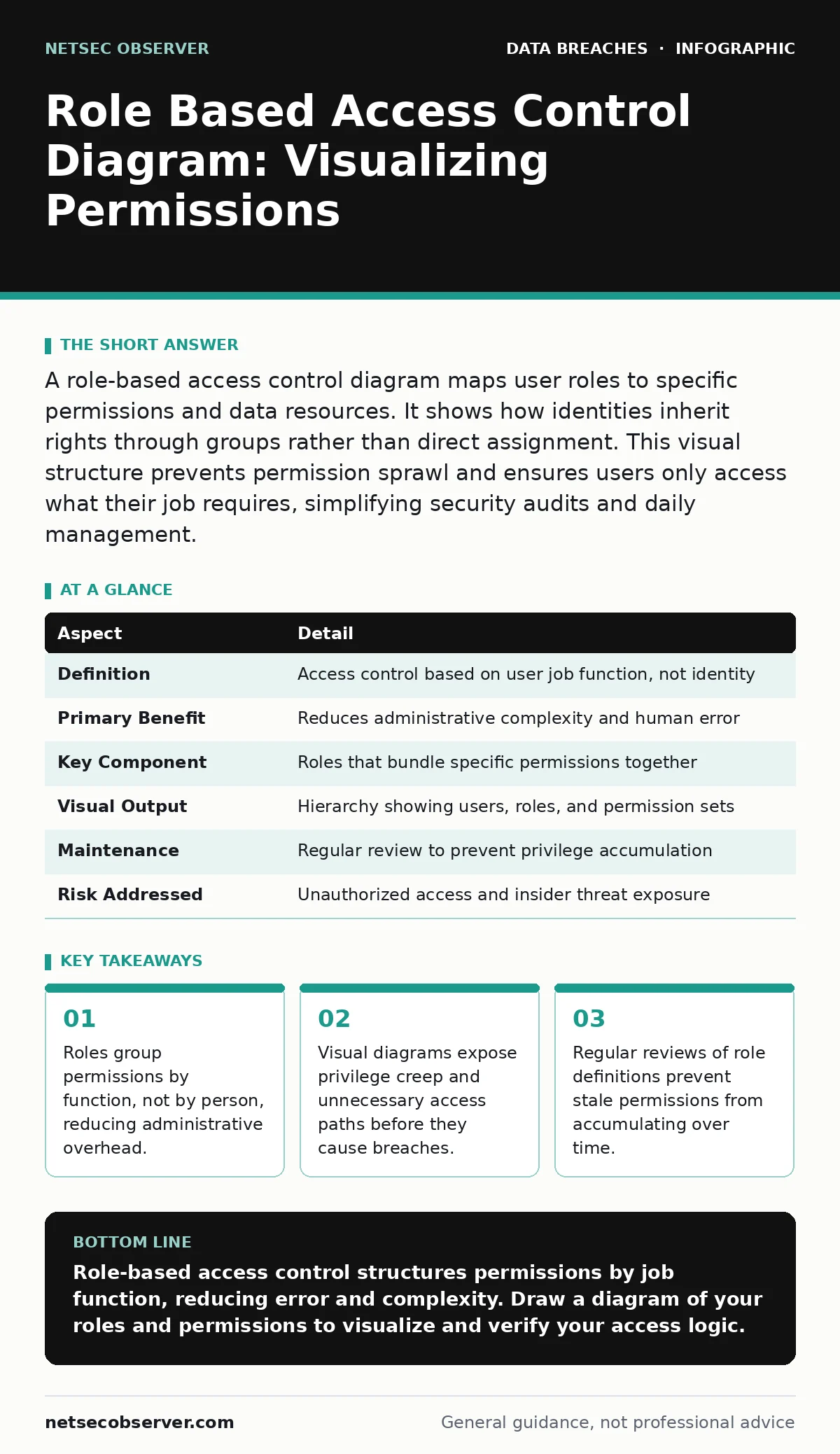
A role-based access control diagram maps user roles to specific permissions and data resources. It shows how identities inherit rights through groups rather than direct assignment. This visual structure prevents permission sprawl and ensures users only access what their job requires, simplifying security audits and daily management.
Why You Need a Role Based Access Control Diagram
Role-based access control, or RBAC, is a method of restricting network access based on the roles of individual users within your organization. A role-based access control diagram visualizes these relationships, showing which roles exist, what permissions each role holds, and which users belong to each role. This structure replaces the chaotic practice of assigning permissions directly to individuals. Instead of managing thousands of individual settings, you manage a few dozen roles.
The diagram makes the logic visible. It reveals gaps where roles overlap or where permissions are too broad. Without this visual map, you are guessing at your security posture. You cannot protect what you cannot see. The diagram serves as the single source of truth for your access logic. It allows auditors and engineers to trace a user’s path from login to data access. This clarity is the foundation of secure system design.
| Aspect | Detail |
|---|---|
| Definition | Access control based on user job function, not identity |
| Primary Benefit | Reduces administrative complexity and human error |
| Key Component | Roles that bundle specific permissions together |
| Visual Output | Hierarchy showing users, roles, and permission sets |
| Maintenance | Regular review to prevent privilege accumulation |
| Risk Addressed | Unauthorized access and insider threat exposure |
How RBAC Works in Practice
The mechanism relies on three distinct layers. The first layer is the user. This is the human or service account initiating a request. The second layer is the role. This is an abstract container for permissions, such as "Accountant" or "System Administrator." The third layer is the permission. This is the specific action allowed on a specific resource, like "Read Invoice" or "Delete Log." When a user logs in, the system checks their assigned roles.
It then aggregates all permissions from those roles. If the user requests an action, the system checks if any assigned role grants that permission. If yes, access is granted. If no, access is denied. This separation of duties ensures that changing a user’s job only requires changing their role assignment. You do not need to reconfigure every individual permission. This modularity is what makes RBAC scalable. It allows organizations to grow without increasing security complexity linearly.
Who RBAC Affects in Your Organization
RBAC impacts every department that handles data. For engineers, it simplifies deployment pipelines by defining clear boundaries for build and production environments. For finance teams, it ensures that only authorized personnel can view sensitive transaction records. For human resources, it protects employee data by restricting access to payroll and personal information. For executives, it provides oversight without granting unnecessary administrative powers.
The system also affects external contractors. You can create temporary roles that expire after a project ends. This prevents former vendors from retaining access to your systems. RBAC shifts the security burden from individual vigilance to structural design. It reduces the likelihood of accidental data exposure. It also simplifies compliance efforts. Auditors can verify that role definitions align with policy. This alignment is easier to demonstrate when a clear diagram exists.
What People Usually Get Wrong
Many organizations treat roles as static entities. They create a role once and never update it. This leads to privilege creep. Users accumulate permissions over time as they take on new tasks. Their old permissions remain active. This violates the principle of least privilege. Another common error is creating too many granular roles. This increases administrative overhead and makes the system hard to manage.
The solution is to group permissions logically by job function. You should also avoid mixing administrative and operational roles. A user who manages servers should not also have access to customer data. This separation prevents accidental or malicious misuse of power. Regular audits are necessary to catch drift. You must review who holds which roles and whether those assignments are still valid. Neglecting this review turns RBAC into a liability.
Interpreting the Diagram Structure
A proper role-based access control diagram uses nodes and edges. Nodes represent users, roles, and resources. Edges represent the relationships between them. Lines connect users to roles. Lines connect roles to permissions. Lines connect permissions to resources. This graph structure allows you to trace any access path. You can start at a user and see what they can do. You can start at a resource and see who can access it.
This bidirectional visibility is critical for incident response. When a breach occurs, you need to know who had access. The diagram provides this answer instantly. It also helps in planning changes. Before adding a new permission, you can see which roles will be affected. This prevents unintended access expansions. The visual clarity reduces ambiguity in security discussions.
See also: Personally Identifiable Information: Small Business Protection Strategies · Data Scraping: How It Works and How to Stop It
Implementing and Maintaining Your Model
Implementation starts with defining roles clearly. Document what each role does and what data it needs. Avoid vague titles like "Staff" or "User." Use specific functional descriptions. Next, map existing permissions to these roles. Identify overlaps and redundancies. Merge similar roles to reduce complexity. Assign users to roles based on their current job functions. Implement a process for role review.
Schedule quarterly checks to verify assignments. Remove users who no longer need access. Update roles as job functions evolve. This maintenance cycle keeps the model accurate. It also supports compliance with standards like ISO 27001. Proper documentation of the role model is required for certification. It demonstrates that access control is managed systematically. This systematic approach reduces risk over time.
Integrating with Broader Security Practices
RBAC does not operate in isolation. It must work with other security controls. For example, encryption key management ensures that even if a user has access to encrypted data, they cannot read it without the correct keys. Vendor risk management processes should verify that third-party access follows your role definitions. Incident communication plans rely on clear role definitions to determine who needs to be notified during a breach.
If roles are unclear, response times slow down. Breach notification laws often require precise records of who accessed what data. A well-maintained RBAC diagram provides this evidence. It also helps in managing your digital footprint. By limiting access, you reduce the amount of data exposed to each user. This minimizes the impact of any single account compromise.
Next Steps for Your Team
Start by auditing your current access controls. Identify the most sensitive resources. Map who currently has access to them. Compare this with job functions. Look for mismatches. Create initial role definitions based on these findings. Draw a simple diagram. Share it with stakeholders for feedback. Refine the roles based on their input. Implement the model in your identity management system. Monitor usage patterns. Adjust roles as needed. This iterative process builds a resilient access control structure. It protects your data while enabling productivity. Do not rush the implementation. Take time to get the definitions right. A solid foundation prevents future headaches.
Key takeaways
- Roles group permissions by function, not by person, reducing administrative overhead.
- Visual diagrams expose privilege creep and unnecessary access paths before they cause breaches.
- Regular reviews of role definitions prevent stale permissions from accumulating over time.
Role-based access control structures permissions by job function, reducing error and complexity. Draw a diagram of your roles and permissions to visualize and verify your access logic.
Frequently asked questions
How do I handle users who have multiple job functions?
Assign multiple roles to the user, but ensure there are no conflicting permissions. Define precedence rules to determine which role takes priority in case of overlap.
Can RBAC replace multi-factor authentication?
No, RBAC manages what users can do, while multi-factor authentication verifies who they are. Both are necessary for complete security.
How often should I review role assignments?
Review assignments quarterly or whenever an employee changes roles. Regular reviews prevent privilege creep and ensure access remains appropriate.
What is the difference between RBAC and ABAC?
RBAC uses static roles, while attribute-based access control uses dynamic attributes like location or time. RBAC is simpler to manage but less flexible.
How this guide was produced: written by the NetSec Observer editorial team with AI assistance, checked against the public references listed below, and reviewed when the facts change. See our editorial policy or report an error.