
Single Sign-On Checklist: Secure Identity Without Locking Out Users
Single sign-on shifts risk from password guessing to token theft, making session management the primary defense against account takeover.
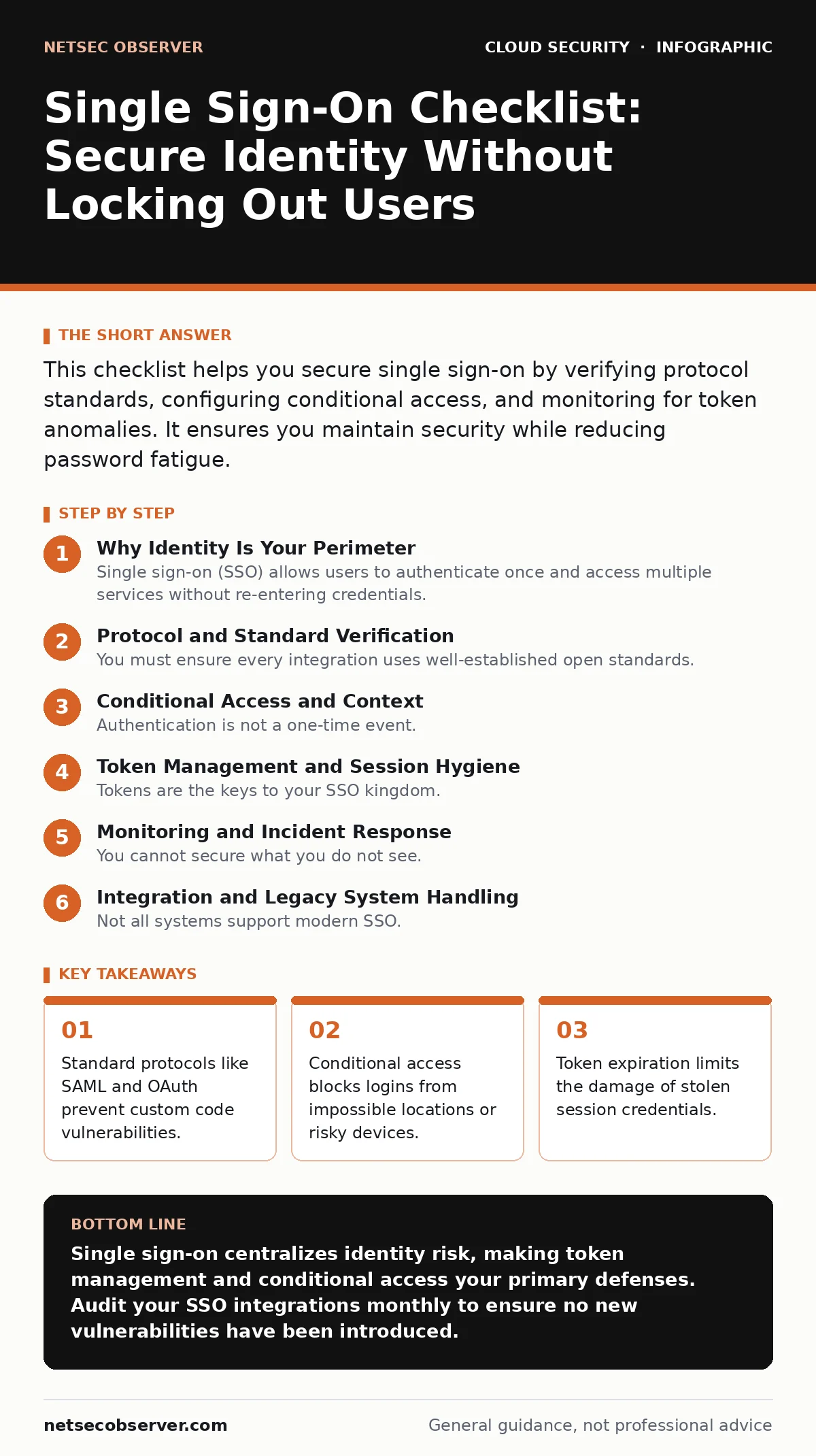
This checklist helps you secure single sign-on by verifying protocol standards, configuring conditional access, and monitoring for token anomalies. It ensures you maintain security while reducing password fatigue.
Why Identity Is Your Perimeter
Single sign-on (SSO) allows users to authenticate once and access multiple services without re-entering credentials. You replace many weak passwords with one strong identity assertion. This reduces helpdesk tickets and improves user experience. However, it concentrates risk. If an attacker compromises the identity provider, they gain access to every connected application. You must treat the identity layer as the primary perimeter.
Imagine a scenario where a user logs in from a trusted office network. Later, their session token is stolen via a browser vulnerability. Without proper checks, that token grants full access from any location. SSO does not eliminate risk; it moves it. You must verify not just who the user is, but where and how they are logging in.
Protocol and Standard Verification
You must ensure every integration uses well-established open standards. Custom authentication scripts introduce logic errors that attackers exploit. Stick to protocols that have been reviewed by the global security community.
- Use SAML 2.0 or OpenID Connect for identity federation: These standards define how identity providers communicate with service providers, reducing implementation errors.
- Enforce TLS 1.2 or higher for all identity traffic: Encryption protects credentials and tokens from network sniffing.
- Validate XML signatures in SAML assertions: Attackers can tamper with unsigned assertions to impersonate users.
- Reject self-signed certificates from identity providers: Certificate validation ensures you trust the source of the identity claim.
- Disable legacy protocols like Basic Auth: Older methods send credentials in plain text or weakly encoded formats.
These items ensure the foundation of your SSO is built on verified, secure mechanisms. You avoid the hidden cost of maintaining custom code that fails under attack. For deeper control over encryption, review our guide on bring your own key encryption.
Conditional Access and Context
Authentication is not a one-time event. You must evaluate risk continuously. Conditional access policies allow or deny login based on context. This stops attackers who have stolen credentials but lack the expected environment.
- Require multi-factor authentication for sensitive actions: MFA adds a second layer of verification that passwords alone cannot provide.
- Block logins from impossible travel locations: If a user logs in from two distant cities within minutes, one session is likely fraudulent.
- Verify device compliance before granting access: Unmanaged or outdated devices often lack security patches, increasing risk.
- Monitor for anomalous login times: Logins at unusual hours may indicate automated attacks or compromised accounts.
- Restrict access to sensitive apps by user group: Least privilege ensures users only access what they need, limiting lateral movement.
These controls reduce the impact of credential theft. You accept that passwords will be stolen, so you make them useless without the right context. This approach complements strategies discussed in SaaS access reviews, where you regularly verify who has access to what.
Token Management and Session Hygiene
Tokens are the keys to your SSO kingdom. If tokens are too long-lived or poorly protected, attackers can reuse them. You must manage the lifecycle of these digital keys carefully.
- Set short expiration times for access tokens: Short-lived tokens limit the window for attackers to misuse stolen credentials.
- Implement refresh token rotation: Each use of a refresh token issues a new one, invalidating the old and detecting theft.
- Secure token storage in browsers: Use HttpOnly and Secure flags to prevent JavaScript access, mitigating cross-site scripting attacks.
- Log all token issuance and validation events: Detailed logs help you detect anomalies and investigate breaches.
- Revoke tokens immediately upon logout: Stale tokens allow access even after a user intends to stop using the service.
Poor token management is a common failure point. Attackers often target session cookies rather than passwords. By tightening token hygiene, you protect against session hijacking. This is critical when dealing with cloud environments, where cloud key management services often handle the cryptographic backing of these tokens.
Monitoring and Incident Response
You cannot secure what you do not see. Continuous monitoring detects abuse before it becomes a breach. Your response plan must account for SSO-specific attack vectors.
- Alert on multiple failed MFA attempts: This pattern often indicates an attacker trying to bypass security with stolen credentials.
- Monitor for privilege escalation in identity provider: Changes to admin roles can grant attackers full control over the SSO system.
- Track access to sensitive data repositories: Unusual data access patterns may indicate an insider threat or compromised account.
- Test SSO failure modes regularly: Ensure users are not locked out during outages, and that fallback procedures are secure.
- Review third-party application permissions: Apps with excessive access can be used to exfiltrate data or pivot to other systems.
These items ensure you detect and respond to threats quickly. You build resilience by assuming breaches will happen and preparing to limit their impact. For context on financial threats in cloud environments, see our guide on denial-of-wallet attacks.
See also: Cloud Ransomware: How It Works and How to Stop It · Infrastructure-as-Code Scanning: 10 Answers for Secure Deployment
Integration and Legacy System Handling
Not all systems support modern SSO. Legacy applications often require workarounds that introduce risk. You must handle these carefully to avoid creating weak links.
- Use secure agents or proxies for legacy apps: These intermediaries translate modern SSO protocols to legacy authentication methods securely.
- Avoid storing credentials in plain text configuration files: Secrets in source code or config files are easily exposed in repositories.
- Regularly update integration libraries: Outdated libraries may contain known vulnerabilities that attackers can exploit.
- Document all SSO dependencies: Understanding the chain of trust helps you assess risk and plan for failures.
- Plan for decommissioning unsupported apps: Legacy systems often cannot receive security updates, making them long-term liabilities.
Handling legacy systems is a trade-off. You gain access to old tools but introduce complexity and risk. Proper isolation and monitoring mitigate this. For more on code security, refer to public code repository leaks and secrets in source code.
Key takeaways
- Standard protocols like SAML and OAuth prevent custom code vulnerabilities.
- Conditional access blocks logins from impossible locations or risky devices.
- Token expiration limits the damage of stolen session credentials.
Single sign-on centralizes identity risk, making token management and conditional access your primary defenses. Audit your SSO integrations monthly to ensure no new vulnerabilities have been introduced.
Frequently asked questions
Does SSO eliminate the need for passwords?
No, SSO usually relies on a primary password for the identity provider. You still need strong passwords for that initial login, plus multi-factor authentication.
What is the difference between SAML and OAuth?
SAML is primarily for authentication, proving who you are. OAuth is for authorization, granting access to specific resources. Many systems use both.
Can SSO be used for external partners?
Yes, but you must use strict conditional access. External users often have weaker security hygiene, so additional verification steps are necessary.
How do I recover from an SSO breach?
Revoke all active tokens, force password resets, and review audit logs for lateral movement. Isolate compromised accounts immediately.
How this guide was produced: written by the NetSec Observer editorial team with AI assistance, checked against the public references listed below, and reviewed when the facts change. See our editorial policy or report an error.