Network Enumeration: How Attackers Map Your Digital Territory
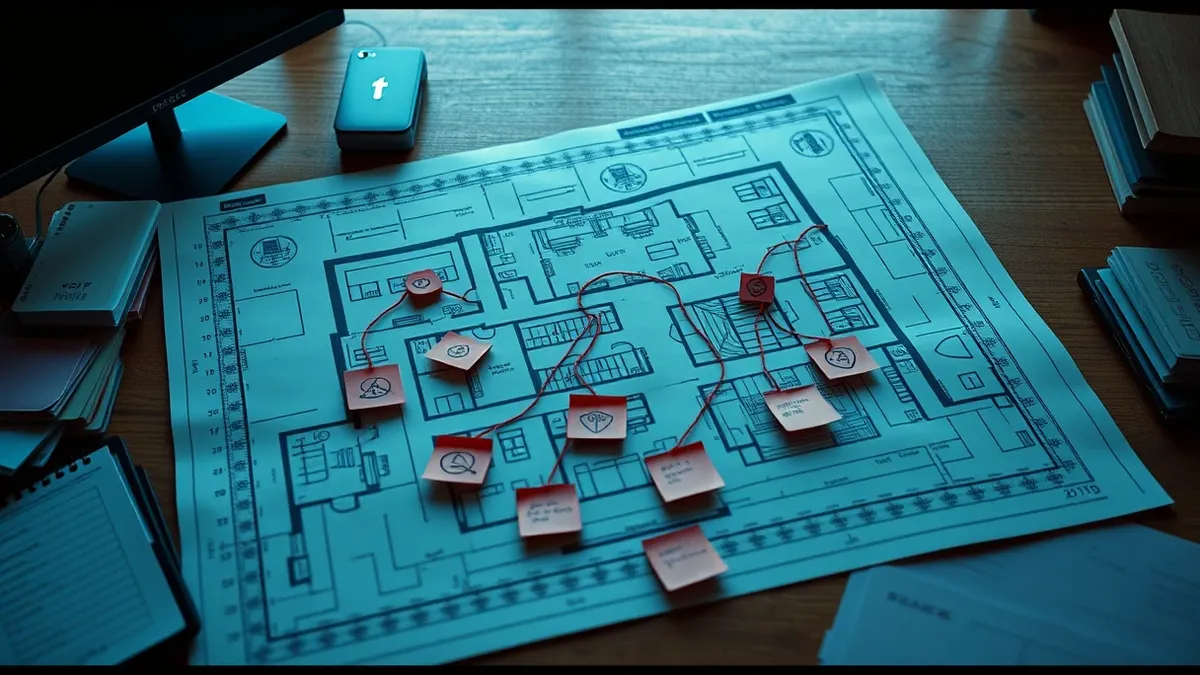
Attackers map your network before attacking, treating your devices like rooms in a house they are planning to break into.
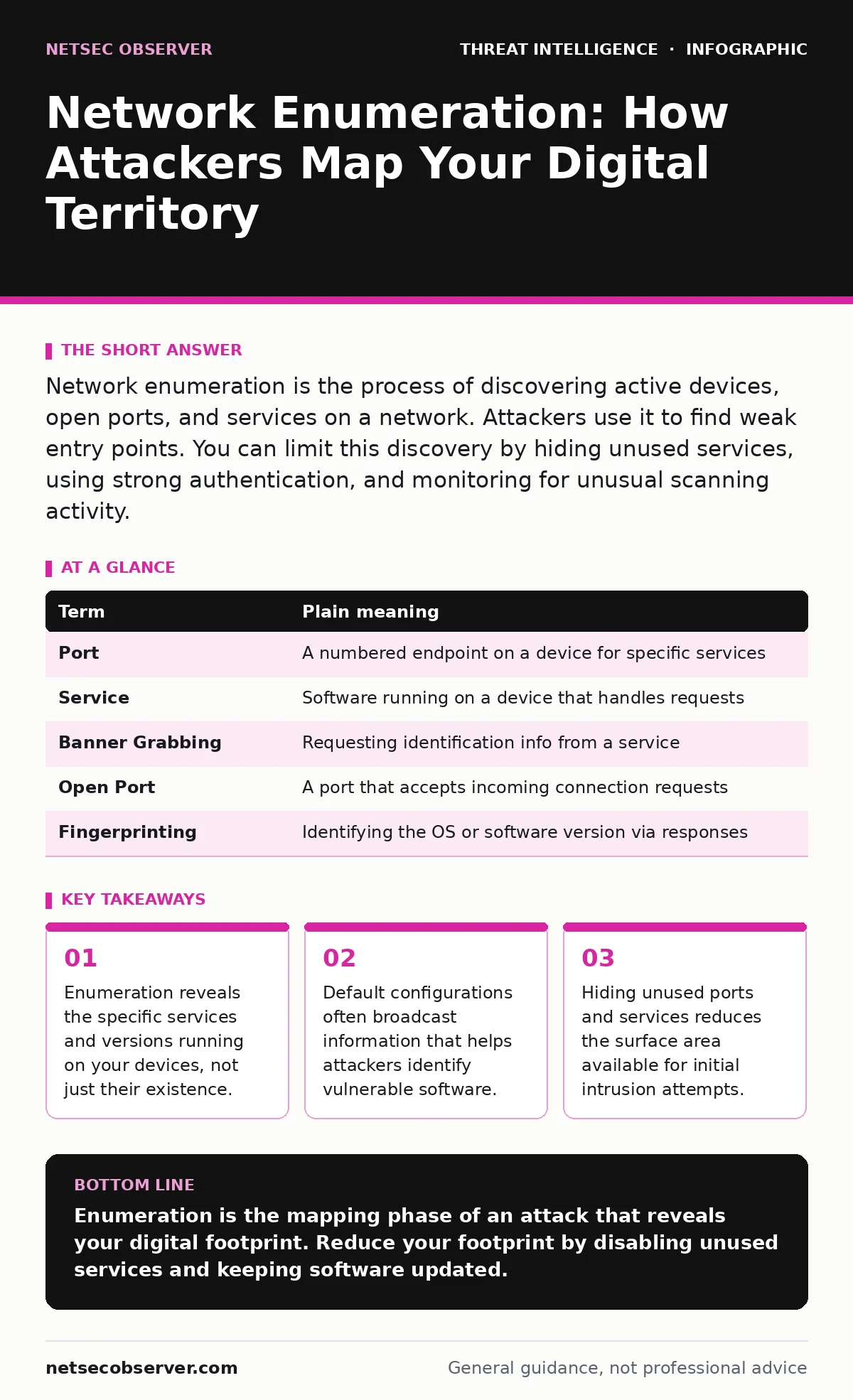
Network enumeration is the process of discovering active devices, open ports, and services on a network. Attackers use it to find weak entry points. You can limit this discovery by hiding unused services, using strong authentication, and monitoring for unusual scanning activity.
The House Inspection Analogy
Imagine your network is a house. You do not leave all the doors unlocked, but you might leave a window slightly ajar. An attacker does not guess which window is open. They walk around the perimeter, checking every door and window. This walking around is enumeration.
They note which doors have old locks. They see which windows are open. They check if the garage door opener responds to common codes. They are not breaking in yet. They are building a map of where they can enter. This mapping process is network enumeration.
What Enumeration Actually Reveals
Enumeration goes beyond finding devices. It identifies what those devices are doing. An attacker sends small packets of data to your devices. They watch how the devices respond. The response tells the attacker the operating system, the software version, and the open ports.
Ports are like numbered doors on your computer. Port 80 is often for web traffic. Port 22 is for remote management. If a port is open, the door is unlocked. If the service behind the door is outdated, the lock is broken. Enumeration finds both the unlocked doors and the broken locks.
The Hidden Cost of Default Settings
Many devices ship with default configurations that are too verbose. They announce their type and model when queried. This is helpful for IT staff but dangerous for security. It is a form of information leakage.
Suppose you buy a router. It might tell a scanner that it runs firmware version 1.2. If version 1.2 has a known flaw, the attacker now has a target. You do not need to do anything to be targeted. The device does the talking for you. This is why default security relies on obscurity, which fails when enumeration tools are automated.
| Term | Plain meaning |
|---|---|
| Port | A numbered endpoint on a device for specific services |
| Service | Software running on a device that handles requests |
| Banner Grabbing | Requesting identification info from a service |
| Open Port | A port that accepts incoming connection requests |
| Fingerprinting | Identifying the OS or software version via responses |
Why Ordinary Users Should Care
You might think enumeration is only for corporate networks. It is not. Your home network contains smart TVs, cameras, and phones. These devices often run services that are exposed to the local network or even the internet.
If an attacker maps your home network, they find the camera. They check its firmware. They find a flaw. They gain access. This is the first step in many attacks. The attacker does not need to hack your bank directly. They just need to map your network to find the weakest link. This relates to the broader concept of attacker reconnaissance, where gathering data precedes the strike.
Simple Safety Habits
You can reduce the value of enumeration without complex tools. The goal is to make your house look like an empty lot. If there are no doors, the attacker moves on.
- Disable unused services. If you do not use remote printing, turn it off. If a smart device does not need to be accessed from outside your home, block it.
- Change default credentials. Enumeration often includes trying common passwords. Using unique, strong passwords stops this automated guessing. This ties into password cracking, where attackers use stolen or guessed credentials.
- Update firmware regularly. New versions patch the flaws that enumeration reveals. An updated device responds differently, often hiding its version number or closing the specific vulnerability.
See also: 7 SSRF Mistakes That Expose Internal Networks to Attack · Respond to Attacker Reconnaissance: Stop the Scan Before Breach
The Edge Case: Silent Devices
Some devices are designed to be silent. They do not respond to pings or probes. This is called stealth mode. It confuses enumeration tools. However, it can also confuse your own tools.
If you use security telemetry to monitor your network, silent devices might appear offline. You might miss a real problem because the device is hiding. You must balance hiding from attackers with being visible to your own monitoring systems. This trade-off is central to effective defense.
Understanding the Next Steps
Enumeration is rarely the end goal. It is the preparation. Once the attacker has the map, they look for a way in. They might use island hopping attacks, moving from a weak device to a stronger one.
They might plant a beacon to maintain access. This is called beaconing. You cannot stop enumeration entirely. You can only make it harder and less rewarding. By reducing the information your devices broadcast, you force the attacker to spend more time and resources. This increases the chance they will move to an easier target.
Try This Now
- [ ] List all devices connected to your home network. Identify which ones you rarely use.
- [ ] Check the settings of your router. Disable remote management if you do not need it.
- [ ] Update the firmware on your router and any smart home devices. Note the new version numbers.
Key takeaways
- Enumeration reveals the specific services and versions running on your devices, not just their existence.
- Default configurations often broadcast information that helps attackers identify vulnerable software.
- Hiding unused ports and services reduces the surface area available for initial intrusion attempts.
Enumeration is the mapping phase of an attack that reveals your digital footprint. Reduce your footprint by disabling unused services and keeping software updated.
Frequently asked questions
Can I stop network enumeration completely?
No, you cannot stop it entirely. You can only make it harder by hiding services and using firewalls to block unauthorized probes.
Is enumeration illegal?
Scanning a network you do not own or have permission to test is illegal in many jurisdictions. Always test only your own systems.
How do I know if I am being enumerated?
Look for unusual traffic spikes or failed connection attempts in your logs. This is part of log tampering defense, ensuring your records are accurate.
Do firewalls prevent enumeration?
Firewalls can block the probes used in enumeration. However, misconfigured firewalls may still leak information through error messages.
How this guide was produced: written by the NetSec Observer editorial team with AI assistance, checked against the public references listed below, and reviewed when the facts change. See our editorial policy or report an error.